 26
Apr,2026
26
Apr,2026
TV Stand Fitment Calculator
Will it Fit?
Pro Tip: For a visually balanced look, design experts recommend a stand that is 4 to 6 inches wider than the TV on both sides (Total: TV Width + 8" to 12").
Quick Size Cheat Sheet
- Average Width: 56.5 to 58 inches
- Average Height (without stand): 32 to 33 inches
- Average Depth: 2 to 4 inches (screen only)
- Total Height (with stand): 35 to 38 inches
Why the "65-Inch" Label is Misleading
When you see 65 inch tv width is the main question people ask, they are usually tripped up by how manufacturers measure screens. The 65-inch figure is the distance from the top-left corner of the viewable glass to the bottom-right corner. This is a standard set by the Consumer Electronics Association, but it doesn't tell you how much wall space you actually need.
The actual width depends on the bezel-the plastic or metal frame around the glass. A few years ago, TVs had chunky borders, meaning a 65-inch screen might actually be 59 inches wide. Today, with "borderless" or "bezel-less" designs, the frames are thinner, bringing the total width closer to 57 inches. This means the 65 inch tv width is slightly smaller now than it was a decade ago, but the screen itself is larger.
How to Measure Your TV Stand for a Perfect Fit
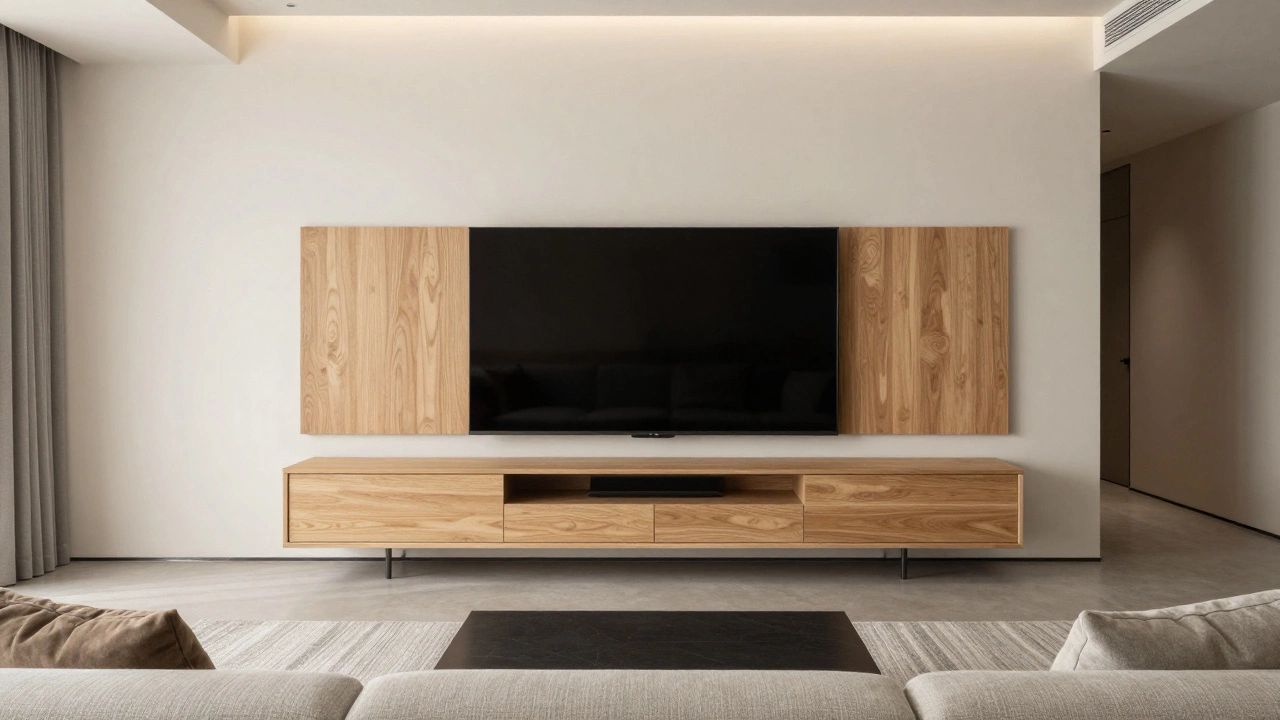
You don't want your TV hanging over the edges of your furniture like a precarious shelf. For a balanced look, your TV Stand should be at least 4 to 6 inches wider than the TV on both sides. If your TV is 57 inches wide, look for a stand that is at least 65 to 70 inches wide.
Beyond the width, check the leg placement. Some 65-inch TVs use "inverted V" legs that sit at the very edges of the frame. If your stand is exactly 57 inches and the TV is 57 inches, the legs might actually hang off the edge or sit too close to the brink to be stable. Always measure from the outermost point of the TV's feet, not just the screen width.
| TV Component | Typical Dimension | Recommended Stand Dimension |
|---|---|---|
| Total Width | ~57 Inches | 65" - 72" Width |
| Depth (with stand) | 10" - 15" | 16" - 20" Depth |
| Weight | 45 - 65 lbs | Minimum 75 lbs Capacity |
The Impact of TV Technology on Dimensions
Not all 65-inch TVs are built the same. An OLED TV is often thinner than a standard LED TV. Because OLED pixels produce their own light, they don't need a bulky backlight panel. This affects the depth of the TV, making it easier to mount flush against a wall or sit on a narrow console.
If you're looking at a QLED TV, you'll find they fall somewhere in the middle. The real difference comes in the stand design. Some brands use a center pedestal, while others use wide-set feet. If you have a small stand, a center-pedestal 65-inch TV is your best bet because it doesn't require the full width of the stand for support.
Common Layout Mistakes to Avoid
One of the biggest errors is ignoring the "viewing distance." A 65-inch TV is massive. If you place it on a stand that is too small, the TV dominates the room and makes the space feel cramped. From a design perspective, the TV should be the focal point, but not the *only* thing you see when you walk in.
Another mistake is putting the TV too high. If you use a tall dresser as a TV stand, you'll end up with "neck strain." Your eyes should be level with the middle of the screen when you're sitting down. For most 65-inch setups, this means a stand height of about 20 to 24 inches is ideal.
Alternative Mounting Options
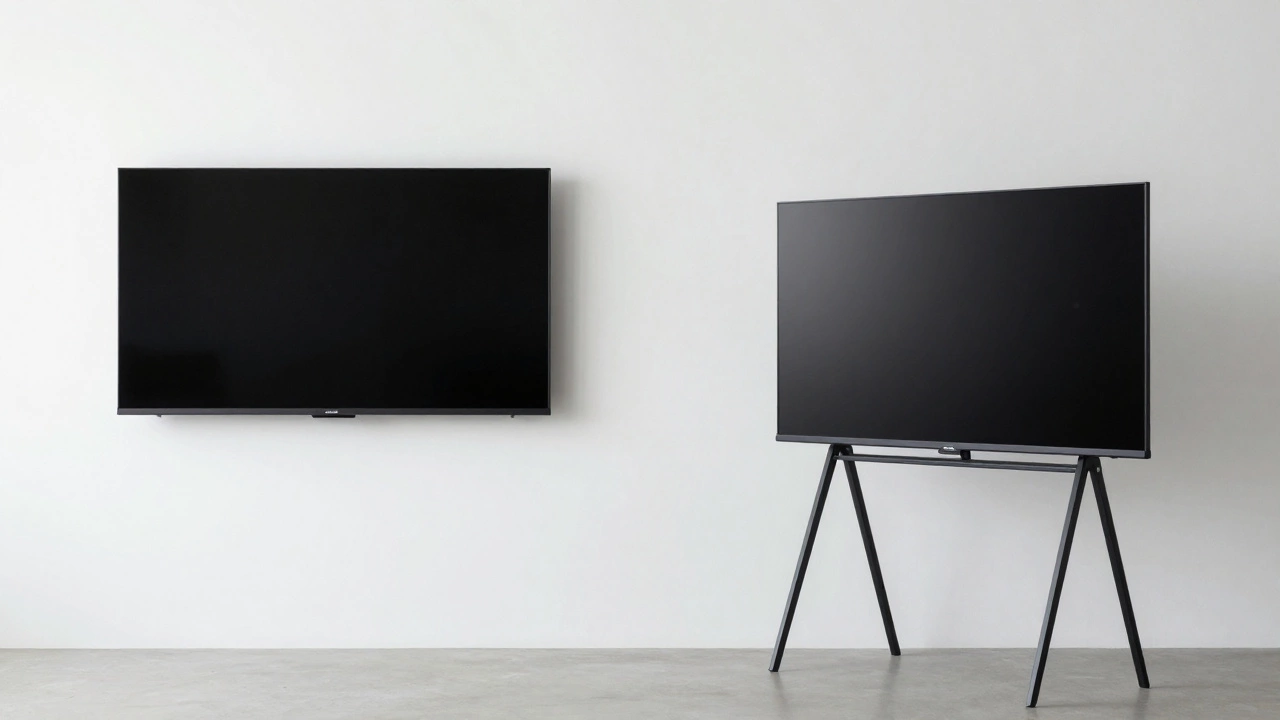
If you find that your favorite TV stand is just too small for a 65-inch screen, consider a Wall Mount. Mounting the TV removes the need for a deep stand and frees up the surface area for decor, gaming consoles, or soundbars. When wall mounting, remember that the width of the TV remains the same, but you now have to worry about the VESA Pattern-the square hole arrangement on the back of the TV-to ensure the bracket fits.
If you can't drill into the walls, a Floor Stand (or easel stand) is a great middle ground. These typically have a very small footprint but can support the weight and width of a 65-inch display without requiring a bulky piece of furniture.
Will a 65-inch TV fit on a 60-inch stand?
Technically, yes, because the TV is usually around 57 inches wide. However, it will look cramped. You'll only have about 1.5 inches of space on either side, which makes the setup look unstable and leaves no room for speakers or decor.
Does the width vary by brand?
Yes. A Samsung TV might be slightly narrower than a Sony or LG model due to different bezel thicknesses. Always check the "Product Dimensions" section of the specific model's spec sheet rather than relying on the 65-inch screen size.
How do I measure the diagonal size?
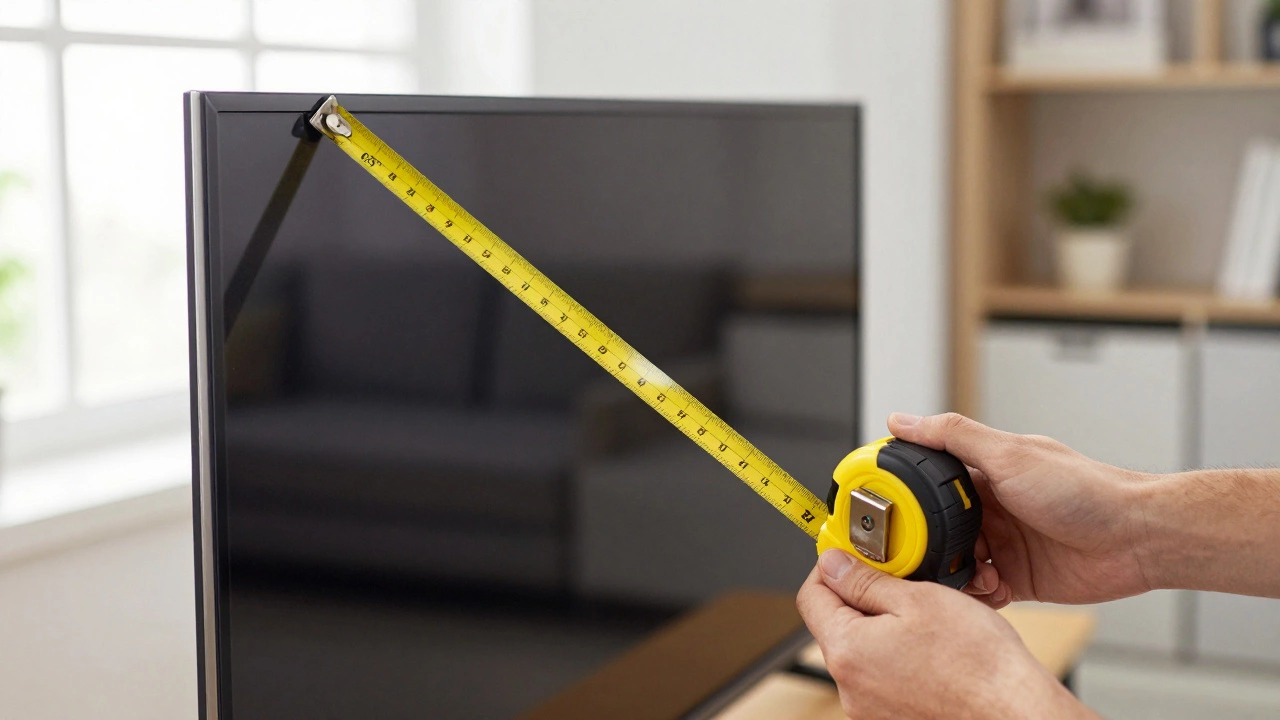
Use a measuring tape to go from the top-left corner of the actual glass to the bottom-right corner. Do not include the plastic frame (bezel) in this measurement; only measure the part of the screen that actually shows a picture.
Is a 65-inch TV too big for a small living room?
It depends on how far you sit. A general rule of thumb is to keep a distance of about 8 to 10 feet between your seat and a 65-inch screen. If you're sitting closer than 6 feet, you might experience eye strain or see individual pixels.
What is the best stand height for a 65-inch TV?
The best height is one that keeps the center of the screen at eye level. For most adults on a standard sofa, a stand that is between 18 and 24 inches tall is perfect. Anything higher often leads to an uncomfortable viewing angle.
Final Setup Tips
Once you've picked your stand and measured your TV, don't forget about cable management. A 65-inch TV usually comes with several thick power and HDMI cables. If your stand doesn't have built-in holes or a cable tray, you'll end up with a "spaghetti mess" of wires that ruins the clean look of your living room.
Lastly, check the weight capacity. A 65-inch LED TV might weigh 50 pounds, but older models or high-end OLEDs can be heavier. Ensure your furniture is rated for the specific weight of your model to avoid the stand bowing in the middle over time.