 22
Jun,2026
22
Jun,2026
TV Stand Size Calculator
Enter Your Details
Enter your TV details and click calculate to get personalized recommendations
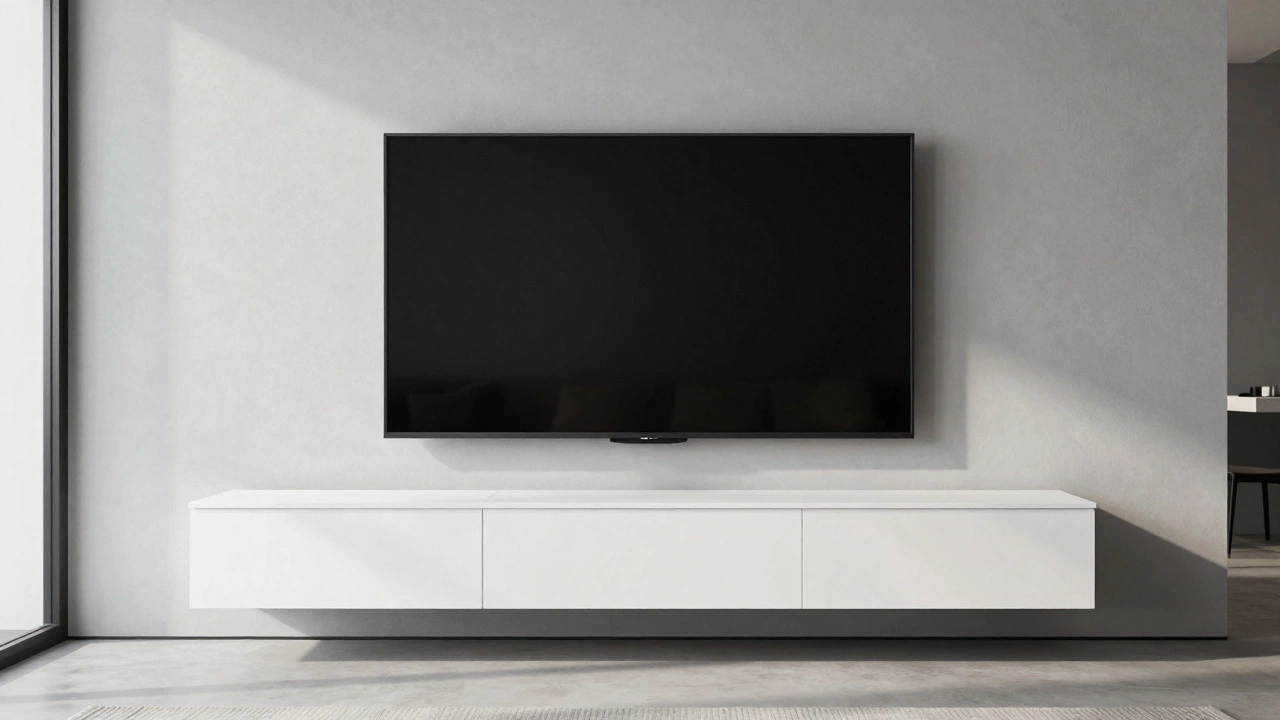
Picture this: you’ve just finished installing your new 65-inch OLED TV. It’s floating on the wall, looking sleek and modern. You step back, admiring the clean lines of your living room. Then you look down at the empty space below it. It feels… wrong. Too much gap. Or maybe you realize your existing cabinet is so narrow that the TV looks like it’s about to tip over sideways. This is the classic dilemma of the wall mounted TV. You get the mount right, but then you forget the most important piece of the puzzle: the base.
Choosing the right TV stand isn't just about picking something that looks nice. It’s about balance, safety, and making sure your components actually fit. If you buy a stand that’s too small, your setup looks top-heavy and unstable. If it’s too big, it overwhelms the room and wastes floor space. So, how do you find the sweet spot?
The Golden Rule of Width: The 80% Ratio
Let’s start with the most critical dimension: width. There is a simple rule of thumb that interior designers and furniture makers use, and it works every time. Your TV stand should be roughly 80% to 100% of the width of your television.
Why not smaller? If your stand is significantly narrower than your TV, it creates a visual imbalance. Imagine a wide screen resting on a tiny pedestal-it looks precarious. Even though the TV is bolted to the wall, our brains still expect the base to support the weight visually. A stand that is too narrow makes the room feel cluttered because the eye has nowhere to rest below the screen.
Why not wider? While having a slightly wider stand (up to 10-15% more than the TV) can add a sense of grandeur, going much wider than the TV makes the furniture look bulky and outdated. It defeats the purpose of a slim, wall-mounted display.
| TV Screen Size | Approximate TV Width | Minimum Stand Width | Ideal Stand Width Range |
|---|---|---|---|
| 43 inches | ~97 cm (38 inches) | 90 cm (35 inches) | 90 - 110 cm (35 - 43 inches) |
| 50 inches | ~112 cm (44 inches) | 105 cm (41 inches) | 105 - 125 cm (41 - 49 inches) |
| 55 inches | ~123 cm (48 inches) | 115 cm (45 inches) | 115 - 135 cm (45 - 53 inches) |
| 65 inches | ~145 cm (57 inches) | 135 cm (53 inches) | 135 - 160 cm (53 - 63 inches) |
| 75 inches | ~167 cm (66 inches) | 155 cm (61 inches) | 155 - 180 cm (61 - 71 inches) |
Note that these widths assume a standard 16:9 aspect ratio. If you have an ultra-wide monitor or a specific gaming setup, measure the actual physical width of your device rather than relying solely on the diagonal screen size.
Depth Matters More Than You Think
Most people obsess over width, but depth is where things go wrong in practice. Since your TV is mounted on the wall, the stand doesn’t need to support the screen itself. However, it needs to hold your soundbar, streaming devices, game consoles, and cables.
A standard TV stand depth ranges from 35 cm to 50 cm. Here is why you should aim for at least 40 cm:
- Soundbars: Many modern soundbars are long but shallow. However, if you have a center channel speaker or a larger home theater system, they require more front-to-back space to sit flush without protruding awkwardly.
- Cable Management: This is the hidden killer. If your stand is only 30 cm deep, your HDMI cables and power bricks will hang off the edge, creating a tangled mess. A deeper stand allows you to tuck equipment back, keeping the front clean.
- Visual Proportion: A very shallow stand under a large TV looks flimsy. A stand with substantial depth adds weight and stability to the visual composition of the room.
If you have a large TV (65 inches or bigger), consider a stand that is at least 45 cm deep. This gives you enough room to place a subwoofer next to the stand or behind it, depending on your layout.
Height and Vertical Balance
Now let’s talk about height. This is tricky because it depends entirely on how high you mounted your TV. The goal is to minimize the empty vertical space between the bottom of the TV and the top of the stand. Ideally, this gap should be no more than 10 to 15 cm.
If there is a huge gap-say, 30 cm or more-it looks like the TV is floating in a void. To fix this, you have two options:
- Choose a taller stand: Look for media consoles that are 60-70 cm tall instead of the standard 45-50 cm. These often have closed cabinets underneath, which can help hide clutter while adding visual mass.
- Add decor: If you already have a low stand, you can bridge the gap with a long, low bookshelf, a row of books, or decorative objects placed directly in front of the stand. This draws the eye downward and connects the TV to the furniture.
Remember, the stand shouldn’t compete with the TV. It should anchor it. If the stand is too tall, it might block the view of the lower part of the screen when sitting on a sofa, especially if your seating is close to the wall.
Material and Style Coordination
Beyond dimensions, the material of your TV stand plays a huge role in how well it integrates with a wall-mounted setup. Since the TV is detached from the furniture, the stand becomes a standalone design element.
For a modern, minimalist look, opt for materials that match your wall color or flooring. A white lacquered stand against a white wall creates a seamless, almost invisible base. For a warmer vibe, wood tones work beautifully. Just ensure the wood tone complements other furniture in the room, like your coffee table or bookshelves.
Avoid overly ornate designs if you have a slim, bezel-less TV. A heavy, carved wooden cabinet will clash with the sleek technology above it. Instead, choose clean lines and simple handles. If you want storage, look for stands with sliding doors or open shelves that don’t add visual bulk.
Storage Needs: Open vs. Closed
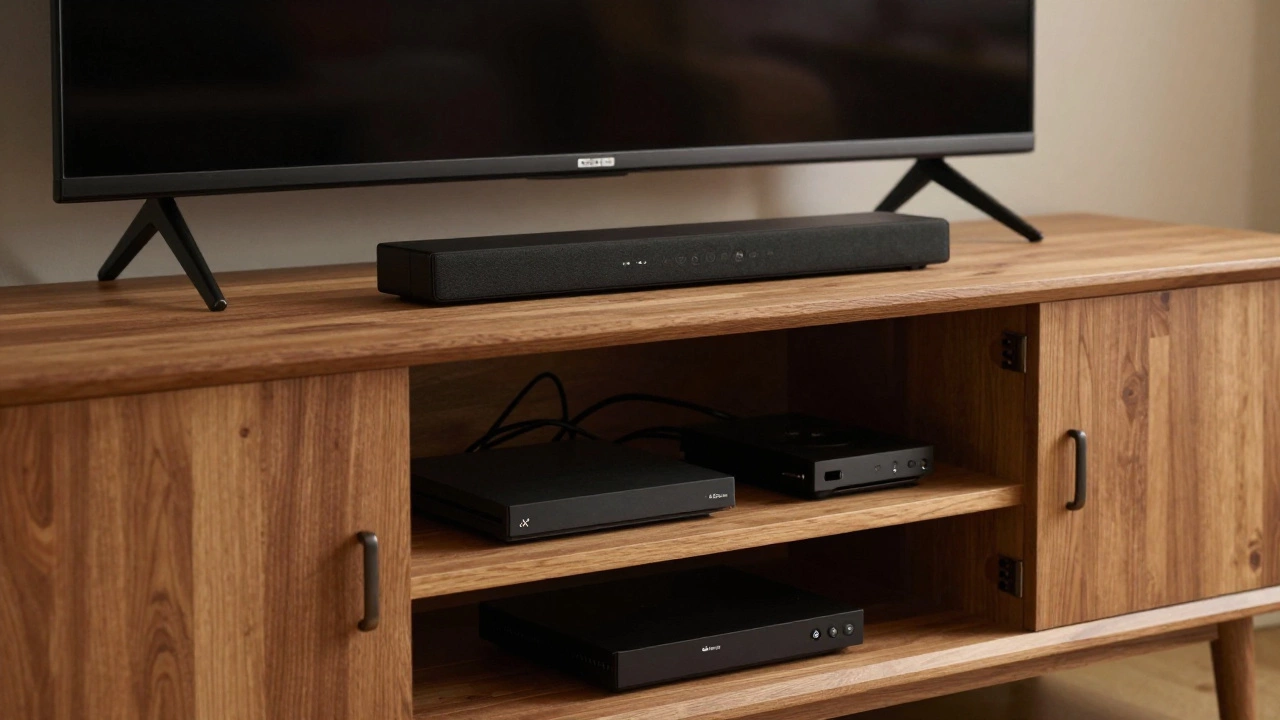
Do you need a lot of storage? If you have multiple gaming consoles, a Blu-ray player, and a router, you’ll want a stand with enclosed cabinets. Closed storage keeps dust away from sensitive electronics and hides the inevitable cable spaghetti.
On the other hand, if you primarily use streaming sticks and a soundbar, an open-shelf design might be better. Open shelves allow heat to dissipate from devices, which is crucial for gaming consoles that run hot. They also make it easier to access controls without opening doors.
A hybrid approach often works best: closed cabinets on the sides for clutter and open shelves in the middle for frequently used devices. This balances aesthetics with functionality.
Common Mistakes to Avoid
I see these errors all the time, and they’re easy to fix if you plan ahead:
- Ignoring the wall outlet location: Before buying a stand, check where your power outlets are. If they are directly behind where the stand will go, you’ll need a stand with a cutout or pass-through hole for cables. Otherwise, your cords will bulge out the back, pushing the stand away from the wall and creating an unsightly gap.
- Buying before measuring the room: Don’t just measure the TV. Measure the wall space available. Ensure the stand fits comfortably within the wall section, leaving at least 5 cm of clearance on each side for ventilation and aesthetic breathing room.
- Overlooking weight capacity: Even though the TV is wall-mounted, the stand still holds heavy equipment. Check the weight rating of the shelves. Cheap particleboard shelves can sag under the weight of a large soundbar and several consoles over time.
Final Thoughts on Finding the Right Fit
Finding the right TV stand for a wall-mounted TV is less about following strict rules and more about achieving visual harmony. By sticking to the 80% width rule, ensuring adequate depth for your gear, and balancing the height to minimize gaps, you’ll create a setup that looks intentional and polished.
Take your time. Measure twice. Consider how you use your entertainment system. A well-chosen stand doesn’t just hold your gadgets; it completes the look of your living room, turning a collection of electronics into a cohesive design statement.
Should my TV stand be wider than my wall-mounted TV?
Ideally, your TV stand should be slightly narrower than or equal to the width of your TV. A good rule of thumb is for the stand to be 80-100% of the TV's width. If the stand is significantly wider, it can look bulky and overwhelm the room. If it's too narrow, the setup may appear top-heavy and unbalanced.
How much gap should I leave between the TV and the stand?
You should aim for a gap of 10 to 15 cm between the bottom of the TV and the top of the stand. This provides enough space for air circulation and prevents the stand from blocking the lower part of the screen, while still maintaining a visual connection between the two elements.
What depth TV stand do I need for a soundbar?
Most soundbars require a stand depth of at least 35-40 cm. If you have a larger home theater system with a center channel speaker, you may need up to 45-50 cm of depth to ensure everything sits flush and looks proportional.
Can I put a TV stand directly under a wall-mounted TV?
Yes, absolutely. In fact, it’s recommended for visual balance. Just ensure the stand is not too tall, as it might obstruct your viewing angle. Also, make sure the stand doesn’t interfere with any wall outlets or cable management systems you’ve installed.
Does the material of the TV stand matter for wall-mounted TVs?
While the material doesn’t affect the mounting, it does impact the overall aesthetic. Lighter materials like wood or glass can make the space feel airier, while heavier materials like metal or dark wood add a sense of stability. Choose a material that complements your room’s decor and the style of your TV.