 28
May,2026
28
May,2026
Office Chair Ergonomics & Value Calculator
Calculate your daily cost of ownership and assess if a chair meets ergonomic standards based on the buyer's checklist.
Ergonomic Feature Checklist
Check all features that the chair possesses:
Results
Daily Cost: $0.00
Cost per day based on expected lifespan.
Ergonomic Score: 0/5
Based on key adjustable features.
You sit in it for eight hours a day. It supports your spine, affects your posture, and can make or break your productivity. Yet, most people pick an office chair is a piece of furniture designed for sitting while working at a desk, typically featuring adjustable height, armrests, and back support based on how it looks in a showroom or the price tag. That’s a mistake. A cheap chair might save you money upfront, but it will cost you in back pain, poor circulation, and eventual replacement fees.
So, how do you know if an office chair is actually good? It isn’t about brand names or flashy colors. It’s about engineering, materials, and adjustability. If you’re looking to upgrade your workspace, here is exactly what you need to look for to ensure you’re getting value for your money.
The Non-Negotiable: Lumbar Support
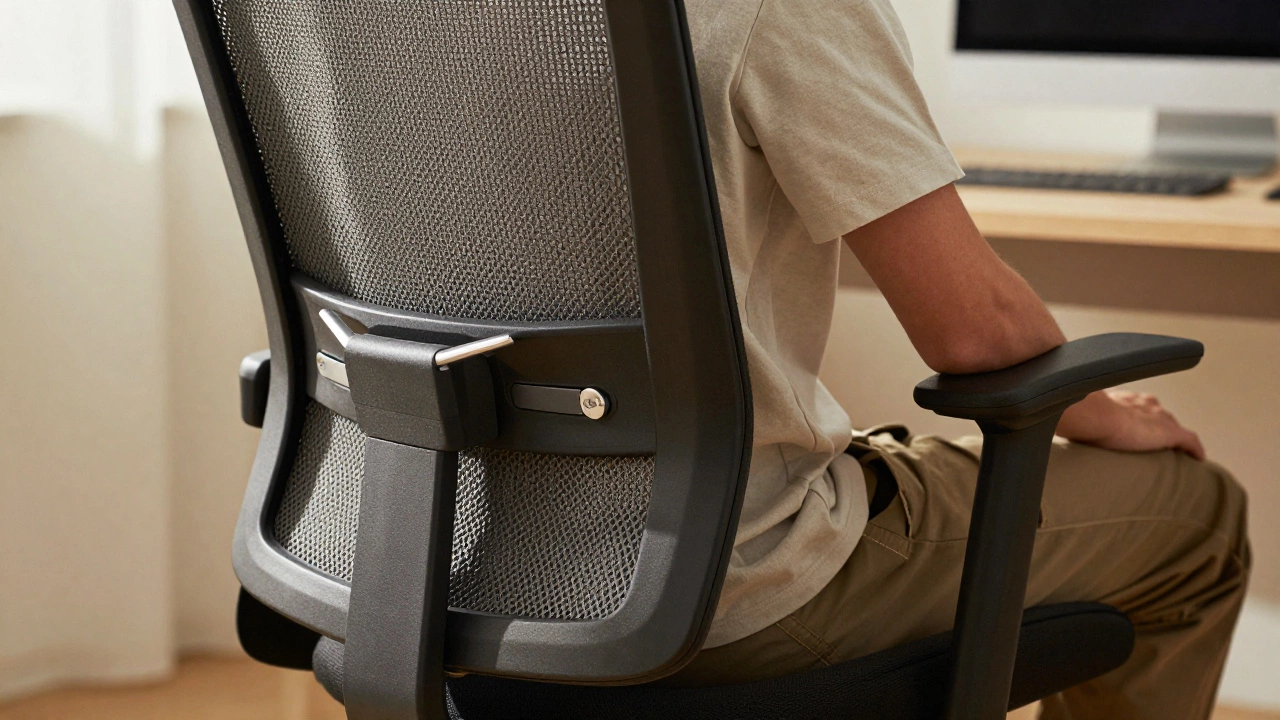
If there is one feature that separates a decent chair from a great one, it is lumbar support is structural support for the lower back region of the spine, crucial for maintaining natural spinal curvature. Your spine has a natural S-curve. When you slouch in a flat-backed chair, that curve flattens out, putting immense pressure on your discs. Over time, this leads to chronic lower back pain.
A good office chair doesn’t just have a cushion; it has active lumbar support. This means the backrest pushes into your lower back to maintain that natural curve. But here is the catch: it needs to be adjustable. You are not average height, so your chair shouldn’t treat you like you are. Look for a mechanism that lets you move the lumbar pad up and down and, ideally, in and out. If the support is fixed and hits your ribs instead of your lower back, it’s useless to you.
Test this yourself. Sit in the chair and lean back slightly. Do you feel support right above your belt line? Or does your back hang unsupported? If you have to arch your back artificially to hit the support, the chair is poorly designed for your body type.
Material Matters: Breathability vs. Durability
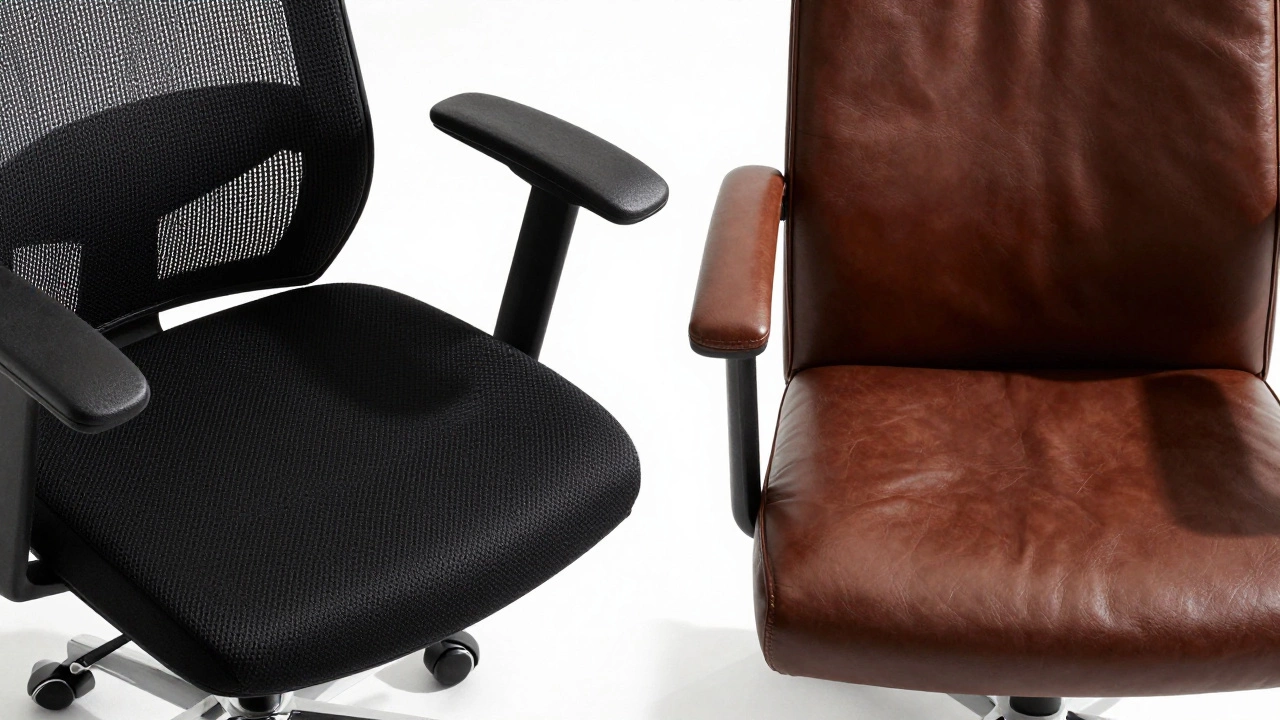
The material of your chair dictates two things: comfort during long sessions and longevity. The two main contenders are mesh fabric is a woven synthetic material used in chair backs and seats, known for its breathability and flexibility and high-density foam wrapped in vinyl or leather.
Mesh chairs are generally superior for temperature regulation. They allow air to flow through your back, preventing that sweaty, sticky feeling after three hours of work. However, not all mesh is created equal. Cheap mesh sags over time, losing its tension and offering less support. High-quality mesh, like that found in Herman Miller or Steelcase models, uses reinforced fibers that maintain their shape for years. To test this, press firmly on the seat and back. Does it bounce back instantly, or does it stay depressed?
Leather or vinyl chairs offer a more premium look and are easier to wipe clean. They also tend to be softer initially. But they trap heat. If you run hot or live in a warm climate, a full-leather chair can become uncomfortable quickly. Additionally, low-quality leather peels and cracks within a few years. If you choose leather, look for top-grain or genuine leather with thick padding underneath, not thin foam that compresses permanently.
| Material | Breathability | Durability | Best For |
|---|---|---|---|
| High-Quality Mesh | Excellent | High (if reinforced) | Hot climates, long work hours |
| Cheap Mesh | Good | Low (sags easily) | Budget options, short-term use |
| Top-Grain Leather | Poor | Very High | Executive offices, cooler rooms |
| Fabric/Vinyl | Moderate | Moderate | General home office use |
Adjustability: The Four Key Points
A static chair fits no one perfectly. Ergonomics is about fitting the chair to the user, not the other way around. A truly good office chair offers at least four points of adjustment. If it offers fewer, it’s likely not going to provide the support you need.
- Seat Height: This is basic. You should be able to raise or lower the seat so your feet rest flat on the floor and your thighs are parallel to the ground. Your knees should form a 90-degree angle. Check the gas lift cylinder; it should move smoothly without sticking or dropping suddenly.
- Seat Depth: This is often overlooked. There should be about two to three fingers' width of space between the edge of the seat and the back of your knees. If the seat is too deep, it cuts off circulation to your legs. If it’s too shallow, your thighs aren’t fully supported. Look for a slider mechanism under the seat cushion.
- Armrests: Armrests should support your arms so your shoulders don’t hunch up toward your ears. Ideally, they should adjust in height, width, and pivot inward or outward. Fixed armrests are a red flag because they force your elbows into awkward positions depending on your desk height.
- Recline Tension: You shouldn’t be locked in a rigid upright position. A good chair allows you to recline slightly (100-110 degrees) to take pressure off your spine. The tension knob should let you adjust how hard it is to lean back. If you fall back uncontrollably or can’t lean back at all, the mechanism is flawed.
The Base and Casters: Stability and Movement
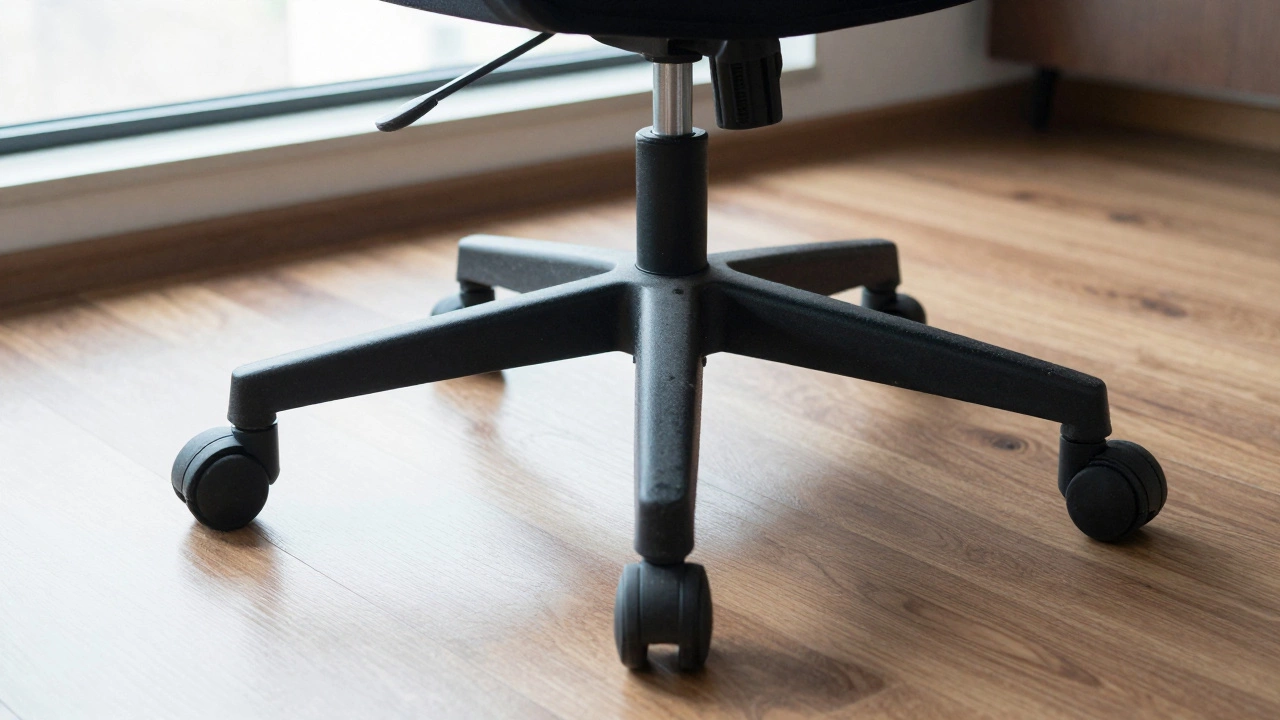
We often forget the bottom part of the chair until it fails. The base must be sturdy. Five-point bases are standard and safer than four-point bases because they distribute weight evenly and prevent tipping. Check the material: nylon bases are durable and lightweight, while metal bases are heavier and more robust. Avoid plastic bases that feel brittle; they can snap under heavy use.
Then there are the casters (wheels). These depend entirely on your flooring. Hard carpet requires small, dual-wheel casters to roll smoothly without sinking. Hardwood, tile, or laminate floors require soft, rubberized casters to prevent scratching and noise. Using the wrong wheels can ruin your floor or make moving around frustratingly difficult. Always check if the chair comes with interchangeable wheels or if you need to buy them separately.
Build Quality and Weight Capacity
Does the chair wobble when you shift your weight? A good chair feels solid. Lift the front of the chair by the armrests. If the back legs lift unevenly or the frame creaks, the welds or joints are weak. Pay attention to the mechanisms connecting the seat to the backrest. These endure the most stress. Metal levers are preferable to plastic ones, which can crack over time.
Weight capacity is another indicator of build quality. Most standard chairs support up to 250 pounds. However, "weight capacity" isn’t just about holding your weight; it’s about the durability of the components under dynamic load. If a chair is rated for only 200 pounds, the gas lift and base are likely made from cheaper materials. Look for chairs rated for at least 250-300 pounds for better longevity, regardless of your actual weight.
Warranty as a Quality Indicator
Here is a simple trick: look at the warranty. Manufacturers know their products better than anyone. If a company stands behind their chair with a 10-year or 12-year warranty, they believe it will last. A one-year warranty suggests they expect parts to fail soon. Specifically, check if the warranty covers the gas lift cylinder is the pneumatic piston that adjusts the seat height of an office chair and the mechanism. These are the most common failure points. A comprehensive warranty is a strong signal of quality.
Price vs. Value: Where to Draw the Line
You can find office chairs for $50 and others for $1,500. Is the expensive one worth it? Not necessarily, but the cheap one is rarely good. The sweet spot for most users is between $200 and $600. In this range, you get reputable brands like HON, Humanscale, or mid-range models from Herman Miller and Steelcase. These chairs offer proper ergonomics, durable materials, and good warranties.
Chairs under $100 usually cut corners on foam density, mesh quality, and mechanism durability. They might feel fine for the first month, but within a year, the seat will flatten, the lumbar support will sag, and the wheels will stop rolling smoothly. Think of it as cost per day. A $500 chair that lasts five years costs less than 30 cents a day. A $100 chair replaced every year costs significantly more and causes more frustration.
Quick Checklist Before You Buy
- Does it have adjustable lumbar support that fits your lower back?
- Can you adjust the seat depth to leave room behind your knees?
- Are the armrests adjustable in height and width?
- Is the material breathable (mesh) or high-quality (leather/fabric)?
- Does the chair recline with adjustable tension?
- Is the base sturdy (five-point) and suitable for your floor type?
- Does it come with a multi-year warranty covering mechanisms?
Finding a good office chair takes a bit of effort, but your body will thank you. Don’t settle for a chair that looks good but hurts to sit in. Test it, adjust it, and invest in one that supports your work style for years to come.
What is the most important feature of an office chair?
The most important feature is adjustable lumbar support. It maintains the natural curve of your spine, reducing strain on your lower back during long periods of sitting. Without proper lumbar support, even a comfortable seat can lead to chronic back pain.
How do I know if my office chair is too big or too small?
Your chair is too small if your feet dangle or your thighs are not fully supported. It is too big if you cannot reach the floor with your feet flat, or if the armrests push your shoulders up. Adjust the seat height so your knees are at a 90-degree angle and there is a small gap behind your knees.
Is mesh or leather better for an office chair?
Mesh is generally better for comfort because it allows airflow, keeping you cool during long work sessions. Leather looks more professional and is easier to clean but traps heat. Choose mesh if you tend to get warm, and leather if you prefer a traditional executive look and work in a cool environment.
Why are armrests important in an office chair?
Armrests support your arms, which reduces tension in your neck and shoulders. Without them, your shoulder muscles constantly engage to hold your arms up, leading to fatigue and pain. Adjustable armrests allow you to keep your elbows at a comfortable 90-degree angle while typing.
How long should a good office chair last?
A high-quality office chair should last between 7 to 10 years with daily use. Cheaper chairs may only last 1 to 3 years before the foam compresses or mechanisms fail. Look for chairs with long warranties, as this indicates the manufacturer expects the product to endure for many years.