 1
Oct,2026
1
Oct,2026
55-Inch TV Viewing Distance Calculator
Find the perfect spot for your sofa. This tool calculates recommended distances based on SMPTE guidelines and common usage patterns.
Select options and click calculate to see results.
You just bought a shiny new 55-inch TV. It looks fantastic in the box. But now you are staring at your empty wall, wondering exactly where to place that sofa. If you sit too close, you see every pixel and feel like you are sitting inside a washing machine drum. Too far away? You squint at subtitles and miss the subtle facial expressions of the actors. Finding the sweet spot isn't about guesswork; it is about geometry and human vision.
The Golden Rule for 55-Inch Screens
Here is the quick answer before we get into the weeds. For most people watching standard HD or 4K content on a 55-inch television, the ideal viewing distance is between 6 and 8 feet (approximately 1.8 to 2.4 meters). This range gives you an immersive experience without causing eye strain. But wait-why such a wide range? Because "ideal" depends entirely on what you watch and who is watching.
| Resolution Type | Recommended Distance (Feet) | Recommended Distance (Meters) | Best For |
|---|---|---|---|
| HD (1080p) | 7.5 - 9 ft | 2.3 - 2.7 m | Cable TV, older Blu-rays |
| UHD (4K) | 5.5 - 7.5 ft | 1.7 - 2.3 m | Netflix, Disney+, Gaming |
| General Mix | 6 - 8 ft | 1.8 - 2.4 m | Daily living room use |
Why Resolution Changes Everything
Your eyes have a limit. We call this visual acuity. A 4K UHD display has four times as many pixels as a standard HD screen. That means the pixels are tiny. If you sit back at 10 feet from a 4K TV, you cannot actually resolve those extra details. You are essentially paying for resolution you can't see. In fact, the Society of Motion Picture and Television Engineers (SMPTE) recommends that a 4K screen should occupy about 30 degrees of your field of view for a cinematic feel. For a 55-inch panel, hitting that 30-degree angle requires sitting closer than you might think-around 6 feet.
On the flip side, if you are still watching mostly broadcast cable news or old DVDs on a 4K set, the upscaling isn't perfect. Sitting too close highlights the imperfections in lower-quality sources. If your household diet is 80% Netflix 4K originals and video games, push that couch forward. If it is mostly local news and YouTube clips, pull it back a bit.
The Room Size Reality Check
Let's be real. Most living rooms aren't built around a theoretical optimum. They are built around doorways, windows, and existing furniture. So, how do you make a 55-inch TV work in a cramped apartment versus a sprawling suburban lounge?
Small Rooms (Under 10ft depth): If your sofa is against the opposite wall and the total distance is only 8-9 feet, a 55-inch TV is actually quite large. At 6 feet away, it dominates the wall. This is great for immersion but can feel overwhelming during casual background noise. Tip: Mount the TV higher if space is tight, but keep the center of the screen at eye level when seated. If you must sit closer than 5.5 feet, consider tilting the screen slightly downward to reduce neck strain.
Medium Rooms (10-15ft depth): This is the comfort zone. A 55-inch screen fits naturally here. You have flexibility. You can place the TV stand 3 feet from the wall behind it (if not mounted) and still have plenty of walking space. Your viewers will likely sit 7-8 feet away, which is comfortable for both high-def movies and regular TV.
Large Rooms (Over 15ft depth): Here, a 55-inch TV starts to look small. If your main seating area is 12 feet away, you will struggle to read text on screen or see fine details. In these scenarios, a 55-inch model works best as a secondary screen in a bedroom or study, or if you plan to upgrade to a 65 or 75-inch unit later. If you are stuck with the 55-inch in a big room, try adding a soundbar with strong dialogue enhancement so you don't have to lean forward to hear clearly.
Eye Level Matters More Than You Think
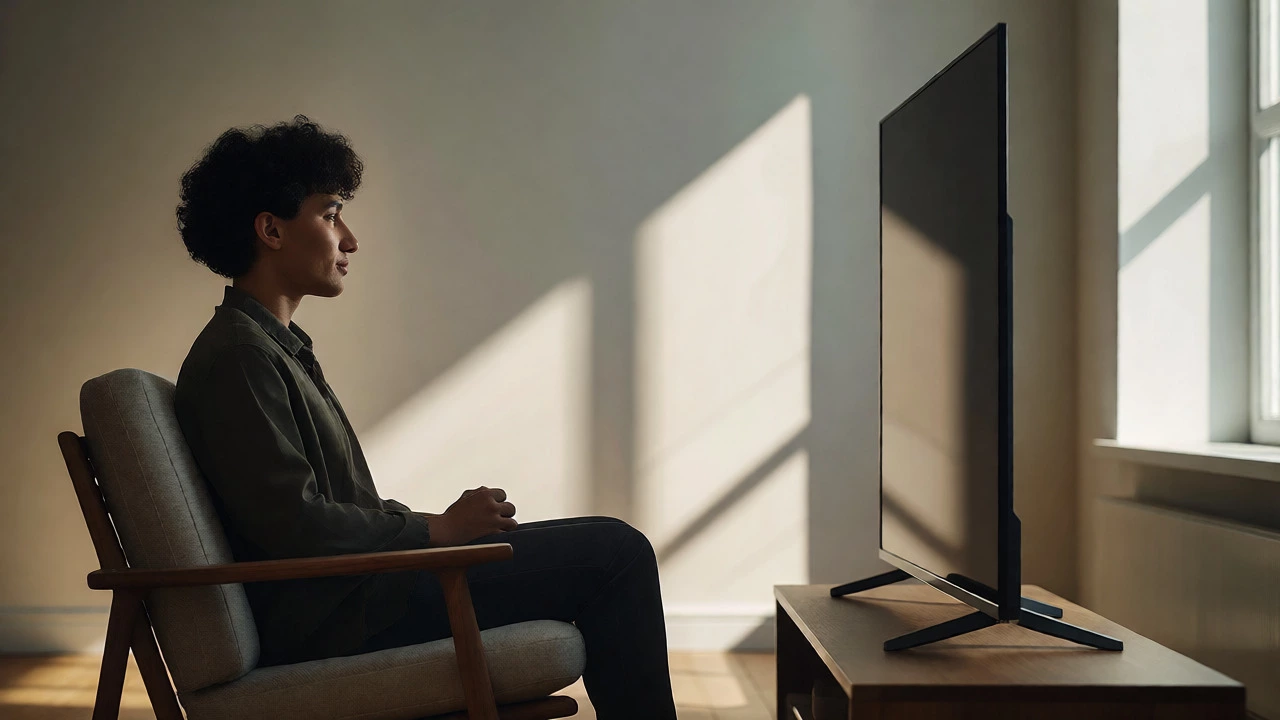
Distance gets all the attention, but vertical alignment is the silent killer of comfort. Have you ever felt a crick in your neck after an hour of binge-watching? That is usually because the TV was mounted too high.
The rule of thumb is simple: The center of the TV screen should be at eye level when you are sitting down. Measure from the floor to your eyes while seated on your favorite chair. Let's say that is 42 inches. Your TV's center point needs to be at 42 inches off the floor. Since a 55-inch TV is roughly 27-28 inches tall, the bottom of the screen should be about 28-29 inches off the ground.
- TV Stand Height: Choose a stand that places the base of the TV at ~28 inches.
- Wall Mounting: Use a tilt mount if you have to go higher due to fireplace placement or window constraints.
- Recliners: If you use reclining chairs, remember your eye level drops when you recline. Adjust accordingly.
Gaming vs. Movies: Different Needs
Are you a gamer? Then throw the traditional movie rules out the window. Video games, especially first-person shooters or racing sims, benefit from being closer. Why? Peripheral vision. When you sit closer, the game world fills more of your natural field of view, increasing immersion and reaction speed.
For console gaming (PlayStation 5 or Xbox Series X), sitting at 4.5 to 5.5 feet from a 55-inch 4K TV is often preferred. Yes, that is closer than the movie recommendation. You want to see the HUD elements clearly and feel part of the action. Just ensure your TV supports HDR and has low input lag. Sitting close makes motion blur more noticeable, so check your TV's motion smoothing settings.
Movies, however, are shot for a specific framing. Directors compose shots assuming a certain distance. Sit too close to a dramatic wide shot, and you lose the context of the landscape. Sit too far, and you miss the emotional nuance of a close-up. Stick to the 6-8 foot range for film enthusiasts.
Troubleshooting Your Setup
Still unsure? Try this practical test. Move your sofa to what feels like a comfortable conversational distance from the coffee table. Now, look at the TV. Does it feel dominant? Do you have to turn your head slightly to see the edges? Good. Can you read the smallest text on a menu screen without leaning forward? Even better.
If you find yourself constantly adjusting your position, you might have a mismatch between screen size and room layout. Consider these fixes:
- Add a Rug: Sometimes moving the rug moves the psychological boundary of the "seating area," allowing you to pull the couch in slightly without feeling crowded.
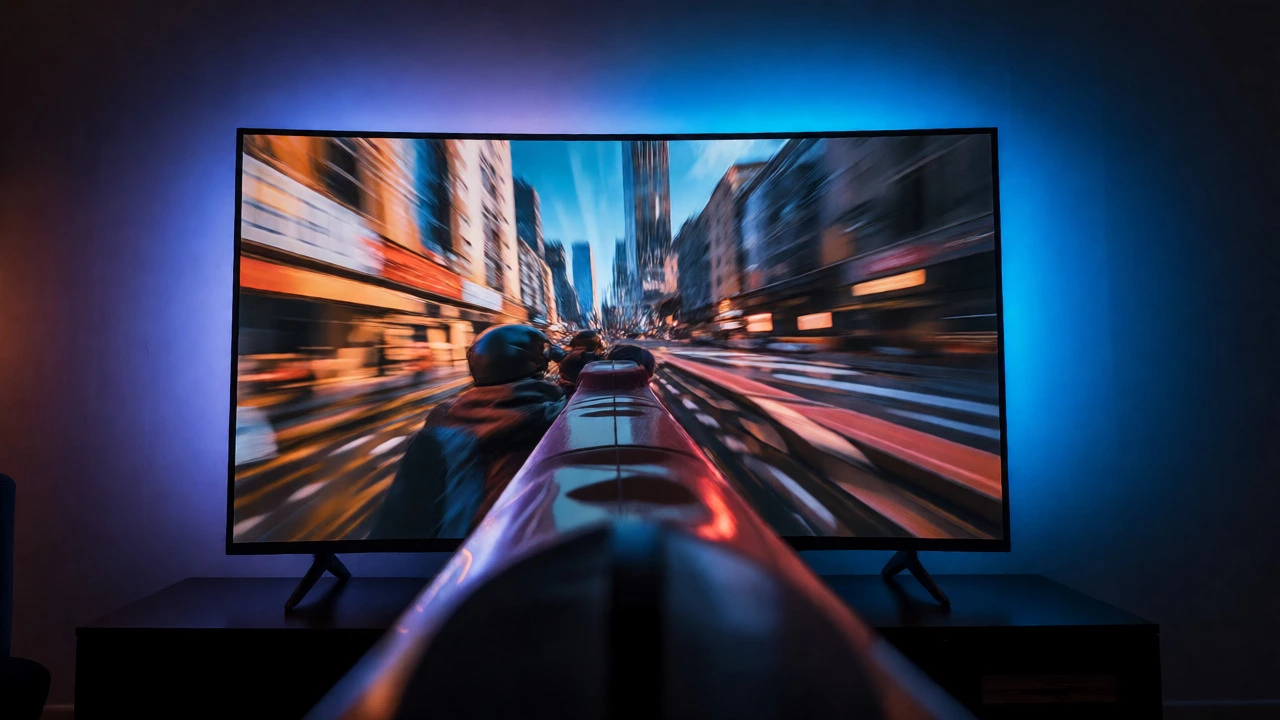
- Light Control: Glare makes distant screens hard to see. Install blackout curtains or bias lighting behind the TV to increase perceived contrast, allowing you to sit further back comfortably.
- Furniture Swap: If your current sofa is too deep, you end up sinking back, effectively increasing your viewing distance. A shallower sofa brings you closer to the screen without changing the room layout.
Frequently Asked Questions
Is 55 inches too big for a small living room?
Not necessarily. If your seating is within 6 feet of the screen, a 55-inch TV provides excellent immersion. The key is ensuring there is enough walking space around the TV stand and that the screen height is adjusted correctly to avoid neck strain.
Does 4K allow me to sit closer than HD?
Yes. Because 4K has higher pixel density, you can sit closer without seeing individual pixels. For HD, you need to sit farther back to hide the pixel grid. For 4K, you can sit as close as 1x the screen diagonal (approx 4.5 feet) for maximum impact, though 1.5x is more comfortable for general use.
What if my sofa is fixed and I can't move it?
If your sofa is too far for a 55-inch TV (e.g., over 10 feet), consider mounting the TV on a swivel arm to bring it slightly forward, or accept that you may need to squint for detailed content. Alternatively, add a larger screen if possible, or improve audio quality to compensate for lost visual detail.
How does ceiling height affect TV placement?
High ceilings can trick you into mounting the TV too high. Regardless of ceiling height, always prioritize eye level while seated. If you have a vaulted ceiling, mount the TV lower on the wall rather than centered vertically in the available space.
Is there a difference for curved TVs?
Curved TVs generally encourage a slightly closer viewing distance to maximize the wrap-around effect. However, the fundamental distance rules remain similar. Ensure you are centered horizontally; sitting off-center on a curved screen distorts the image significantly.