 26
Apr,2026
26
Apr,2026
TV Stand Size Planner
Estimated Requirements:
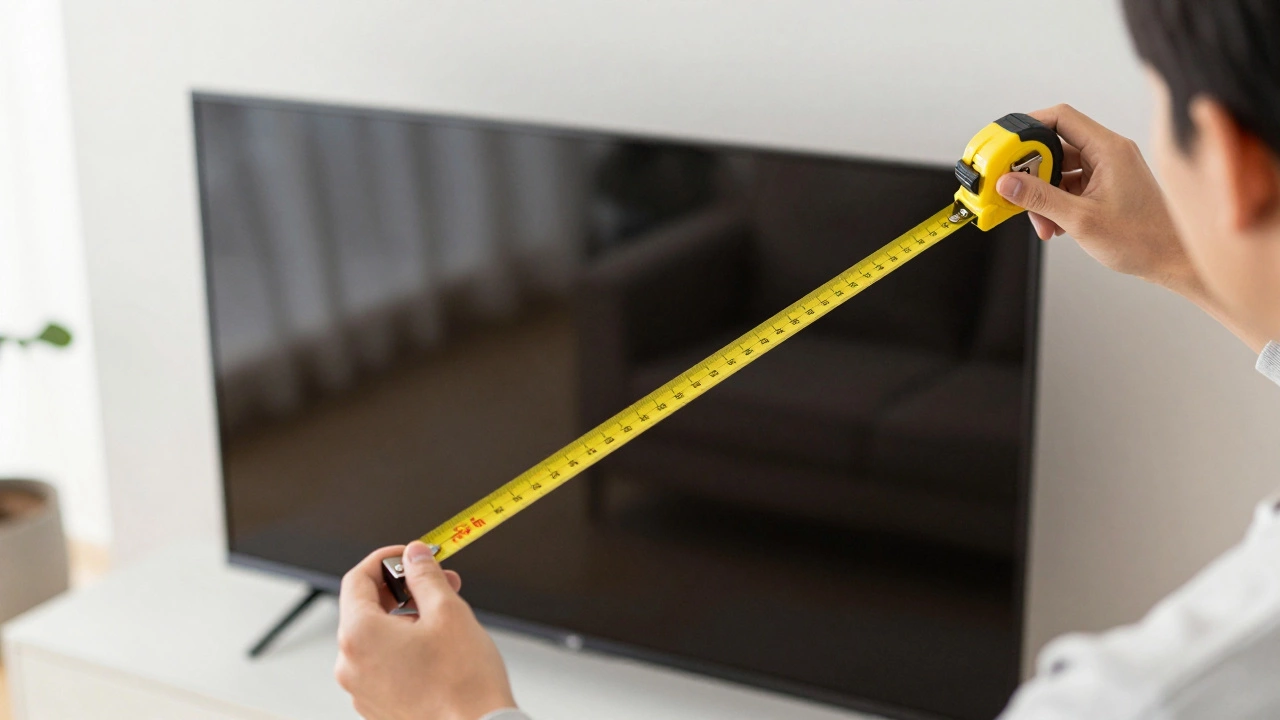
The truth is, that 65-inch number refers to the diagonal length of the screen itself, not the horizontal width. When you factor in the bezel-the plastic frame around the glass-the actual footprint of the TV changes. If you're planning your living room layout, you need the real-world measurements, not the marketing numbers. Let's break down exactly how much space you need to clear on your wall or console.
The Real Width of a 65-Inch TV
For most modern displays, a 65 inch tv width is typically between 57 and 58 inches. While the screen is 65 inches from top-left to bottom-right corner, the actual horizontal space it occupies is significantly less.
Since manufacturers like Samsung, LG, and Sony compete to make bezels thinner (sometimes just a few millimeters), the variance between brands is small. However, you'll still usually find the width landing right around 57.1 inches. If you're measuring a tight alcove or a built-in shelf, always leave at least an inch of breathing room on each side to avoid scratching the frame during installation.
Quick Dimension Cheat Sheet
| Measurement | Average Value | Note |
|---|---|---|
| Actual Width | 57" - 58" | Horizontal footprint |
| Actual Height (no stand) | 32" - 33" | Vertical footprint |
| Height (with stand) | 35" - 37" | Total vertical space needed |
| Depth (with stand) | 10" - 12" | Distance from wall |
Choosing the Right TV Stand Width
Now that we know the TV is roughly 57 inches wide, how wide should your TV stand be? This is where interior design meets practicality. If you place a 57-inch TV on a 58-inch stand, it will look top-heavy and cramped. It's like wearing a shirt that's slightly too small-it technically fits, but it doesn't look right.
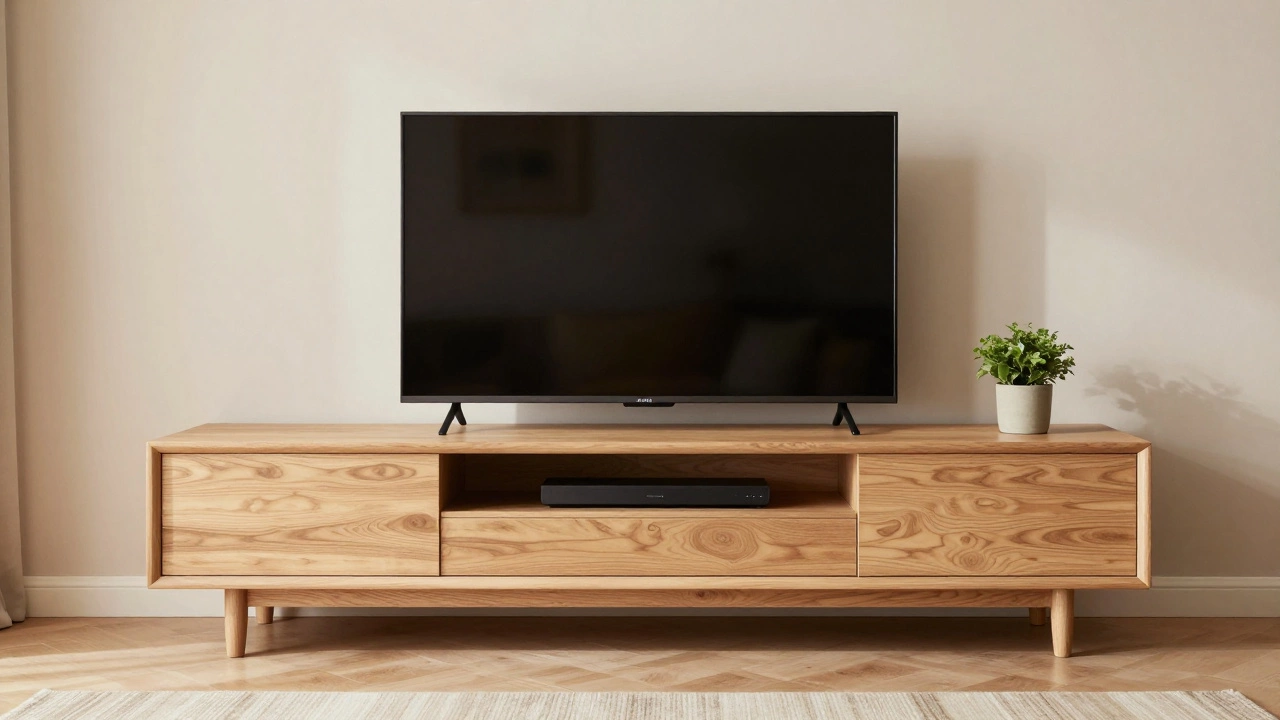
For a balanced look, aim for a stand that is at least 4 to 6 inches wider than the TV on each side. This means for a 65-inch screen, you should look for a console that is 65 to 72 inches wide. This extra space isn't just for aesthetics; it gives you room for speakers, a soundbar, or a few decorative items without making the area feel cluttered.
If you're using a floating shelf or a minimalist ledge, you can get away with a tighter fit, but remember that accessibility is key. If the stand is too narrow, you'll struggle to reach the cables in the back without sliding the entire heavy unit across the floor.
The Impact of TV Legs and Base Designs
Not all 65-inch TVs sit on the furniture the same way. The width of the TV frame is one thing, but the "footprint" of the legs is what actually determines if the TV will physically balance on your stand.
- Wide-set Legs: Many budget-friendly models have legs at the far edges of the screen. If your stand is 55 inches wide but the TV legs are 56 inches apart, your TV will literally hang off the edges. Always check the distance between the legs in the product specs.
- Center Pedestals: Higher-end models often use a single center stand. These are much more flexible, allowing you to use narrower furniture because the weight is concentrated in the middle.
- Wall Mounting: If you use a VESA mount, the width of the stand becomes irrelevant for stability, and you can choose a console based entirely on the visual proportions of the room.
Viewing Distance and Room Proportions
Buying a 65-inch TV is an investment in your entertainment experience, but putting it in a room that's too small can lead to eye strain. A common rule of thumb for 4K resolution is to sit about 1.5 times the diagonal screen size away. For a 65-inch TV, that puts your couch about 8 to 10 feet away from the screen.
Consider the "visual weight" of the setup. A massive black rectangle can dominate a small room. To counter this, choose a TV stand in a lighter wood tone or a neutral color to blend into the wall. If you have a very long wall, a wider stand (80+ inches) can help anchor the TV so it doesn't look like a small island in a sea of empty wall space.
Common Pitfalls to Avoid
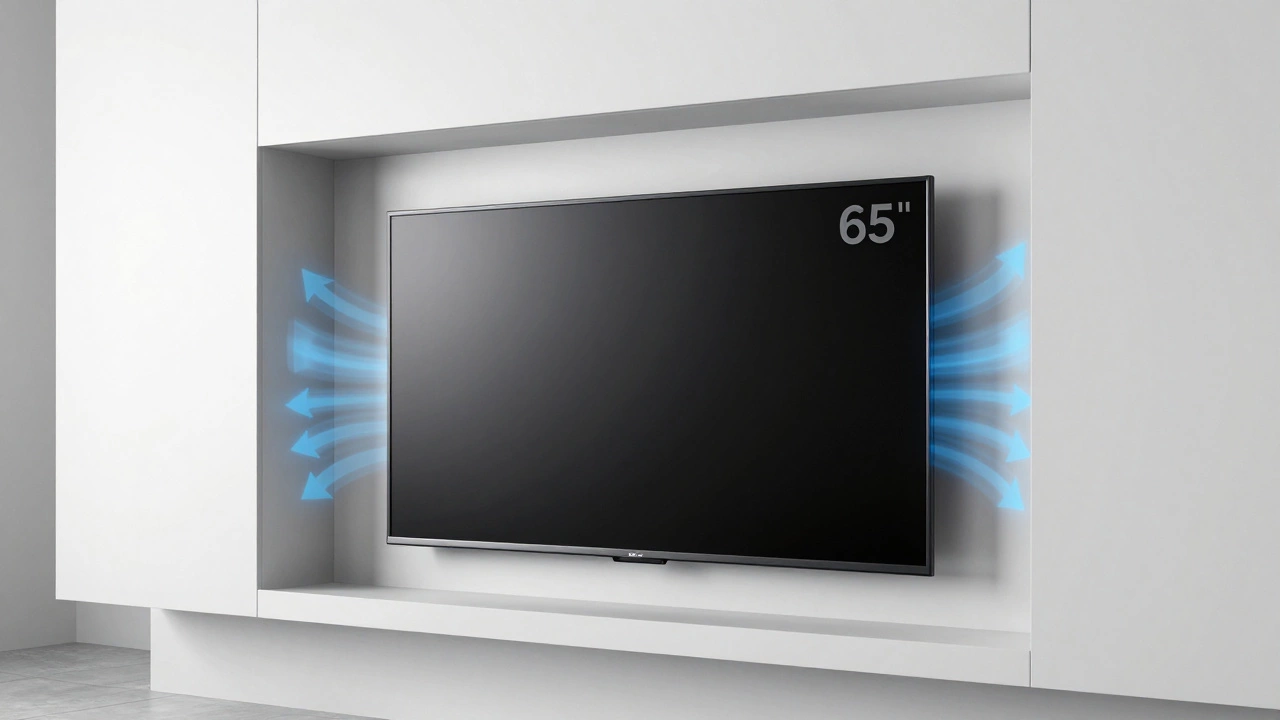
Avoid the "exact fit" trap. I've seen plenty of people buy a custom-built alcove exactly 58 inches wide for their 65-inch TV. They forget that TVs need airflow to prevent overheating, especially the high-performance OLED models. If the TV is wedged too tightly, you risk trapping heat and shortening the lifespan of the internal components.
Another mistake is ignoring the depth of the stand. While we focus on width, a 65-inch TV is heavy. Ensure your stand is deep enough to support the legs without them being perched on the very edge. A depth of 15 to 18 inches is usually the sweet spot for stability and cable management.
Summary Checklist for Your Setup
Before you hit the checkout button on a new console, run through this quick list:
- Is the stand at least 65 inches wide (to allow for visual overhang)?
- Does the distance between the TV legs fit within the stand's dimensions?
- Is there a 1-2 inch gap between the TV and any side walls for ventilation?
- Is the stand height appropriate so the TV is at eye level when you're seated?
- Does the stand have enough depth to prevent the TV from tipping forward or backward?
Why is a 65 inch TV not actually 65 inches wide?
Television sizes are measured diagonally from one corner of the viewable screen to the opposite corner. Because of the Pythagorean theorem, the horizontal width is always shorter than the diagonal. A 65-inch diagonal usually translates to a physical width of about 57 to 58 inches depending on the frame thickness.
Will any 65 inch TV fit on a 60 inch TV stand?
Technically, yes, because the TV is only about 57-58 inches wide. However, it will look very crowded. The real concern is the leg placement; if the TV has "wing" legs at the very edges, they might be too close to the edge of a 60-inch stand for comfort. Always verify the leg spread in the manufacturer's manual.
What is the best TV stand size for a 65 inch TV?
For the best aesthetic balance, a stand between 70 and 80 inches is ideal. This provides enough "white space" on either side of the screen to make the arrangement look intentional and professional rather than cramped.
How much space should I leave around the TV for ventilation?
You should leave at least 1 to 2 inches of space on the sides and several inches at the top. Modern TVs generate heat, and restricting airflow can lead to overheating or panel degradation over time.
Do all brands have the same width for 65 inch TVs?
Not exactly, but they are very close. The difference comes down to the bezel (the border). A TV with a "borderless" design will be slightly narrower than an older model with thick plastic edges. Most will still fall within the 57-58 inch range.