 24
May,2026
24
May,2026
65-Inch TV Height Calculator
Enter Your Details
Visual Guide & Results
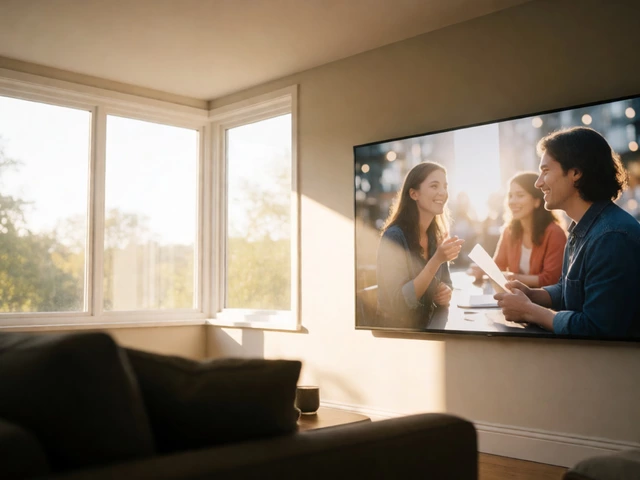
There is nothing worse than sitting down to watch your favorite show and realizing your neck hurts within ten minutes. You bought a beautiful 65-inch TV, which is a large-screen television set that offers an immersive viewing experience with high resolution and wide aspect ratios. It dominates the room visually, but if it is mounted too high or placed on a stand that is too low, it turns into a physical liability. The golden rule of TV placement is simple: the center of the screen should be at eye level when you are seated.
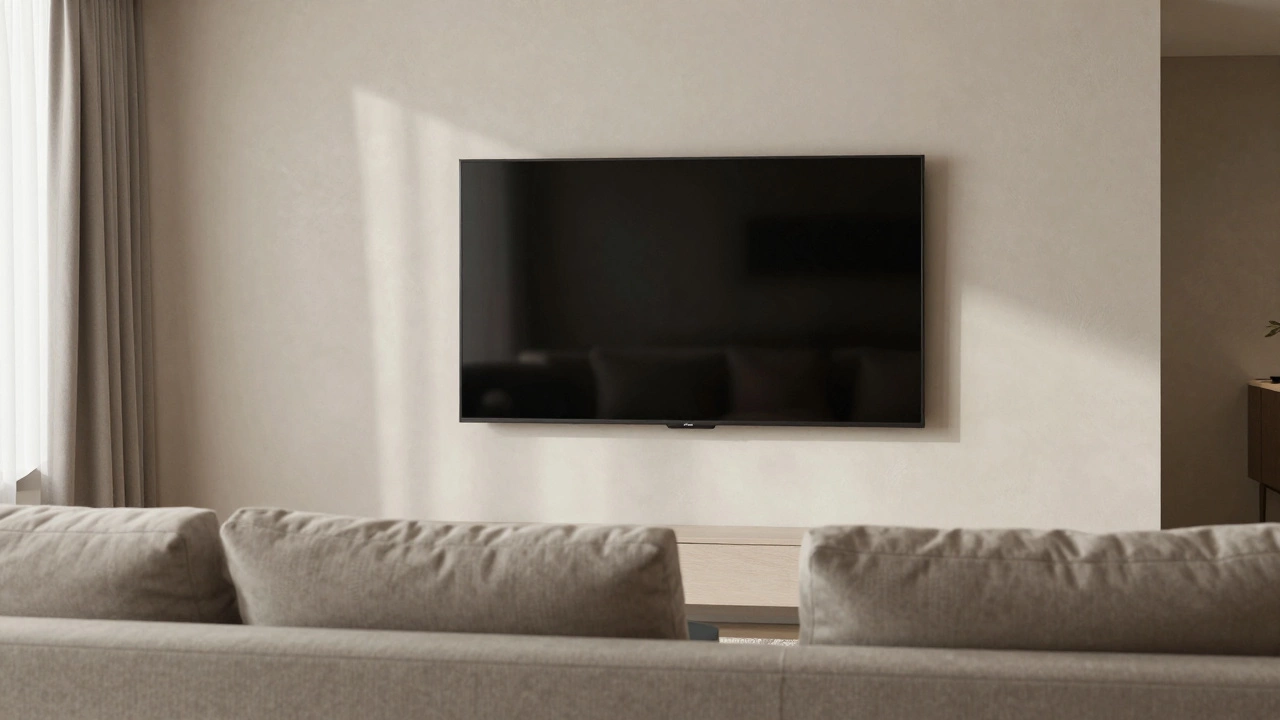
For most adults, this means the center of your 65-inch TV should sit between 42 and 48 inches from the floor. This translates to a bottom edge height of roughly 27 to 33 inches. Getting this right prevents neck strain, improves immersion, and makes your living room look intentional rather than like a showroom where the TV was just thrown up against the wall.
The Science Behind the Ideal Viewing Height
Why does eye level matter so much? It comes down to human anatomy. Your head rests naturally on your spine when your eyes are looking straight ahead. When you tilt your head back to look at a high-mounted TV, you compress the cervical vertebrae in your neck. Over time, this leads to tension headaches, stiff shoulders, and chronic pain. Conversely, looking down at a TV that is too low forces you to hunch forward, straining your lower back and causing poor posture.
To find your exact sweet spot, measure your eye height while sitting in your primary viewing chair or sofa. Sit normally, relax your shoulders, and have someone mark the height of your eyes from the floor. For the average person, this measurement falls between 36 and 42 inches. Once you have that number, add or subtract slightly based on personal preference, but keep the center of the TV within two inches of that mark.
A 65-inch TV has a screen height of approximately 32.7 inches (assuming a standard 16:9 aspect ratio). If the center needs to be at 42 inches, you simply do the math: 42 minus half of 32.7 (which is 16.35) equals 25.65 inches. So, the bottom bezel of your TV should start about 26 inches off the ground. This specific calculation ensures that the middle of the action-where most dialogue and facial expressions occur-is directly in your line of sight.
Choosing Between Wall Mounts and TV Stands
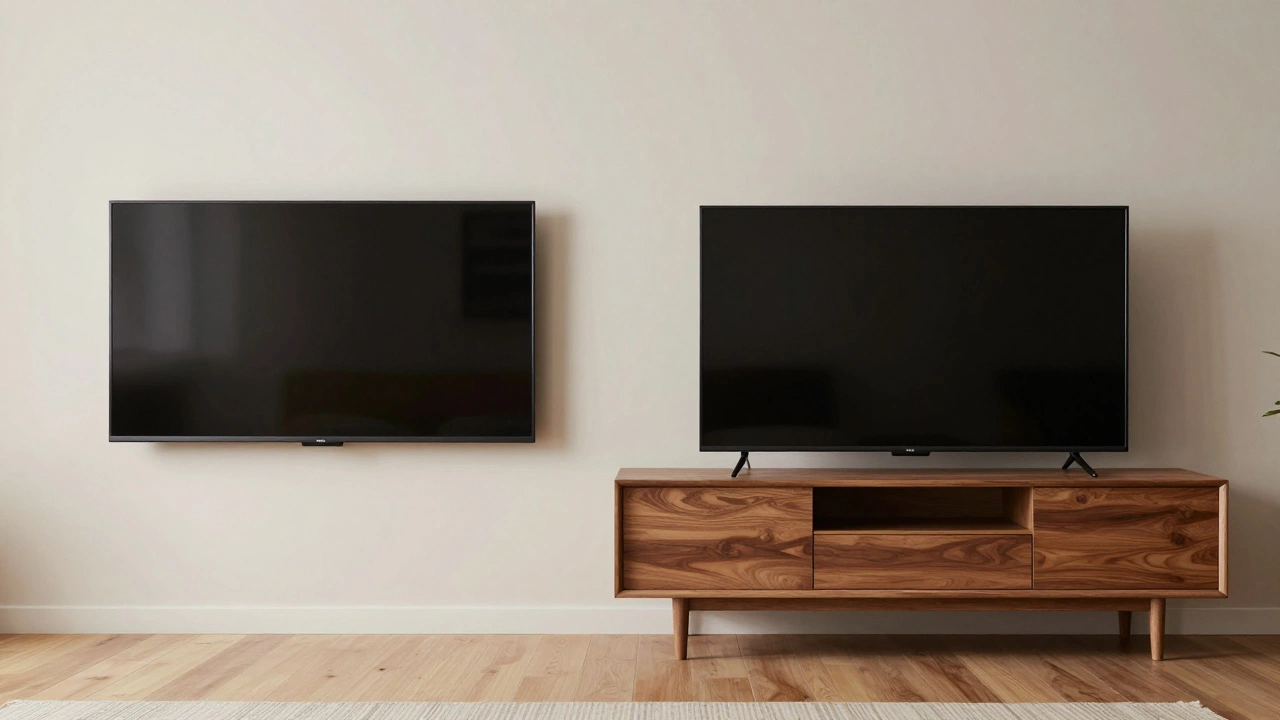
How you support your TV changes how you calculate the height. A wall mount is a bracket system that attaches a television directly to a wall, saving floor space and offering a sleek, minimalist look. Wall mounts offer precise control over height because you can drill studs exactly where needed. However, they require more effort to install and adjust later if you change seating arrangements.
TV stands are furniture pieces designed to hold televisions, providing storage space and stability without requiring wall installation. They are easier to move and often come with built-in cable management. The challenge with stands is that their height is fixed. Many modern media consoles are too short (around 18-20 inches tall), which would place a 65-inch TV far below eye level. If you use a stand, you may need a taller unit or a riser to achieve the correct ergonomic position.
| Feature | Wall Mount | TV Stand |
|---|---|---|
| Height Precision | High (adjustable during install) | Low (fixed by furniture design) |
| Storage Space | None (unless combined with floating shelves) | Yes (drawers, cabinets, shelves) |
| Installation Difficulty | Moderate to High (requires drilling, stud finding) | Low (plug-and-play) |
| Flexibility | Low (hard to move once installed) | High (easy to relocate) |
| Aesthetic Impact | Sleek, minimal footprint | Bulky, adds visual weight to room |
Viewing Distance: The Other Half of the Equation
Height isn't the only factor. How far you sit from the TV affects how comfortable the viewing angle feels. Sitting too close to a 65-inch screen can make pixelation visible and cause eye strain as your eyes constantly refocus. Sitting too far away diminishes the impact of 4K resolution and HDR colors.
The Society of Motion Picture and Television Engineers (SMPTE) recommends a viewing distance of 1.5 to 2.5 times the diagonal size of the screen. For a 65-inch TV, this means sitting between 8 feet (96 inches) and 13.5 feet (162 inches) away. Most living rooms fall comfortably within this range. If you sit closer than 8 feet, consider tilting the TV slightly downward to reduce glare and maintain eye contact with the center of the screen. If you sit further back, ensure the TV is not mounted too high, as the upward angle becomes more pronounced over longer distances.
Room layout also plays a role. In a small apartment, a 65-inch TV might feel overwhelming if placed too close. In a large open-plan space, it might get lost if mounted too high above a fireplace. Always prioritize the primary seating area. If you have multiple seating zones, aim for the height that serves the majority of viewers, or consider a full-motion articulating mount that allows guests to adjust the angle slightly.
Common Mistakes to Avoid
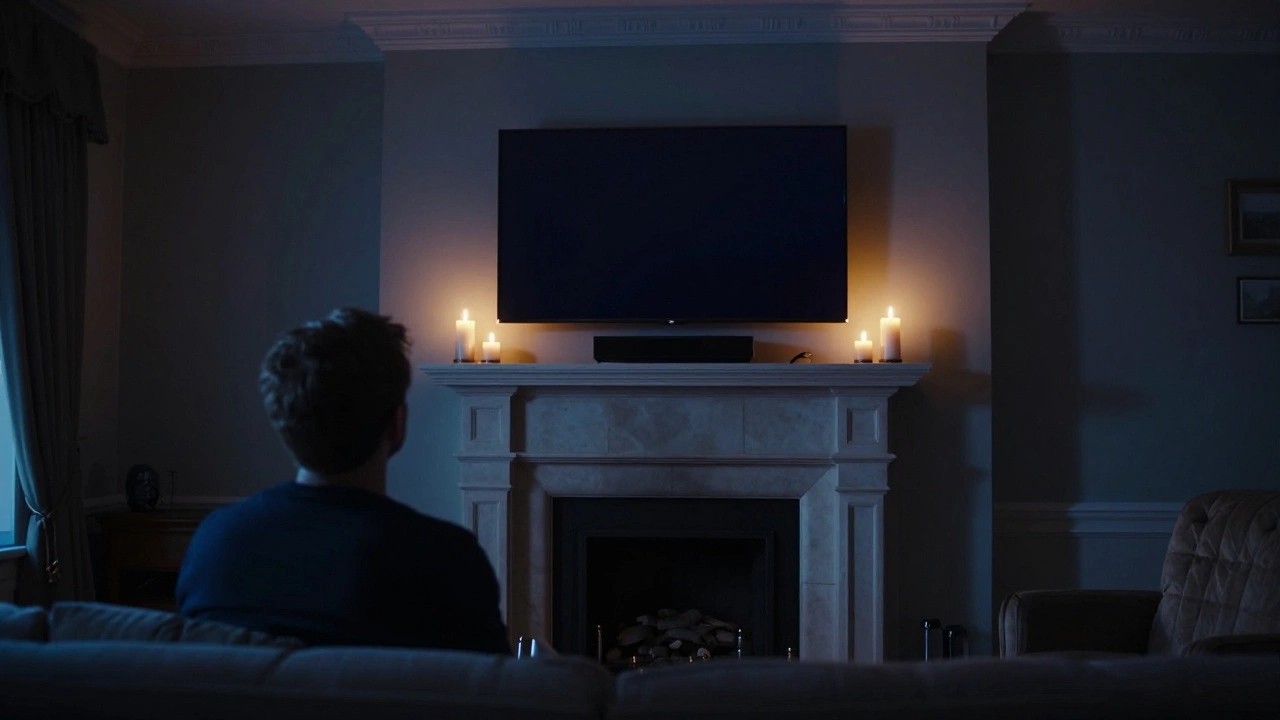
Many people make the mistake of mounting their TV above a fireplace because it looks symmetrical. While aesthetically pleasing, fireplaces are often positioned too high for comfortable viewing. The center of a typical fireplace mantle sits around 50-60 inches from the floor. Placing a 65-inch TV above this pushes the screen center well above eye level, forcing everyone to crane their necks. If you must mount above a fireplace, use a tilt or swivel mount to angle the screen downward, though this is rarely as comfortable as a dedicated eye-level location.
Another common error is ignoring the thickness of the TV stand or mount. A bulky mount can push the TV several inches away from the wall, affecting the perceived height and creating shadows. Measure the depth of your mount and ensure it doesn't interfere with cables or ventilation. Similarly, avoid placing the TV on glass-top tables unless the surface is rated for the weight. A 65-inch TV typically weighs between 40 and 60 pounds without the stand, and up to 80 pounds with it. Glass surfaces can crack under uneven pressure or vibration.
Don't forget about cable management. Exposed wires dangling behind a wall-mounted TV look messy and can pose a tripping hazard if they reach the floor. Use conduit tubes or raceways to hide cables along the wall. For TV stands, utilize built-in holes or clips to route power and HDMI cables neatly. A clean setup enhances the visual appeal and reduces clutter-related stress.
Special Considerations for Different Room Types
In a bedroom, the viewing angle is different because you are likely reclining or lying down. Here, a slightly higher mount might be acceptable, but still keep the center near eye level when propped up on pillows. Consider a ceiling mount or a high-wall mount with significant tilt capability. Ensure the TV is out of reach to prevent accidental bumps during sleep.
In a kitchen or dining area, TVs are often viewed while standing or moving around. In these cases, a higher mount (center at 54-60 inches) works better since your eye level is higher when standing. However, avoid placing the TV directly above a stove or sink due to heat, steam, and water risks. Choose a location with good visibility from multiple angles.
For home theaters, precision is key. Follow the SMPTE guidelines strictly. Use a fixed mount to ensure perfect alignment. Calibrate your seating positions before finalizing the mount height. Test the view with a temporary setup if possible. Comfort over aesthetics always wins in a dedicated theater space.
Quick Checklist for Perfect TV Placement
- Measure your seated eye height from the floor.
- Calculate the center point: Eye height ± 2 inches.
- Determine bottom edge height: Center point minus half the TV's height (approx. 16.35 inches for 65-inch).
- Verify viewing distance: 8 to 13.5 feet for optimal immersion.
- Check for obstructions: Fireplaces, windows, or furniture that block the view.
- Plan cable routing: Hide wires for a clean look.
- Test the setup: Sit in your main chair and assess comfort before drilling or buying.
What is the ideal height to mount a 65-inch TV?
The center of a 65-inch TV should be at eye level when seated, typically between 42 and 48 inches from the floor. This places the bottom of the TV approximately 26 to 32 inches off the ground.
Is it bad to mount a TV above a fireplace?
Yes, mounting a TV above a fireplace is generally discouraged because it forces viewers to look up, causing neck strain. Fireplaces are usually positioned too high for ergonomic viewing. If necessary, use a tilt mount to angle the screen downward.
How far should I sit from a 65-inch TV?
For the best viewing experience, sit between 8 and 13.5 feet away from a 65-inch TV. This distance balances immersion with visual clarity, allowing you to appreciate 4K details without eye strain.
Can I use a TV stand instead of a wall mount?
Yes, but ensure the stand is tall enough to bring the TV center to eye level. Many standard stands are too short. You may need a taller media console or a riser to achieve the correct ergonomic height.
Does TV height affect picture quality?
Indirectly, yes. An improperly angled TV can cause glare from lights or windows, washing out the image. Additionally, extreme viewing angles can distort color perception and contrast, especially on OLED screens.