 13
Apr,2026
13
Apr,2026
TV Fit & Overhang Calculator
Enter dimensions to see if your TV fits.
Key Takeaways for TV and Stand Pairing
- Leg Placement: The TV's total width doesn't matter as much as where the legs are positioned.
- Visual Overhang: A 75-inch TV is roughly 65 inches wide, meaning it will hang over a 60-inch stand by about 2.5 inches on each side.
- Stability: Center-pedestal stands are safer for oversized TVs than wide-set legs.
- Viewing Angles: A TV that is too large for its base can feel imposing and cramped in small rooms.
Understanding the Difference Between Screen Size and Actual Width
First, we need to clear up a common point of confusion. When you buy a 75 inch TV is a display size measured diagonally from one corner of the screen to the opposite corner, that number doesn't describe the width of the device. If you measure across the bottom of a standard 75-inch television, you'll find it's actually about 65 to 66 inches wide.
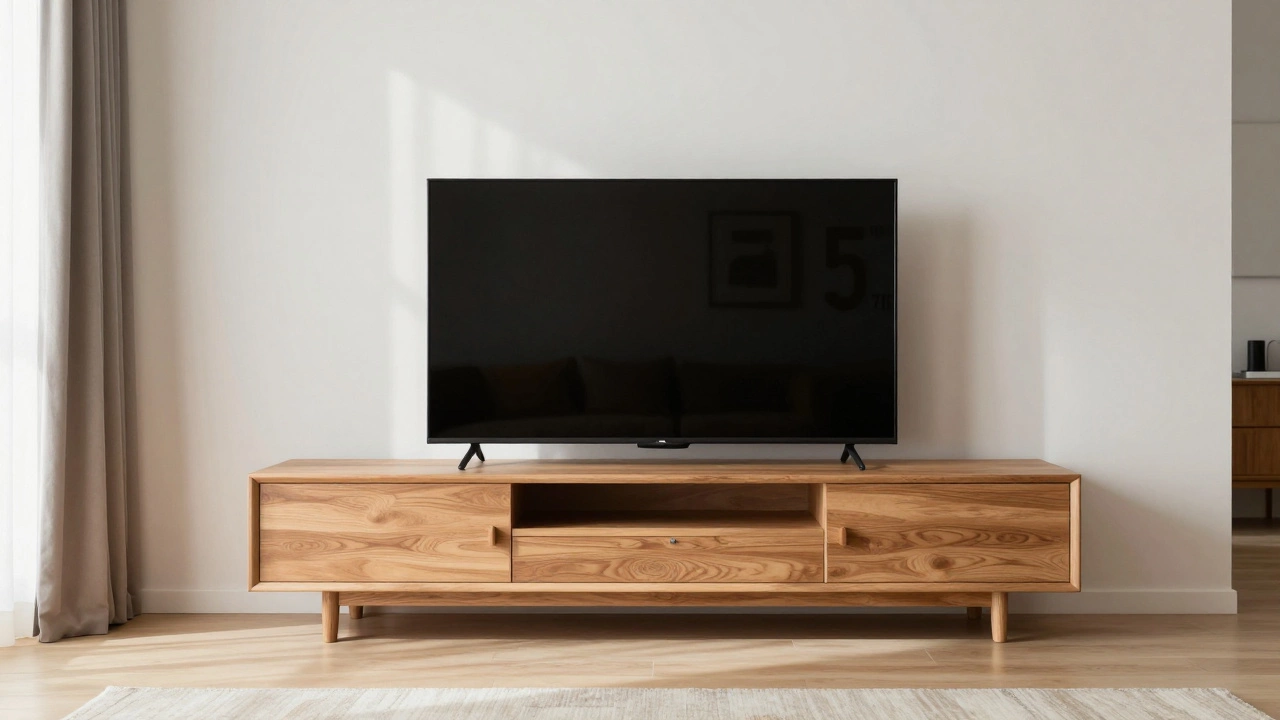
Now, compare that to your 60 inch TV stand. If your stand is exactly 60 inches wide, your TV will be roughly 5 to 6 inches wider than the furniture supporting it. This creates a slight overhang of about 2.5 to 3 inches on each side. While this isn't a disaster, it's the point where you start to notice the imbalance. If you're a perfectionist about symmetry, this might bother you. If you just want to watch the game, it's perfectly fine.
The Dealbreaker: Leg Design and Base Stability
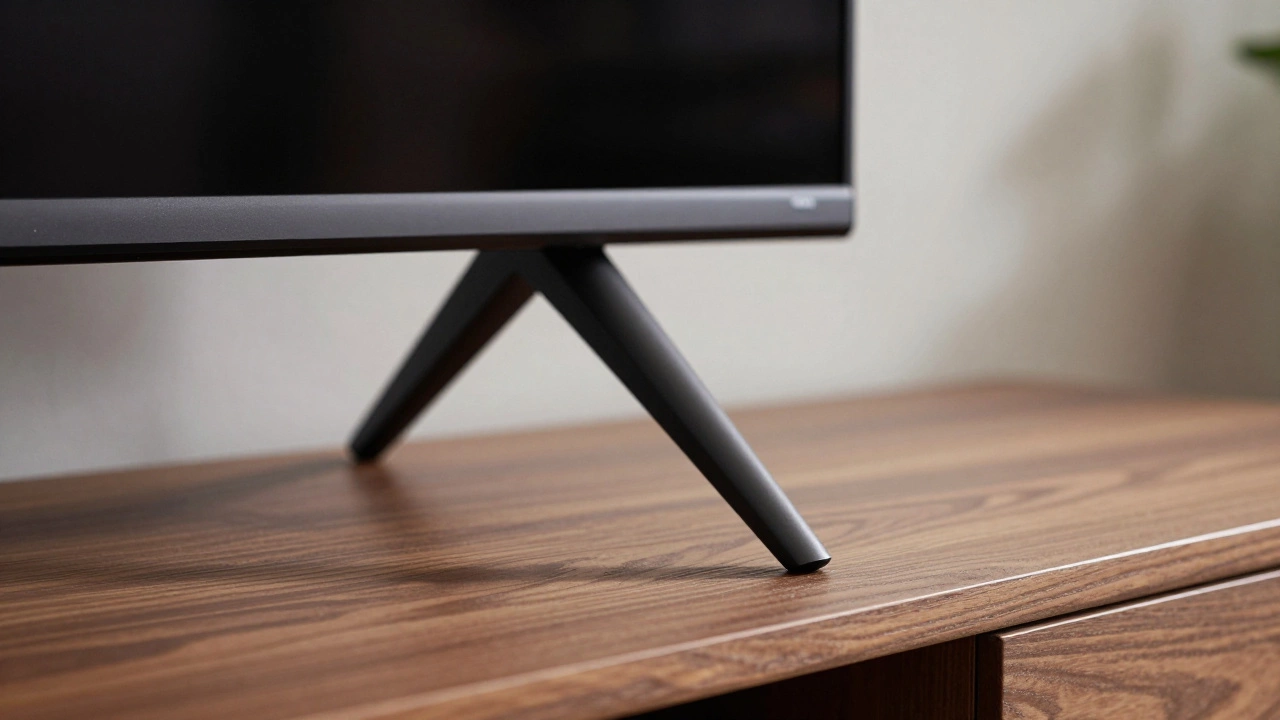
The real question isn't "will the screen fit?" but "will the legs fit?" This is where most people run into trouble. TVs generally come with two types of bases: center pedestals and wide-set legs.
If your TV has a Center Stand, which is a single heavy base in the middle, you're in the clear. The TV will sit securely on a 60-inch stand regardless of how wide the screen is. However, many modern brands use "V-shaped" or "wing" legs that are placed far apart to provide stability for the massive panel.
If those legs are positioned 62 inches apart, they simply won't sit on a 60-inch stand. They'll hang off the edge, making the TV unstable and prone to tipping. This is a dangerous scenario, especially if you have kids or pets who might bump into the furniture. Before you even unbox the TV, check the manufacturer's specs for the "footprint" or "leg spread." If the leg width exceeds 60 inches, you'll need a bigger stand or a different mounting solution.
Comparing Stand Types for Oversized Screens
| Stand Type | Fit for 60" Base | Stability Level | Visual Appeal |
|---|---|---|---|
| Center Pedestal | Perfect | High | Clean |
| Wide-Set Legs | Risky / May Not Fit | Low (if overhanging) | Imbalanced |
| Wall Mount (Floating) | N/A | Highest | Modern |
| Universal Tabletop Legs | Flexible | Medium | Industrial |
The Visual Impact of the "Overhang"
Beyond the physics of whether it stays upright, there's the aesthetic side of things. Interior design usually follows a rule of thumb where the furniture should be slightly wider than the object sitting on it. When the TV is wider than the stand, it creates a "top-heavy" look. It can make the room feel smaller and the furniture feel flimsy.
If you're stuck with a 60-inch stand, you can mitigate this by centering the TV perfectly. Ensure there are no tall lamps or decor pieces on the ends of the stand that might clash with the overhanging edges of the screen. If you have a minimalist setup, the 2.5-inch overhang is barely noticeable. But if you have a cluttered stand, the extra width of the TV can make the whole area feel cramped.
Safe Alternatives When the Fit Isn't Right
If you realize your TV legs are too wide for your stand, don't try to "make it work" by balancing the legs on the very edge. One accidental nudge and you've got a very expensive piece of broken glass. Instead, consider these three alternatives:
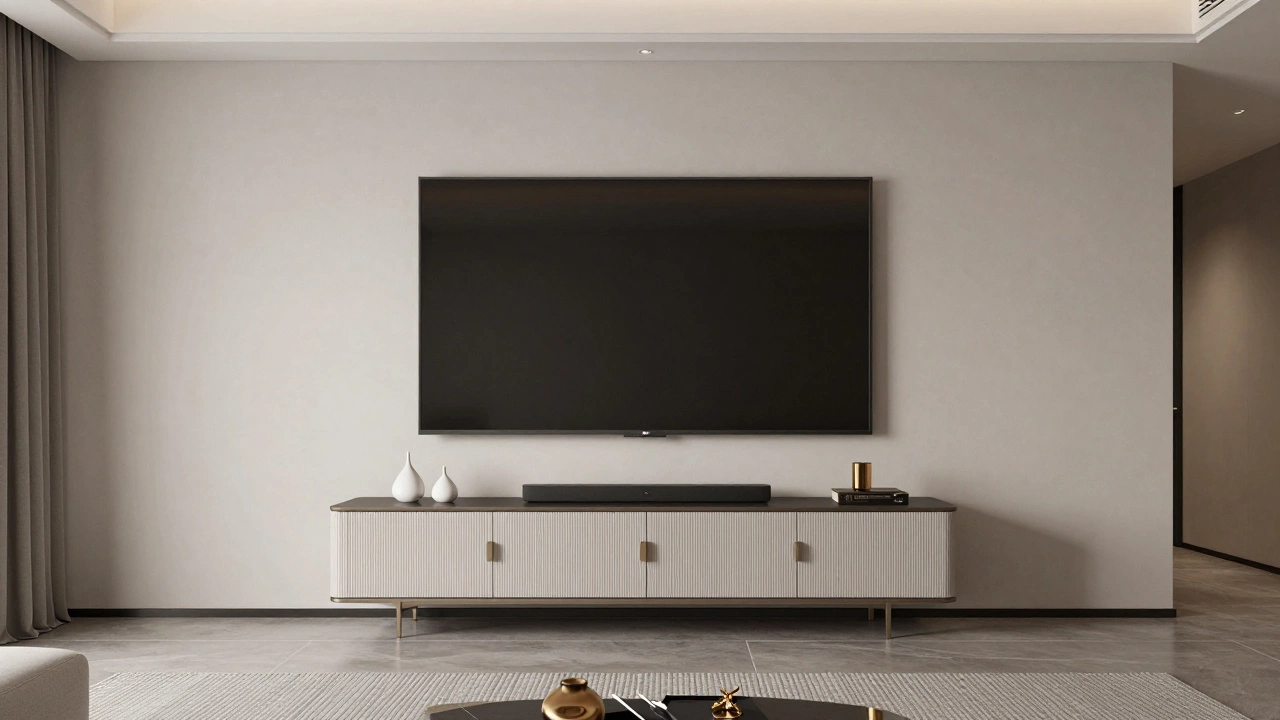
- Wall Mounting: Using a Wall Mount is the ultimate fix. By attaching the TV to the wall, the stand becomes purely decorative. You can keep your 60-inch furniture and simply place the TV above it. This removes all stability concerns and actually makes the room feel more spacious.
- Universal TV Legs: You can buy aftermarket legs that replace the factory ones. These usually consist of two sturdy metal feet that attach to the VESA mounting holes on the back of the TV. They often have a narrower footprint, allowing a wide TV to sit comfortably on a narrower stand.
- Upgrading the Stand: If you prefer the look of a console, upgrading to a 72-inch or 80-inch stand provides a more proportional look and extra storage for gaming consoles and soundbars.
Pro Tips for a Better Setup
When setting up a large screen, keep an eye on your Viewing Distance. For a 75-inch 4K TV, the ideal distance is usually between 7 and 10 feet. If your 60-inch stand is pushed up against a wall in a very small room, the TV might actually be too large for the space, regardless of whether it fits on the furniture. You'll find yourself leaning back or straining your neck to see the whole image.
Also, consider your Soundbar Placement. Most people put their soundbar on the stand directly under the TV. If your TV overhangs the stand, make sure your soundbar doesn't also extend past the edges, or you'll have a double-overhang effect that looks messy and increases the risk of something getting knocked over.
Will a 75 inch TV look too big on a 60 inch stand?
It will look slightly oversized. Since a 75-inch TV is roughly 65 inches wide, it will overhang the edges by about 2.5 to 3 inches on each side. For most people, this is visually acceptable, but if you prefer a perfectly balanced look, a stand that is 70 inches or wider is recommended.
What happens if the TV legs are wider than the stand?
If the legs are wider than the stand, the TV cannot be safely placed on it. The legs will either hang off the edge or fail to touch the surface, making the TV highly unstable. In this case, you must use a wall mount, universal legs, or a wider piece of furniture.
How do I measure the leg spread of my TV?
Look at the "Product Specifications" or "Dimensions" section of the TV's manual or the manufacturer's website. Look for "Width with stand" or "Footprint width." This tells you the exact distance from the outer edge of the left leg to the outer edge of the right leg.
Is it safer to wall mount a 75 inch TV?
Generally, yes. Wall mounting removes the risk of the TV tipping over due to an unstable base or a pet/child bumping the stand. It also allows you to position the TV at the ideal eye level, which is often higher than a standard TV stand allows.
Can I use a 60 inch stand if I have a center-pedestal TV?
Yes. If your TV has a single center base, the width of the stand doesn't matter for stability. As long as the stand can support the weight of the TV, it will be safe, even if the screen edges hang over the sides.
Next Steps for Your Living Room
If you've decided to stick with the 60-inch stand, start by measuring your TV's leg spread. If they fit, go ahead and set it up, but consider adding a Anti-Tip Strap to the back of the TV and the furniture for extra safety. If the legs are too wide, your next best move is to browse for a Universal TV Base or look into Wall Mounting brackets. Either option will give you peace of mind and a cleaner look for your home entertainment center.