 11
Jun,2026
11
Jun,2026
65-Inch TV Height Calculator
Find the perfect mounting height for your 65-inch TV to ensure optimal viewing comfort and prevent neck strain.
Recommended Placement
To align the center of your TV with your eye level:
- Center of TV Height: inches from the floor
- Bottom of TV Height: inches from the floor
Tip: If using a wall mount, mark the center point at inches. If using a stand, ensure the stand height plus the TV's bottom clearance results in the bottom edge being at inches.
There is nothing quite as frustrating as settling in for a movie night only to realize your neck hurts after ten minutes. You bought that sleek 65-inch TV, a massive screen designed to pull you into the action, but if it’s mounted too high or sitting on a stand that’s too low, the experience falls apart. You end up craning your neck up or hunching down, turning relaxation into a physical workout.
The short answer? For most people, the center of your 65-inch TV should be at eye level when you are seated comfortably. That usually means the bottom of the screen sits about 24 to 30 inches off the floor. But "most people" is a broad brush. Your room layout, your sofa height, and whether you’re mounting on a wall or using a stand all change the math. Let’s figure out exactly where that screen belongs so you can stop guessing and start watching.
The Golden Rule: Eye Level Is Everything
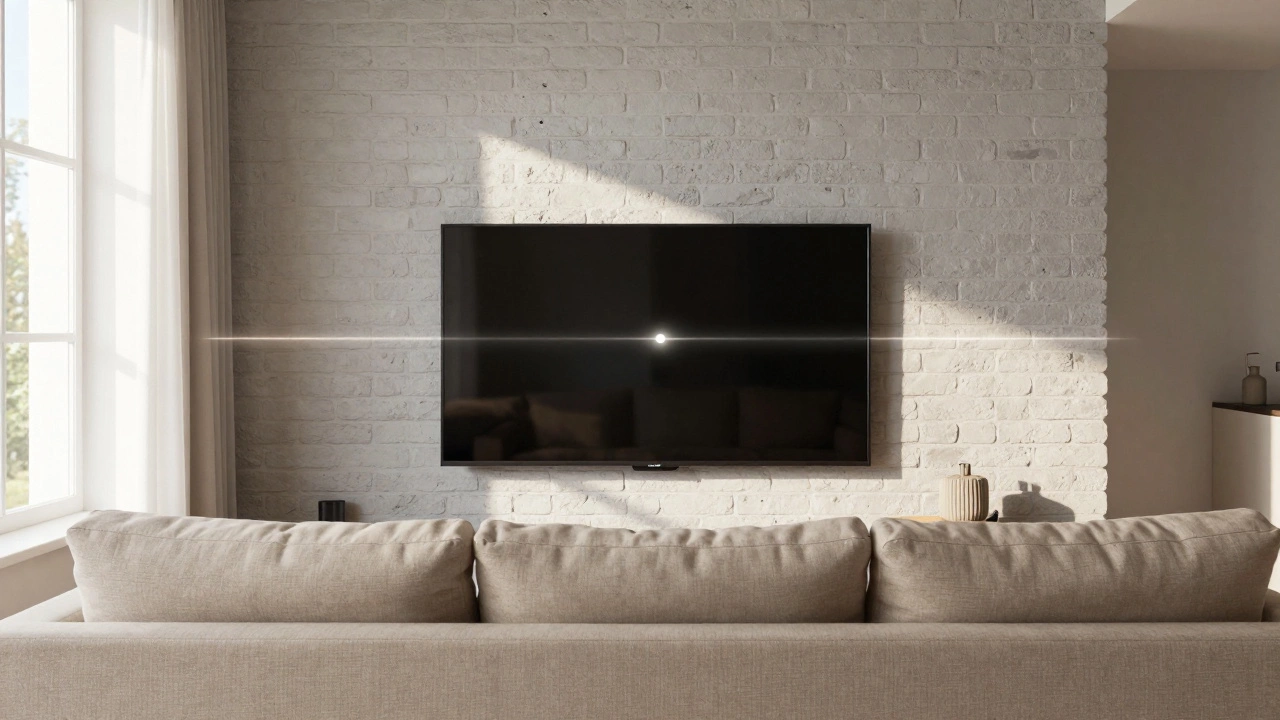
The human eye is naturally positioned to look straight ahead. When we tilt our heads back significantly, we strain the cervical spine. This is why the "golden rule" of TV placement is simple: align the center of the screen with the viewer’s eye level while seated.
To get this right, you need two measurements:
- Your Seated Eye Level: Sit in your primary viewing chair or sofa. Have someone measure from the floor to the middle of your eyes. For an average adult, this is typically between 38 and 42 inches (97-107 cm).
- The Center of Your TV: A 65-inch TV is measured diagonally. The actual vertical height of the screen itself is roughly 32 inches (81 cm). Half of that is 16 inches. So, the center point is 16 inches from the top or bottom edge of the bezel.
If your seated eye level is 40 inches, and your TV’s center is 16 inches from the bottom, you subtract 16 from 40. That gives you 24 inches. Therefore, the bottom of your TV should sit 24 inches above the floor. Simple math, but it makes a world of difference in comfort.
Wall-Mounted vs. TV Stand: Different Rules Apply
Where you place the TV changes how you calculate the height. Wall mounts offer precision, while stands introduce variables like cabinet depth and stability.
| Method | Typical Bottom Height | Pros | Cons |
|---|---|---|---|
| Fixed Wall Mount | 24-30 inches | Sleek look, precise height control | Hard to adjust later, requires drilling |
| Tilting Wall Mount | 28-34 inches | Reduces glare, slight angle adjustment | Bulkier bracket, limited tilt range |
| Full-Motion Articulating Mount | 26-32 inches | Swivels to side, pulls out for cleaning | Extends far from wall, complex installation |
| TV Stand / Console | 18-24 inches | Hides cables, storage space, no drilling | Height fixed by furniture, may be too low |
If you are using a TV stand, check its height first. Many modern media consoles are only 18 to 20 inches tall. If you put a 65-inch TV on an 18-inch stand, the bottom of the TV is at 18 inches. The center is then at 34 inches (18 + 16). If your eye level is 40 inches, you’ll be looking slightly down. This is often acceptable for casual viewing, but for serious home theater setups, it might cause you to lean forward over time.
If your stand is too low, don’t panic. You can raise the TV by placing it on a sturdy platform atop the stand, or simply choose a taller console. Conversely, if you’re wall-mounting, you have total control. Use a pencil to mark the desired spot on the wall before drilling. Measure twice, drill once.
Viewing Distance Matters More Than You Think
Height isn’t the only factor. How far you sit from the TV affects what feels "right." If you sit close, a higher mount feels more imposing. If you sit far back, a lower mount might feel disconnected.
For a 65-inch 4K TV, the recommended viewing distance is between 6 and 10 feet (1.8 to 3 meters). This is based on the Society of Motion Picture and Television Engineers (SMPTE) guidelines, which suggest a viewing angle of 30 degrees for optimal immersion without losing detail.
If you sit closer than 6 feet, the image might feel overwhelming, and you may notice individual pixels. If you sit beyond 10 feet, the benefits of 4K resolution diminish, and the TV starts to look like a large painting rather than a window. In these scenarios, maintaining strict eye-level alignment becomes even more critical because your peripheral vision picks up more of the screen’s position relative to your body.
Living Room Layouts: Adapting to Real Life
In theory, everyone sits in one spot. In reality, families move around. Here’s how to handle common living room configurations:
The Family Room Compromise
If kids jump on the sofa or adults lounge on floor cushions, aim for a slightly higher mount. Target the eye level of an average seated adult, but prioritize preventing neck strain for those who sit upright. A tilting mount can help here, allowing you to angle the screen down slightly for viewers on lower seating.
The Multi-View Setup
Do you watch TV from both the sofa and a recliner? Find the midpoint between the two seating heights. If one seat is 18 inches off the ground and the other is 22 inches, aim for a TV center height that accommodates the average. You might sacrifice perfect ergonomics for one person to gain comfort for both.
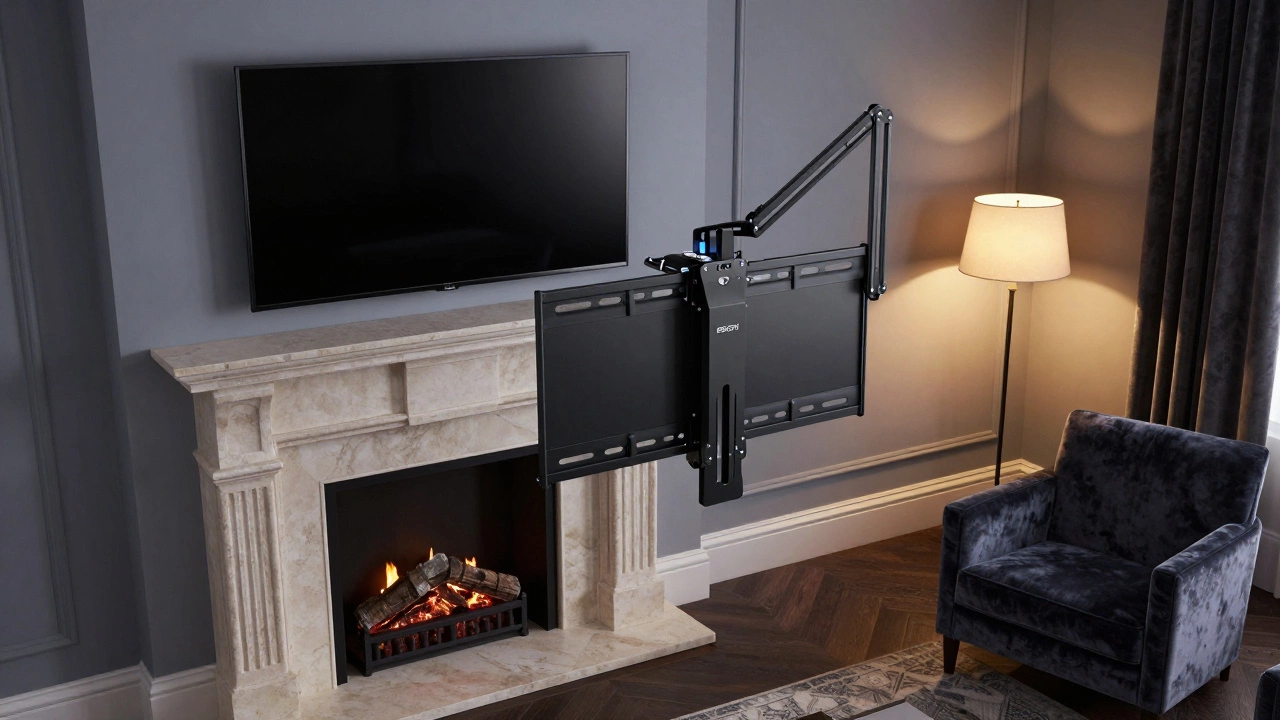
The Fireplace Dilemma
Many homes have a fireplace directly below the TV location. Fireplaces are often built low, forcing the TV higher. If you must mount above a fireplace, keep the TV as low as possible. Consider a mantel shelf that brings the TV base up, or use a full-motion mount to pull the TV away from the wall and tilt it down when not in use. Never mount a TV so high that you have to tilt your head back more than 15 degrees.
Bedroom Considerations: Lying Down Changes Everything
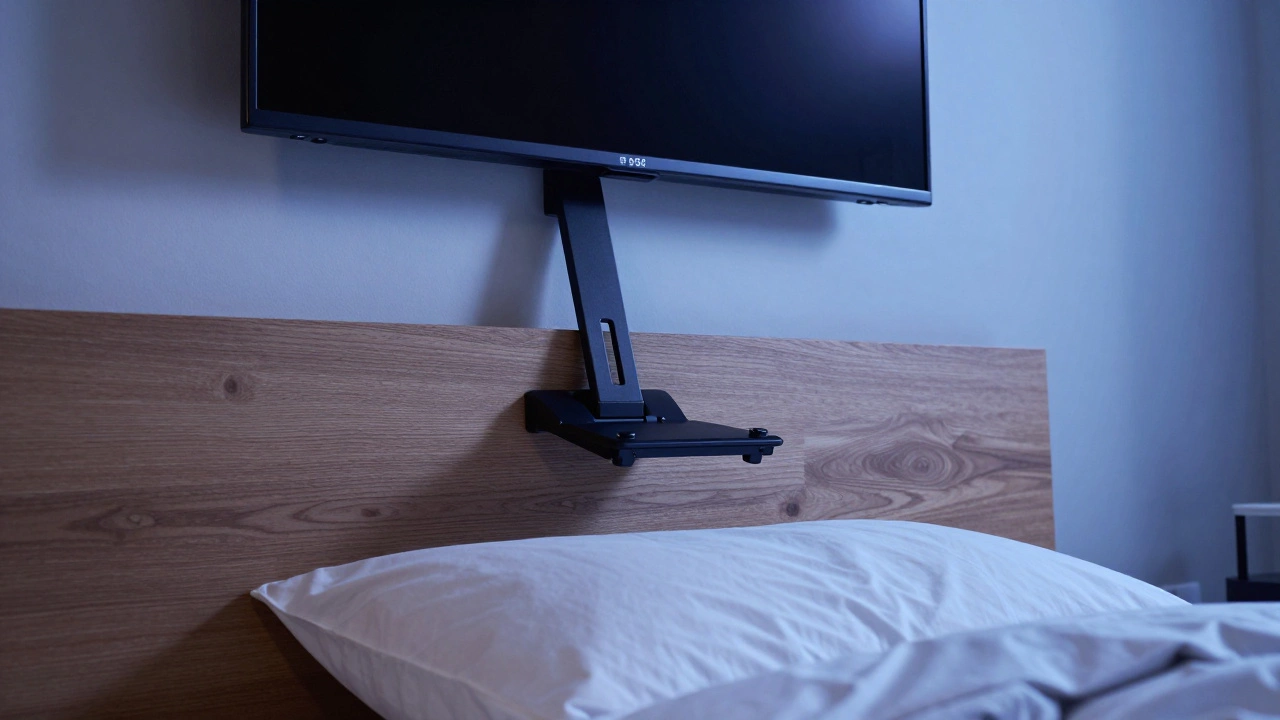
Bedrooms are different. When you lie down, your eye level drops dramatically. If you mount a 65-inch TV on the wall opposite your bed at standard living room height, you’ll be staring at the ceiling or straining your neck to look up.
For bedroom installations, the ideal height depends on your headboard and pillow height. Generally, the bottom of the TV should be no higher than the top of your headboard when you are lying flat. If you use multiple pillows, add 4-6 inches to that measurement. A full-motion articulating mount is highly recommended here, allowing you to swing the TV toward the center of the bed and tilt it downward for comfortable viewing from a supine position.
Avoiding Common Mistakes
I’ve seen many DIY projects go wrong due to small oversights. Here are the pitfalls to avoid:
- Ignoring the VESA Pattern: Before buying a mount, check the VESA pattern on the back of your TV. It’s the grid of screw holes. A 65-inch TV usually has a 400x400mm or 600x400mm pattern. Ensure your mount supports this size.
- Forgetting Cable Management: Even the best-looking TV looks messy with dangling cords. Plan for cable routing behind the wall (if safe and permitted) or use a cable management kit that clips wires together and hides them along the stand or wall.
- Neglecting Weight Capacity: A 65-inch TV can weigh between 40 and 60 pounds (18-27 kg). Ensure your wall mount and drywall anchors (or studs) can support this weight. Never rely solely on drywall plugs for a screen this size.
- Mounting Too High for "Status": Some people mount TVs high to make them visible from across a large open-plan room. This is a mistake. Neck pain outweighs visibility. If you need to see the TV from far away, consider a larger screen or a better sound system instead of raising the height.
Final Checks Before You Drill
Before you commit to any permanent installation, do a trial run. Tape a piece of cardboard cut to the size of your TV onto the wall at your calculated height. Sit in your usual spot for 15-20 minutes. Watch a video. Does your neck feel neutral? Do you have to squint? If yes, adjust the tape and try again. This simple step saves hours of frustration and potential re-drilling.
Remember, the goal is comfort. Your TV should disappear into the background, letting the content take center stage. By getting the height right, you ensure that every movie, game, or sports match is enjoyed without physical distraction.
What is the ideal height for a 65-inch TV on a wall?
The ideal height places the center of the TV at your seated eye level. For most adults, this means the bottom of the TV should be approximately 24 to 30 inches off the floor. Adjust this based on your specific sofa height and personal eye level measurement.
Is it bad to mount a TV too high?
Yes. Mounting a TV too high forces you to tilt your head back, which can lead to neck strain, headaches, and discomfort during long viewing sessions. It also distorts the image perspective, making the picture appear stretched or uneven.
How high should a TV be above a fireplace?
Ideally, you should avoid mounting above a fireplace if possible. If necessary, keep the TV as low as safety allows, ensuring there is adequate clearance from heat sources. Use a tilting or full-motion mount to angle the screen down for better viewing ergonomics.
Does TV height affect viewing distance?
Indirectly, yes. If the TV is mounted too high, you may need to sit further back to reduce the angle of elevation, which can impact immersion. Proper height alignment ensures you can sit at the optimal viewing distance (6-10 feet for a 65-inch TV) without physical strain.
Can I use a TV stand instead of a wall mount?
Absolutely. TV stands are great for hiding cables and providing storage. Just ensure the stand’s height plus the TV’s dimensions result in a center point near your eye level. If the stand is too low, consider a taller console or a riser.