 6
Aug,2026
6
Aug,2026
TV Wall Mount Compatibility & Safety Checker
Enter Your TV Details
Result
Recommended Setup:
Center of screen should be at -- inches.
Bottom of TV should be approx -- inches from floor.
Installation Checklist
- Remove original plastic/metal stand base.
- Locate wall studs using a stud finder.
- Ensure VESA holes are accessible on back of TV.
- Use appropriate anchors for wall type.
- Secure with safety screws after hanging.
Enter details to check compatibility
Verify VESA patterns, wall strength, and optimal height.
You’ve just bought a sleek new television. It’s thin, it’s light, and it looks incredible on your wall. Now you’re staring at that bulky TV stand in the corner, wondering if you can simply detach the screen and bolt it to the drywall, leaving the cabinet behind as a shelf for your soundbar or games console. It sounds like a brilliant space-saving hack. But before you grab your drill, there is a critical question to answer: Can you actually wall mount any TV stand?
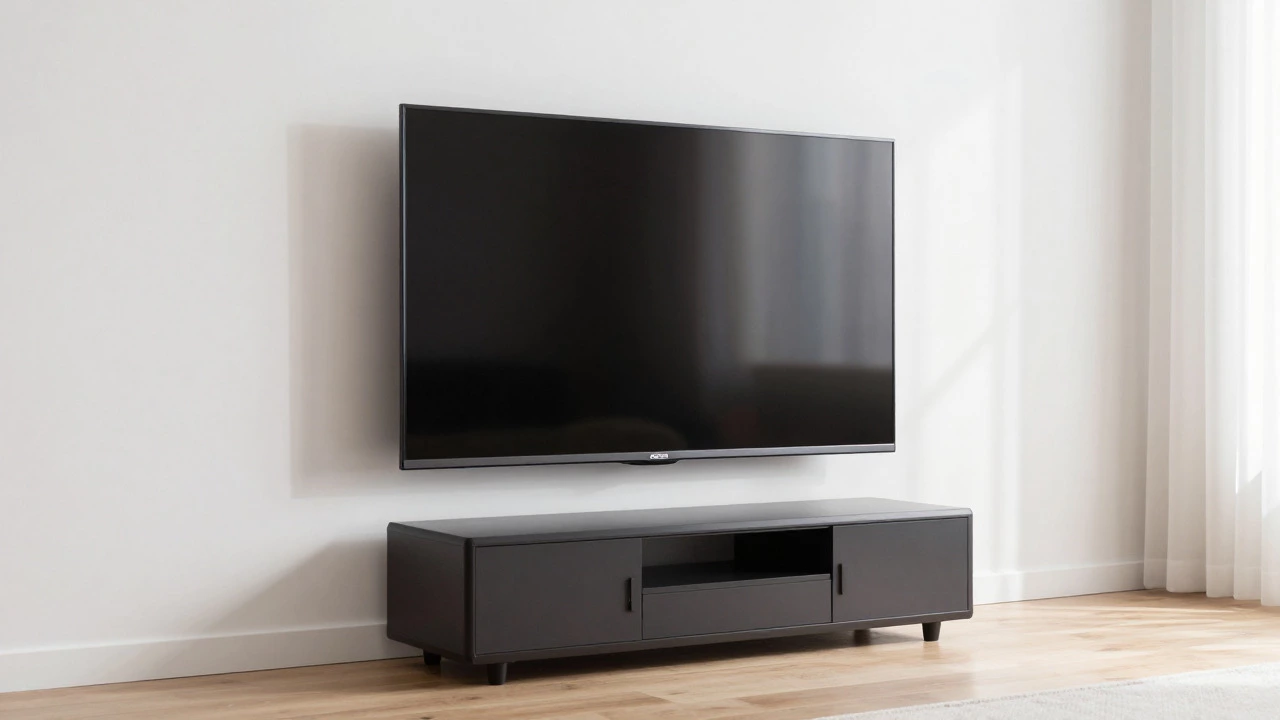
The short answer is no. While you can wall mount almost any modern flat-screen TV, the "stand" itself-the physical base or furniture piece-is rarely designed to be mounted on a wall. In fact, trying to do so can lead to structural failure, damaged walls, or worse, a falling television. However, many people use this phrase to mean something slightly different: "Can I remove my TV from its existing stand setup and mount it to the wall instead?" That is a different story entirely.
Understanding the Difference Between a TV and a TV Stand
To figure out what you can and cannot mount, we need to separate two distinct entities. First, there is the Television, which is the electronic display device containing the screen, processing board, and speakers. Second, there is the TV Stand, which is a piece of furniture or a plastic/metal base designed to support the weight of the television on a flat surface.
If you are asking whether you can take the wooden cabinet or the plastic pedestal off your current TV and screw that furniture into your wall, the answer is almost certainly no. TV stands are engineered to distribute weight downward onto a floor. They lack the reinforced backplates, VESA-compatible mounting holes, and structural integrity required to hold a heavy screen against gravity when suspended from studs.
However, if you are asking whether you can take the TV *off* its stand and mount the TV itself to the wall, then yes, you likely can. This is where the real technical work begins. You aren't mounting the stand; you are replacing the stand with a wall mount bracket.
The Golden Rule: VESA Compatibility
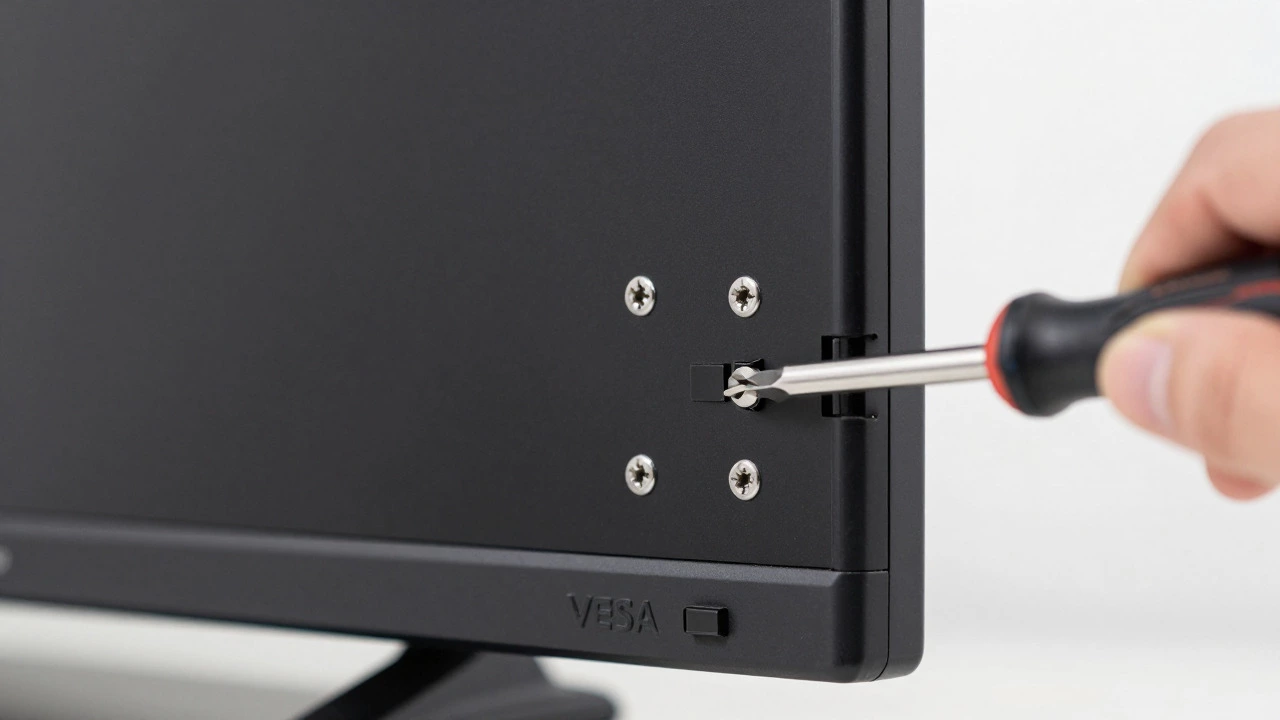
The single most important factor in determining if your TV can be wall-mounted is not the brand of the TV or the style of the room, but a standard called VESA, which is Video Electronics Standards Association, a global consortium that defines standards for audiovisual equipment interfaces. Specifically, you need to look for VESA mounting patterns.
Check the back of your television. Do you see four screws arranged in a square or rectangle? If yes, your TV is VESA compatible. These patterns are measured in millimeters between the holes. Common sizes include 100x100mm, 200x200mm, 400x400mm, and 600x400mm. Almost all flat-panel TVs made in the last decade feature these holes. Older CRT (cathode ray tube) televisions, those bulky boxes from the 90s and early 2000s, generally do not have VESA mounts and are extremely difficult to wall-mount safely due to their weight and depth.
If your TV has these holes, you don't need to worry about the original stand's design. You only need to ensure your new wall mount bracket matches that specific hole pattern. A 200x200mm TV will fit on a mount labeled for 75x75mm to 400x400mm, provided the weight capacity is sufficient.
Why Your Existing TV Stand Base Won't Work on the Wall
Let’s address the elephant in the room. Why can’t you just unscrew the legs of your TV stand and attach them to the wall? There are three main reasons:
- Weight Distribution: Floor stands use wide bases to prevent tipping. Wall mounts rely on direct attachment to wall studs. A TV stand base is often made of lightweight plastic or hollow wood. It cannot handle the torque and shear forces placed on a wall-mounted unit.
- Lack of Anchoring Points: TV stands are attached to the TV via simple bolts that go through the front of the TV’s chassis. They are not designed to bear the full vertical load of the screen when lifted off the ground. The connection points would strip out or snap under pressure.
- Cable Management Issues: Wall mounts are designed with channels to hide HDMI and power cables behind the TV. TV stands route cables downwards. Forcing a stand onto a wall creates an awkward gap between the screen and the wall, making it look cluttered and unprofessional.
In short, the stand is disposable once you decide to go wall-mounted. Save the furniture for another room, or repurpose it as a media console below your newly mounted TV.
Choosing the Right Wall Mount Bracket
Once you accept that the old stand is history, you need to buy a proper wall mount. Not all mounts are created equal. Choosing the wrong one can ruin your viewing experience or damage your wall.
| Mount Type | Movement | Best For | Pros | Cons |
|---|---|---|---|---|
| Fixed Mount | None | Straight-on viewing, bedrooms | Cheapest, thinnest profile | No angle adjustment |
| Tilting Mount | Vertical tilt | High installations (above fireplace) | Reduces glare from overhead lights | Slightly bulkier than fixed |
| Full-Motion Articulating Mount | Tilt, swivel, extend | Corners, multiple seating areas | Maximum flexibility | Most expensive, sticks out from wall |
For most living rooms, a Fixed Mount is the best choice. It holds the TV flush against the wall, mimicking the look of built-in architecture. If you are mounting the TV above a fireplace, where the screen is higher than eye level, a Tilting Mount is essential to angle the screen down and reduce neck strain.
Wall Structure Matters More Than the TV
You can have the most expensive Samsung or LG OLED TV in the world, but if your wall is weak, the mount doesn't matter. The safety of your installation depends entirely on what lies behind your drywall or plaster.
In most homes, especially in Melbourne and across Australia, interior walls are framed with timber studs. These studs are typically 45mm x 90mm or 90mm x 90mm. You must anchor your mount directly into these studs. Drywall anchors alone are insufficient for anything larger than a small 32-inch TV. They may hold for a month, but eventually, the vibration from bass speakers or accidental bumps will pull them free.
Use a stud finder to locate the center of the studs. Mark them clearly. If your TV is very large (65 inches or more), try to span at least two studs. This distributes the weight and reduces the risk of the wall bowing over time.
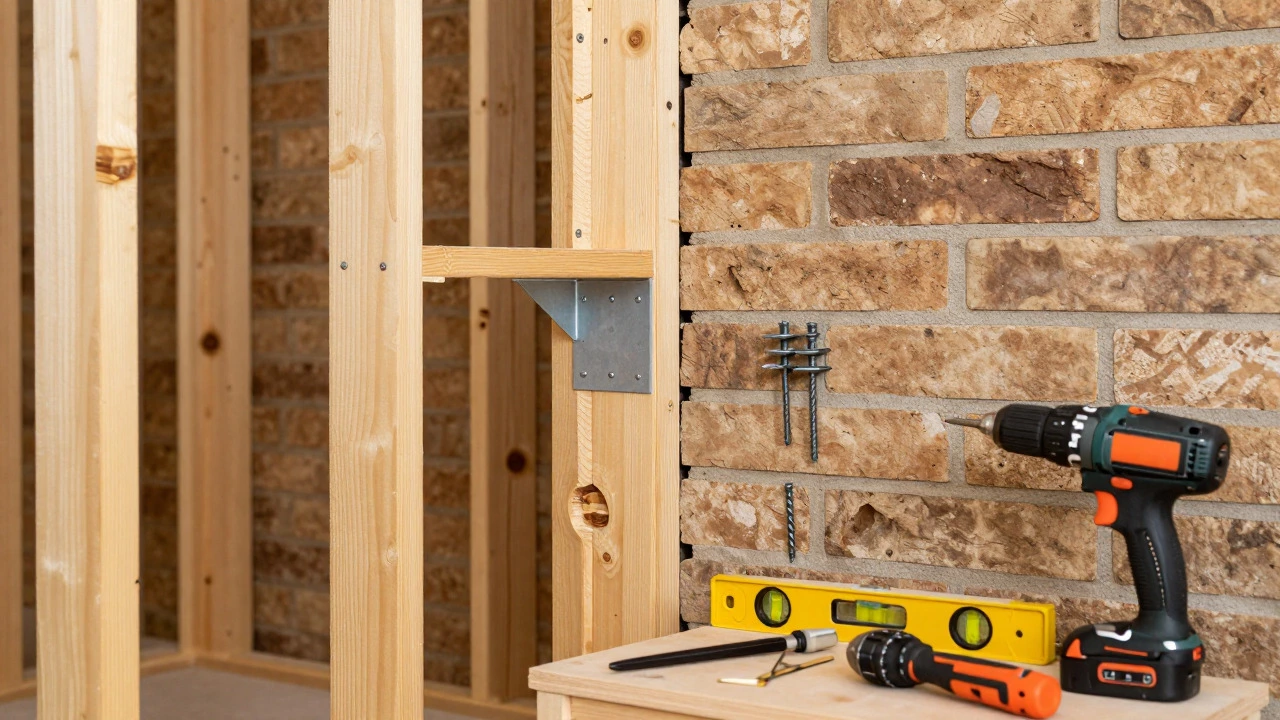
What if you hit brick or concrete? This is common in older apartments or load-bearing exterior walls. Brick walls are actually stronger than timber studs for holding weight, but they require different tools. You’ll need a hammer drill and masonry bits. Concrete requires even heavier-duty anchors, such as wedge anchors or sleeve anchors. Always check the weight rating of your anchors against the weight of your TV plus the mount.
Step-by-Step: Removing the Old Stand and Installing the New Mount
Now that you know the theory, let’s get practical. Here is how you transition from a floor-standing setup to a wall-mounted one without breaking anything.
- Prepare the Area: Clear the space around your TV. Lay down a soft blanket on the floor to protect the screen if you need to lay it down temporarily. Never place a TV face-down on a hard surface.
- Remove the Original Stand: Locate the screws attaching the base to the bottom of the TV. Use a Phillips-head screwdriver. Keep these screws in a small bag; you might need them if you ever want to return the TV to a floor stand. Set the base aside.
- Install the Wall Plate: Hold the wall plate (the part that attaches to the wall) against the studs. Use a level to ensure it is perfectly horizontal. An uneven mount will result in a crooked TV, which is visually jarring. Drill pilot holes into the studs, then secure the plate with long wood screws (usually 3-4 inches long).
- Attach the Mounting Arms: Most mounts come with arms that slide onto the back of the TV. Attach these arms to the VESA holes on your TV using the screws provided by the TV manufacturer or the mount kit. Tighten them securely, but don’t overtighten, as this can crack the plastic backing of some TVs.
- Hang the TV: This is the tricky part. You ideally need a second person. Lift the TV and hook the arms onto the wall plate. Ensure you hear a click or feel it lock into place. Double-check that it is secure before letting go completely.
- Secure with Safety Screws: Many mounts include a safety screw that goes from the top of the wall plate into the arm on the TV. Install this to prevent the TV from being accidentally lifted off the wall.
- Manage Cables: Run your HDMI, power, and ethernet cables through the mount’s cable management channel. Tuck them neatly behind the TV.
Common Mistakes to Avoid
Even experienced DIYers make errors during TV installation. Here are the most frequent pitfalls:
- Ignoring Cable Lengths: Before you mount the TV, measure the distance from the wall to the back of the TV when mounted. If your HDMI cables are too short, they won’t reach your receiver or game console. Buy longer cables beforehand.
- Mounting Too High: People often mount TVs at eye level while standing. But you watch TV while sitting. The center of the screen should be at eye level when seated on your sofa. For most people, this means the bottom of the TV is roughly 40-50 inches from the floor.
- Using the Wrong Screws: Don’t use random screws from your junk drawer. Use the screws specified by the mount manufacturer. Using screws that are too long can puncture the internal components of your TV, causing permanent damage.
- Forgetting Ventilation: Modern TVs run hot. Ensure there is at least an inch of clearance between the back of the TV and the wall for airflow. Fixed mounts usually provide this, but if you’re building a custom enclosure, leave gaps.
When to Call a Professional
While mounting a TV is a popular weekend project, there are scenarios where hiring a professional installer is worth the cost. Consider calling an expert if:
- Your TV is Extremely Large: Screens over 75 inches are heavy and unwieldy. Lifting them alone is risky.
- You Have Complex Wall Structures: If your wall contains pipes, wires, or unusual framing, a pro can navigate these obstacles safely.
- You Want Concealed Wiring: Professionals can run cables inside the wall (if permitted by local building codes) for a truly clean look. This involves cutting into the drywall and installing in-wall rated cables.
- You Lack Confidence: If you’re nervous about drilling into studs or lifting heavy objects, pay for peace of mind. A bad install can cost far more in repairs than the initial installation fee.
So, can you wall mount any TV stand? No. But you can wall mount almost any modern TV by discarding the stand and using the right hardware. By understanding VESA compatibility, choosing the correct mount type, and respecting your wall’s structure, you can achieve a sleek, safe, and professional-looking setup that transforms your living space.
Can I wall mount a TV without a VESA mount?
It is highly unlikely and unsafe. VESA mounts are the industry standard for securing flat-panel TVs to brackets. Without these standardized holes, there is no reliable way to attach a universal wall mount. Some very old or niche TVs may have proprietary mounting systems, but these are rare. If your TV lacks VESA holes, it was likely designed exclusively for floor stands.
Do I need to remove the original stand before wall mounting?
Yes, you almost always need to remove the original plastic or metal base. The wall mount bracket attaches directly to the VESA holes on the back of the TV. The original stand blocks access to these holes and adds unnecessary bulk and weight. Removing it allows the TV to sit flush against the wall.
How high should I mount my TV on the wall?
The center of the TV screen should be at eye level when you are seated on your couch. For most adults, this places the center of the screen approximately 42 inches from the floor. This translates to the bottom of the TV being roughly 30-40 inches off the ground, depending on the TV's height. Mounting it too high causes neck strain.
Can I mount a TV on a brick wall?
Yes, brick walls are excellent for TV mounting because they are strong and stable. However, you will need a hammer drill and masonry bits to create holes. You must also use appropriate masonry anchors, such as sleeve anchors or wedge anchors, rather than standard drywall plugs. Ensure the bricks are solid and not crumbling before drilling.
What happens if I mount a TV on drywall without studs?
If you mount a TV solely on drywall using anchors, it may hold initially but is at high risk of falling over time. Drywall anchors have limited weight capacity and can loosen due to vibrations or minor impacts. For TVs larger than 32 inches, always anchor into wall studs. For smaller TVs, high-quality toggle bolts can work, but studs remain the safest option.
Is it better to use a fixed mount or a full-motion mount?
It depends on your room layout. Fixed mounts are best if you sit directly in front of the TV, as they offer the slimmest profile and lowest cost. Full-motion mounts are ideal if you have multiple seating positions, such as a sectional sofa or chairs in corners, as they allow you to swivel and extend the TV for optimal viewing angles from different spots.