 24
Sep,2026
24
Sep,2026
Office Chair Ergonomic Checker
Enter your measurements below to receive personalized recommendations for your sitting position.
Calculating...
Recommendations
You spend eight hours a day in your chair. Maybe more. And yet, most people adjust their office chair height exactly once-when they first buy it-and never touch the lever again. That’s a mistake. Your body changes throughout the day, and so does your task. Sitting too high strains your shoulders; sitting too low twists your spine. So, which is worse? The short answer: neither. But one is easier to fix than you think.
Let’s cut through the noise. There is no universal "perfect" height. Ergonomics isn’t about hitting a magic number on a ruler. It’s about alignment. If your eyes aren’t level with the top third of your monitor, or if your feet dangle like a kid at a dinner table, your setup is fighting against your anatomy. Here’s how to find the sweet spot for office chair height, why it matters, and what happens when you get it wrong.
The Biomechanics of Sitting: Why Height Matters
Your spine has natural curves. When you sit correctly, these curves are supported. When you sit incorrectly, muscles work overtime just to keep you upright. This leads to fatigue, pain, and long-term issues like disc compression.
Think of your skeleton as a stack of blocks. Gravity pulls them down. Muscles hold them up. If the blocks are aligned, less muscle effort is needed. If they’re offset, muscles must contract constantly to prevent collapse. An improperly adjusted ergonomic chair forces this constant contraction.
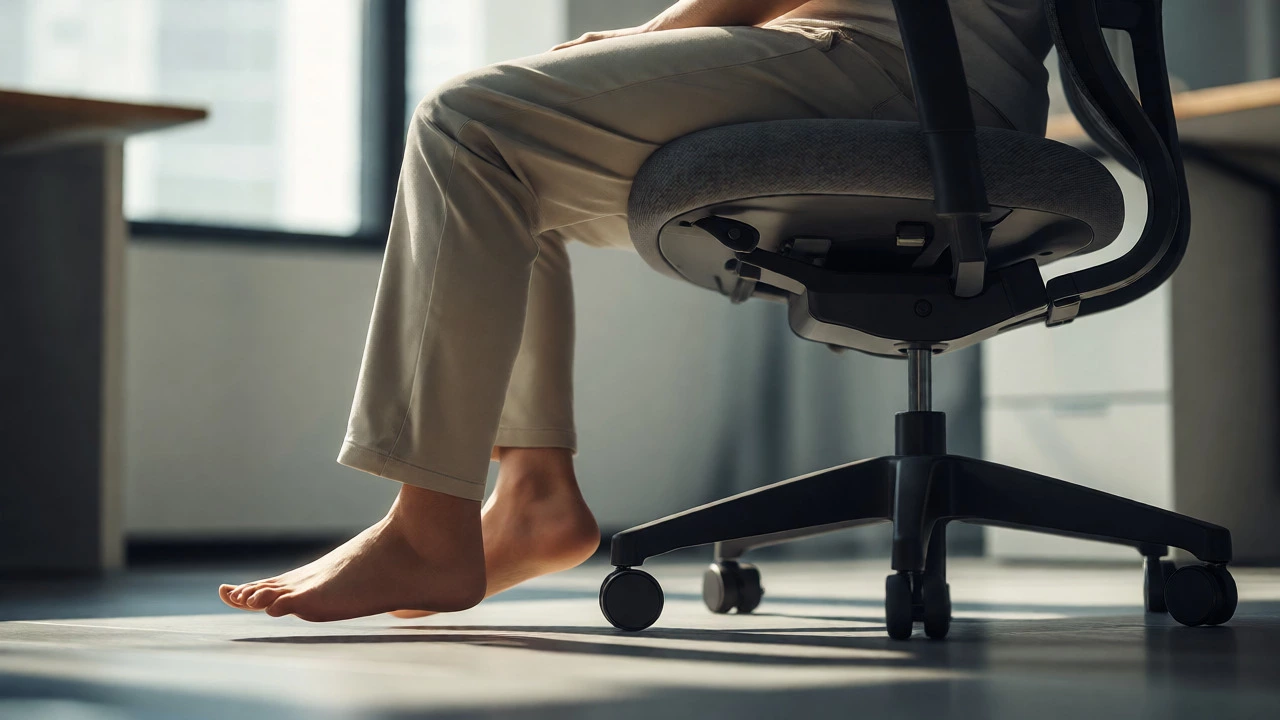
- Sitting Too High: Feet don’t reach the floor. Blood pools in legs. Thighs press against the seat edge, cutting circulation. Shoulders hunch to reach the keyboard.
- Sitting Too Low: Knees rise above hips. Pelvis tilts backward, flattening the lower back (lumbar lordosis). You slouch to see the screen, straining neck muscles.
How to Set Your Office Chair Height Correctly
Forget measuring tapes for a second. Use your body. Follow this three-step check. Do it now, while you’re reading this.
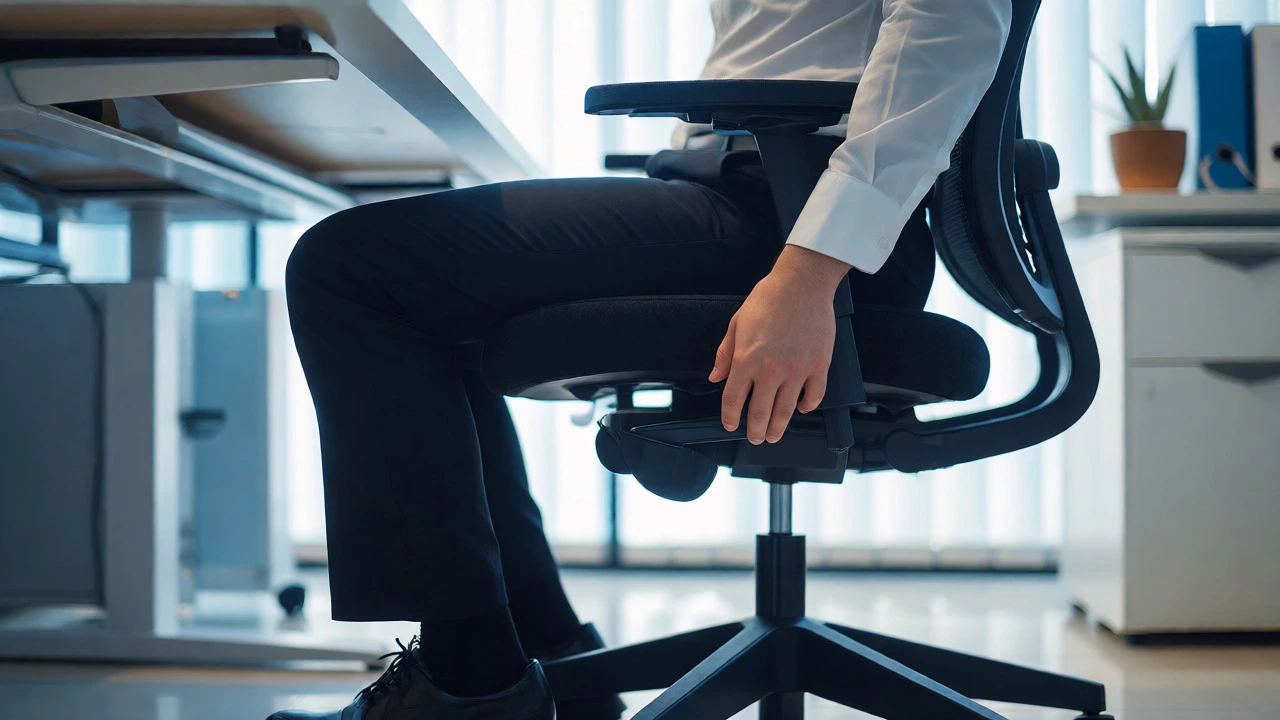
- Feet Flat: Adjust the seat height until both feet rest flat on the floor. If they don’t, use a footrest. Don’t let your heels hover.
- Knees at 90 Degrees: Your thighs should be parallel to the floor, or slightly angled downward. Knees should be at hip level or slightly lower. Never higher than your hips.
- Hips Slightly Higher Than Knees: A slight downward tilt of the pelvis opens the chest and supports the lumbar curve. If your knees are higher than your hips, you’re likely sitting too low.
Once your legs are set, move to your upper body. Elbows should form a 90-100 degree angle when resting on armrests or the desk. Wrists should remain straight, not bent upward or downward. If you have to shrug your shoulders to type, the chair is too low relative to the desk. If you have to lean forward, it might be too high.
High vs. Low: The Trade-Offs
Is there ever a case for sitting higher or lower than the "standard" recommendation? Yes. Context matters.
| Factor | Sitting Higher | Sitting Lower |
|---|---|---|
| Circulation | Risk of pressure on thighs if feet dangle; improved if using footrest and leaning forward slightly. | Better venous return if knees are below hips; risk of posterior pelvic tilt. |
| Spine Alignment | Easier to maintain neutral spine if desk is adjustable; encourages active sitting. | Harder to maintain lumbar curve; promotes slouching. |
| Eye Level | Easier to align eyes with monitor without raising screen excessively. | Requires raising monitor or tilting head up, causing neck strain. |
| Best For | Tall users, standing-desk hybrids, tasks requiring forward lean (drawing, writing). | Short users, relaxed reclining, tasks requiring stability. |
If you’re tall, sitting "low" by standard metrics often means your knees end up way above your hips. In that case, sitting higher is better. Conversely, if you’re shorter, a standard-height desk might force you into a hunched position unless you raise the chair and use a footrest. The goal is always neutrality, not conformity to an average.
The Role of Desk Height in Chair Adjustment
You can’t judge chair height in isolation. It’s a partnership with your desk. Most fixed desks are 29 inches high. This works for people between 5'6" and 5'10". Outside that range, problems arise.
If your desk is too high, raising your chair makes your elbows bend sharply upward, straining wrists. If your desk is too low, lowering your chair puts your eyes below the screen line. The solution? Adjust the desk if possible. If not, adjust the chair and compensate with accessories.
For example, if you must sit high because your desk is high, ensure your feet are supported by a sturdy footrest. This prevents the "dangling leg" issue. If you sit low, consider a laptop stand to raise the screen to eye level, preventing neck flexion.
Dynamic Sitting: Why Static Height Fails
Here’s a controversial idea: staying at one height all day is bad, even if it’s "correct." Human bodies aren’t designed for static postures. We evolved to move.
Research from Cornell University’s Human Factors and Ergonomics Lab suggests that changing posture every 30 minutes reduces discomfort significantly. So, vary your height. Start the morning sitting slightly higher for alertness and focus. Move to a lower, more reclined position for creative thinking or reading. Use the tilt mechanism on your chair to shift weight distribution.
This doesn’t mean cranking the lever every ten seconds. It means being aware. If you feel stiffness in your lower back, try lowering the seat slightly to open the hip angle. If your shoulders ache, raise the seat to bring the desk closer to elbow level. Listen to your body, not the manual.

Common Mistakes to Avoid
Even well-intentioned adjustments can go wrong. Watch out for these traps.
- Ignoring Armrests: If armrests push your shoulders up, they’re too high. Lower them or remove them if they interfere with desk proximity.
- Using a Thick Cushion: Adding memory foam pads raises your effective height. Re-check your knee angle after adding any cushion.
- Sliding Forward: Many people slide to the front of the seat to reach the keyboard. This disconnects the back support. Instead, adjust the seat depth or move the chair closer to the desk.
- Neglecting Footwear: Heels change your geometry. If you wear shoes with a 2-inch heel, your knee angle shifts. Either wear consistent footwear at work or adjust the chair accordingly.
Special Cases: Standing Desks and Perch Stools
If you use a standing desk, the rules change. You might use a perch stool, which places you in a semi-standing position. Here, "high" sitting is intentional. Your knees should be bent at about 45 degrees, engaging core muscles. This isn’t traditional sitting, so standard chair height rules don’t apply.
For those alternating between sitting and standing, keep two positions saved. One for full sitting (feet flat), one for perching (feet on ring, knees bent). Switch frequently to avoid static load on either mode.
Should my feet be flat on the floor?
Yes, ideally. If your feet don’t reach the floor when your knees are at 90 degrees, you need a footrest. Dangling feet restrict blood flow and cause thigh numbness. A footrest allows you to keep your thighs parallel to the ground while supporting your legs.
Is it bad to cross legs in an office chair?
Occasionally crossing legs is fine. Doing it habitually causes pelvic imbalance and spinal twisting. If you cross legs, switch sides regularly. Better yet, uncross them and place feet flat to maintain symmetry.
What if my desk is too high for my chair?
Raise your chair until your elbows are at desk level. Then add a footrest to support your feet. This keeps your upper body aligned while compensating for the desk height. Alternatively, use keyboard trays to lower the input surface.
Does chair height affect breathing?
Indirectly, yes. Slouching due to incorrect height compresses the diaphragm, leading to shallow breathing. Upright posture with proper lumbar support allows full lung expansion, improving oxygen intake and mental clarity.
How often should I adjust my chair?
Check your setup weekly. Body mechanics change with fatigue, clothing, and footwear. Also, vary your posture every 30-60 minutes. Small micro-adjustments prevent static strain.
Next Steps: Audit Your Setup Today
Don’t wait for pain to prompt action. Take five minutes right now. Stand up. Look at your chair. Check the lever. Is it locked in place? Are your wheels rolling freely? Sit down. Place feet flat. Check knees. Look at your elbows. Are they resting naturally? If anything feels forced, tweak it.
Remember, ergonomics is personal. What works for a colleague might hurt you. Experiment with small changes. Track how your body feels at the end of the day. Over time, you’ll develop an intuitive sense of what "right" feels like. Your back will thank you tomorrow.