 20
Apr,2026
20
Apr,2026
TV Viewing Angle & Tilt Estimator
Enter your measurements to determine if your TV needs a downward tilt to avoid the "neck crunch".
Recommendation: Calculating...
Enter values to see the suggested angle.
Quick Tips for TV Angles
- Eye Level: No tilt needed. Keep the screen perpendicular to the wall.
- High Mount: Tilt down slightly (5 to 15 degrees) to point the screen toward your eyes.
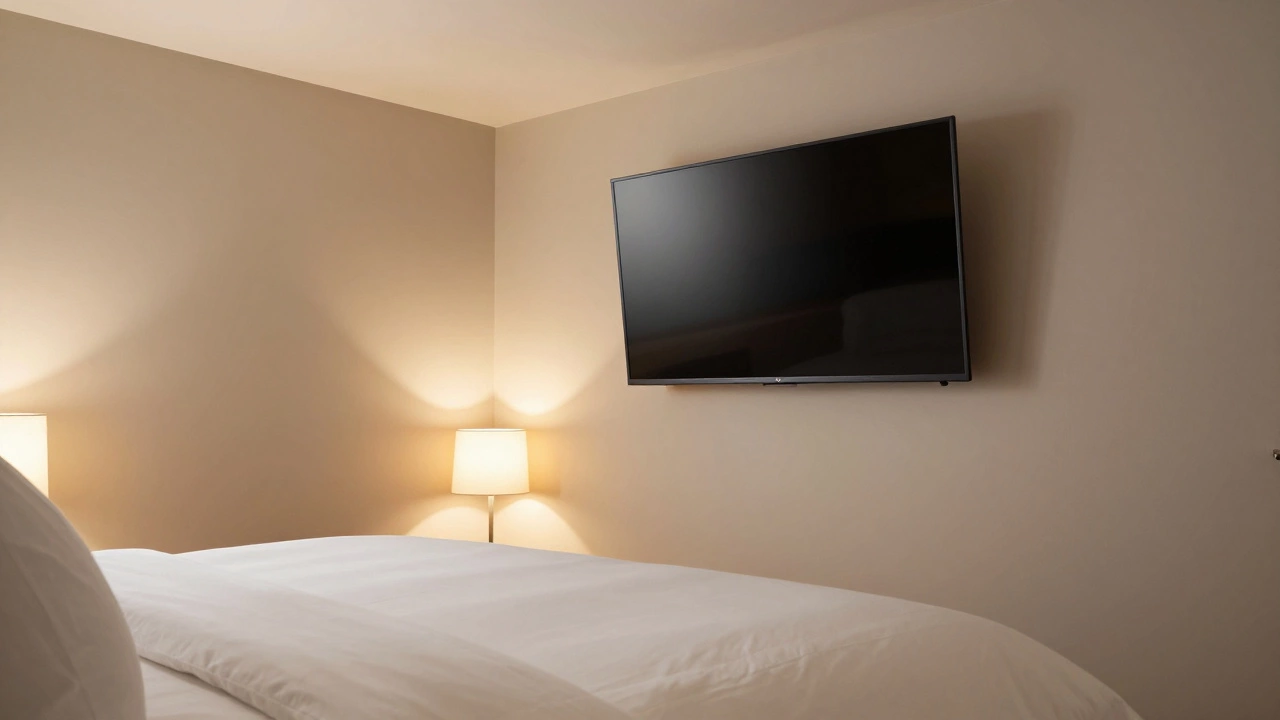
- Bedroom Setup: Tilt down significantly if the TV is mounted near the ceiling and you're watching from a bed.
- LED/OLED Warning: Avoid extreme tilts, as some panels lose color accuracy when viewed from sharp angles.
The Science of the Viewing Angle
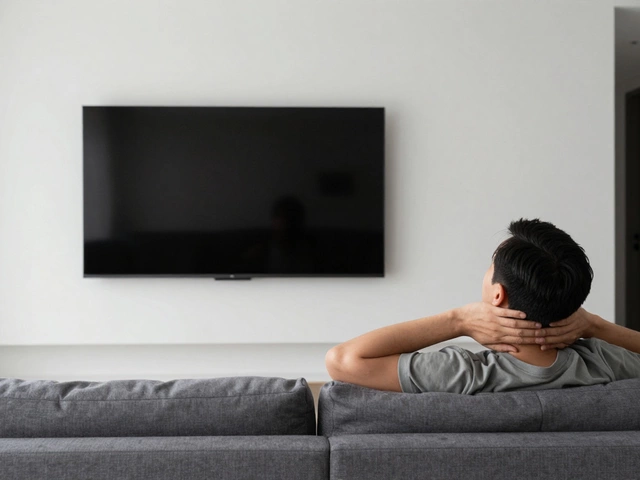
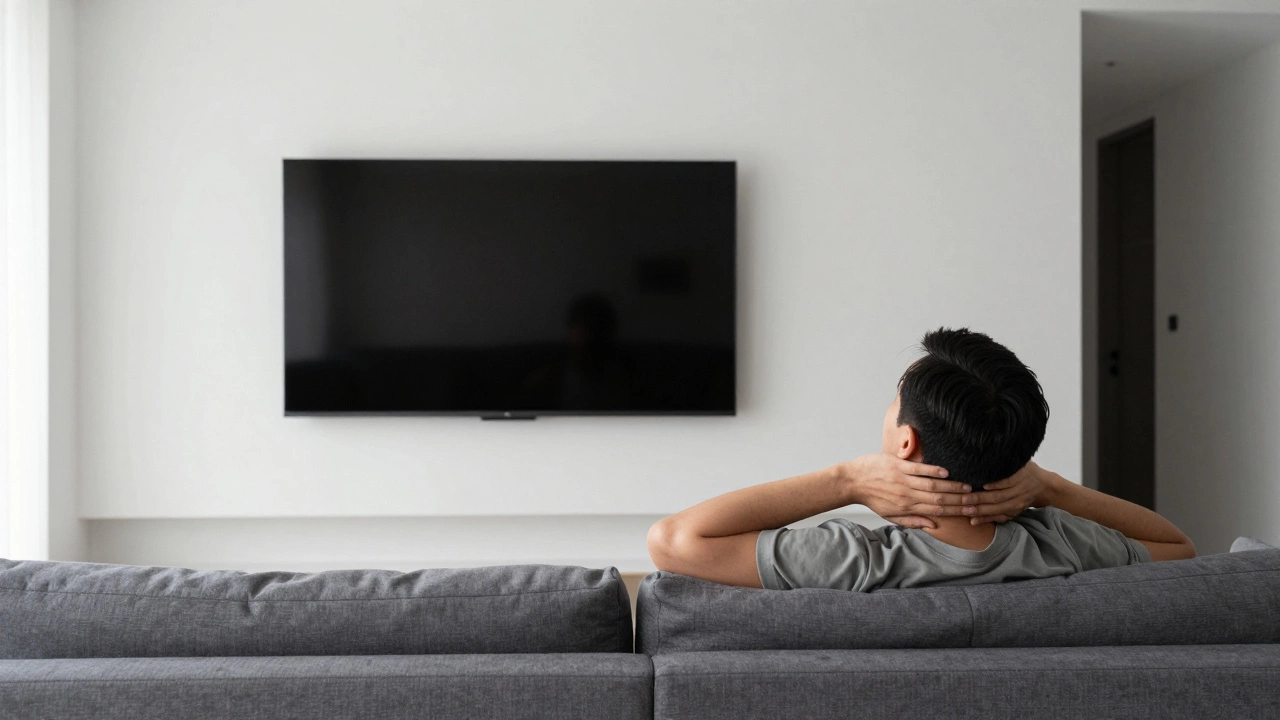
When we talk about Viewing Angle, we're talking about the line of sight between your eyes and the center of the screen. Ideally, your eyes should be level with the center of the display, or slightly above it. When a TV is mounted too high-a common mistake known as "TV Too High" syndrome-you end up tilting your head back. This puts pressure on your cervical spine, leading to stiffness and fatigue.
A Tilting Wall Mount is designed to fix this by bringing the screen's surface into a parallel plane with your gaze. Think of it like a mirror; if the mirror is high on the wall and you want to see your face, you have to angle it down. The same logic applies here. If you can't lower the TV, tilting it down is the only way to stop your neck from cramping.
When You Absolutely Should Tilt Down
There are a few specific scenarios where a downward tilt isn't just a suggestion, but a necessity. First, consider the bedroom. Most people mount their TVs high on the wall to avoid the screen blocking the dresser or to keep it out of the way of a footboard. Since you're lying flat on your back, your natural line of sight is upward. Without a tilt, you're fighting the screen's geometry.
Another case is the over-the-fireplace mount. Fireplaces are naturally high, and putting a TV above them often puts the screen well above the recommended eye level. In this setup, a tilt is mandatory. However, be careful not to overdo it. If you tilt the screen too far, you might start seeing reflections from the floor or a coffee table that weren't there before. It's a balancing act between ergonomic comfort and glare management.
The Hidden Downside: Picture Quality and Glare
Before you grab the tools and angle that screen, you need to know about Panel Technology. Not all screens handle tilting the same way. If you have an older LED TV with a VA (Vertical Alignment) panel, the colors and contrast can shift if you aren't looking at the screen straight on. This is called "color shift." If you tilt the TV too aggressively, the dark areas of the movie might start looking grey or washed out.
On the other hand, OLED TVs generally have much wider viewing angles, meaning the picture stays punchy even if the screen is tilted. But even with high-end tech, you have to worry about the light in your room. Tilting a TV down often changes which light sources are reflecting off the glass. You might solve the neck pain but suddenly find yourself staring at a reflection of your living room lamp right in the middle of the action.
| Placement Scenario | Recommended Tilt | Primary Goal | Potential Risk |
|---|---|---|---|
| On a TV Stand | 0° (Flat) | Eye-level comfort | Screen glare from windows |
| Mid-Wall Mount | 0° to 5° | Natural posture | Minor color shift |
| Over Fireplace | 10° to 15° | Neck relief | Reflections from floor |
| Bedroom Ceiling | 15° to 30° | Lying-down viewing | Significant color shift |
How to Find Your Perfect Angle
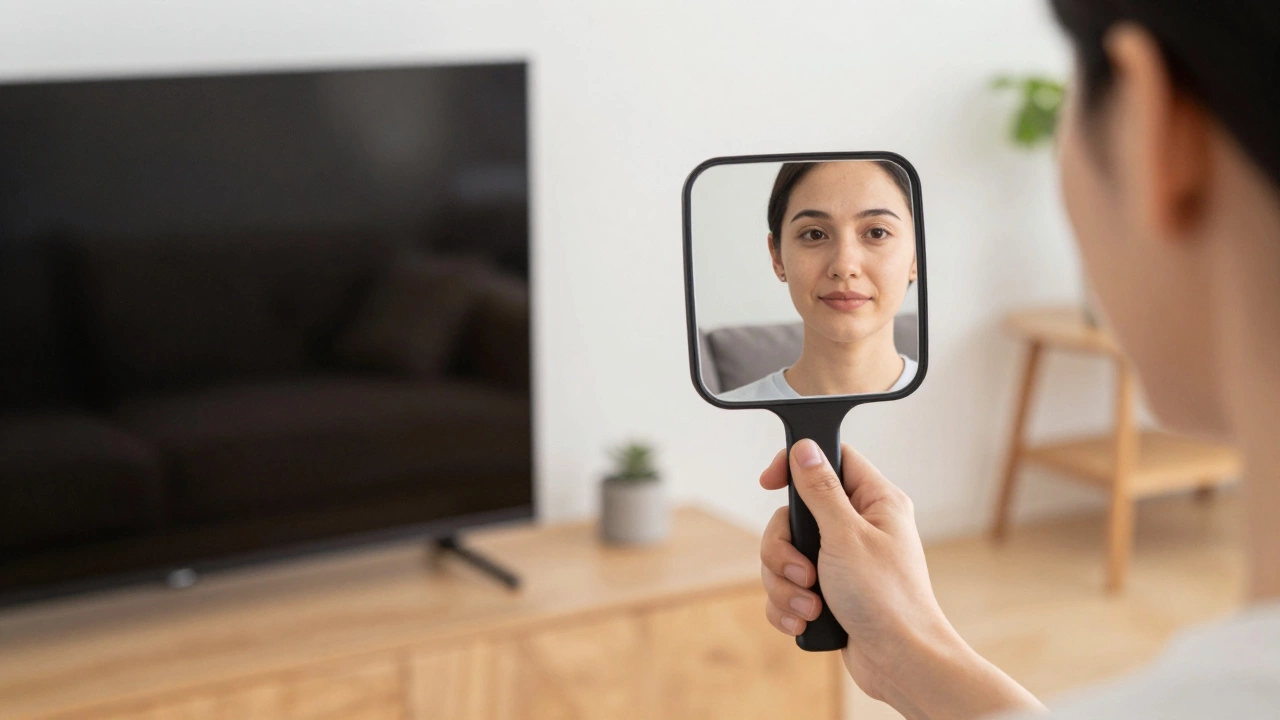
You don't need a protractor to get this right. The best way to find the "sweet spot" is to use the "Mirror Test." Have a friend hold a mirror against the TV screen while you sit in your favorite spot on the sofa. If you can see your own eyes in the mirror, the TV is angled correctly. If you see the top of your head or the ceiling, the TV is still too flat. If you see your chest, you've tilted it too far down.
Another pro tip is to check your TV stands height. If you're using a stand instead of a wall mount, you have less control over the tilt, but more control over the height. If the stand is too tall, you might be tempted to tilt the TV, but it's usually better to switch to a lower-profile piece of furniture. The golden rule is that the top third of the screen should be at eye level when you're seated. If you hit that mark, you won't need to tilt the screen at all.
Avoiding the "Neck Crunch"
If you've been dealing with a stiff neck after watching TV, it's likely because your viewing angle is forcing your head into a position called "hyperextension." This happens when you tilt your head back to look up. Over time, this can lead to chronic tension headaches and shoulder pain. Tilting the TV down solves this by allowing your head to remain in a neutral position.
But remember, tilting the TV is a band-aid fix for a mounting problem. If you have the option to move the TV lower, do it. A TV mounted at 42 inches (center point) from the floor is generally a safe bet for most living rooms. If you're stuck with a mount that's at 60 inches, a 10-degree downward tilt can be the difference between a relaxing evening and a trip to the chiropractor.
Common Mistakes to Avoid
One big mistake people make is tilting the TV based on where they stand, rather than where they sit. You might think the angle looks great while you're adjusting the mount, but once you sink into a soft couch, your eye level drops by several inches. Always test the angle while actually sitting in your viewing position.
Another error is ignoring the cable management. When you tilt a TV down, the gap between the screen and the wall changes. If your cables are too tight, tilting the TV could put stress on the HDMI ports or even pull the cables out. Make sure you have enough slack in your wiring before you start adjusting the angle of your Wall Mount.
Does tilting a TV affect the lifespan of the screen?
No, tilting the screen does not damage the internal hardware or shorten the lifespan of the pixels. However, if you use a cheap mount that allows the TV to wobble, you risk physical damage over time. As long as the mount is secure, tilting is perfectly safe.
Will tilting my TV cause more reflections?
Yes, it can. Because you're changing the angle of the glass, you might start picking up reflections from your coffee table, floor lamps, or windows that weren't visible when the TV was flat. It's a good idea to adjust the tilt during the brightest part of the day to see how it handles light.
What is the ideal angle for a bedroom TV?
Since most people watch TV in bed while lying back, a tilt of 15 to 30 degrees is often necessary. This aligns the screen with your line of sight, preventing you from having to strain your neck or prop yourself up with too many pillows.
Can I tilt a TV that is sitting on a stand?
Most factory stands don't allow for tilting. If you need a tilt while using a stand, you would need to buy a universal tilting table-top stand. However, the better solution is usually to move the stand to a lower surface or move your seating closer to the screen.
Does a downward tilt change the sound quality?
Yes, it does. Most TVs have speakers that fire downward or outward. When you tilt the TV down, you're effectively aiming those speakers more directly at your ears. In some cases, this can actually make the dialogue sound clearer, though a dedicated soundbar is always the better choice for audio.
Next Steps for Your Setup
If you've decided your TV is too high and you need a change, start by checking your mount. If you have a fixed mount, you might need to upgrade to a Full-Motion Mount or a tilting bracket. If you're using a stand, measure the distance from the floor to your eyes while sitting. If that distance is significantly lower than the center of your TV, consider swapping your current furniture for a lower-profile option.
For those who can't move their TV or change their mount, try adjusting your seating. Sometimes simply pulling the couch forward or adding a firmer back cushion can change your viewing angle enough to make the tilt unnecessary. Whatever you do, prioritize your neck health over the "look" of the room-you'll enjoy your shows much more when you aren't fighting a tension headache.