 10
May,2026
10
May,2026
TV Stand Recommendation Finder
Answer these three questions to find the perfect support solution for your television.
Recommended Solutions
You’ve just bought a new television, and the box contains those flimsy plastic or metal legs. You look at them, then at your expensive screen, and a wave of anxiety hits you. Will it tip over? Does it wobble on my uneven floor? Do I even want more clutter under my TV? If you are asking yourself what to use instead of TV legs, you are not alone. The standard VESA mounts that come with most sets are often the weakest link in your setup.
Replacing those default legs is one of the easiest upgrades you can make for both safety and aesthetics. It transforms your living room from a "store display" look into a tailored space. Whether you want a cleaner look, better storage, or just peace of mind knowing your TV won’t fall if your dog jumps on the coffee table, there are several solid alternatives. Let’s look at the best options available right now.
The Quick Summary: Best Alternatives to TV Legs
- Wall Mounts: Best for saving space and achieving a sleek, modern look.
- Media Consoles: Ideal for hiding cables and storing gaming consoles or soundbars.
- Floating Shelves: Great for small apartments where floor space is premium.
- Universal Replacement Feet: The cheapest fix if you just hate the original design but want to keep the TV on a surface.
- Entertainment Centers: Perfect for large TVs (65 inches+) that need serious structural support.
- Articulating Arms: Best for kitchens or offices where you need to adjust the viewing angle frequently.
Why You Might Want to Ditch Standard TV Legs
Before we jump into solutions, let’s talk about why the stock legs are so problematic. Most manufacturers cut costs here. They use thin metal brackets or lightweight plastic clips that barely grip the back of the panel. This creates a high center of gravity. If your TV is anything larger than 40 inches, it becomes a top-heavy hazard.
I’ve seen too many living rooms where the TV sits precariously on a glass coffee table or a narrow sideboard. One bump, one curious cat, and it’s game over. Beyond safety, standard legs add visual noise. They stick out awkwardly, catching light and creating shadows that distract from your content. By switching to an alternative support system, you gain stability, cable management control, and a much cleaner profile.
Option 1: Wall-Mounted Solutions
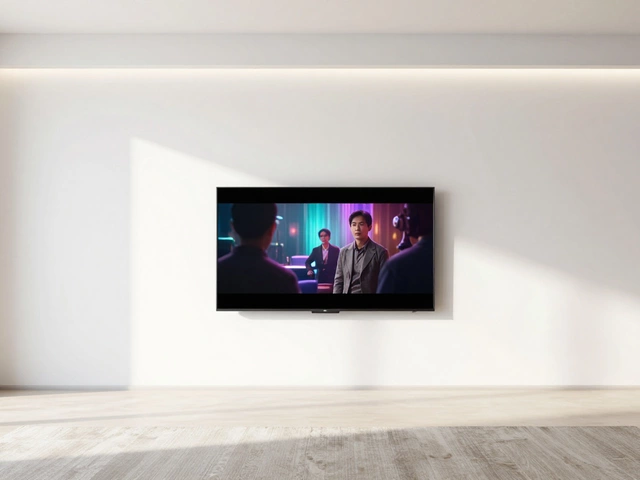
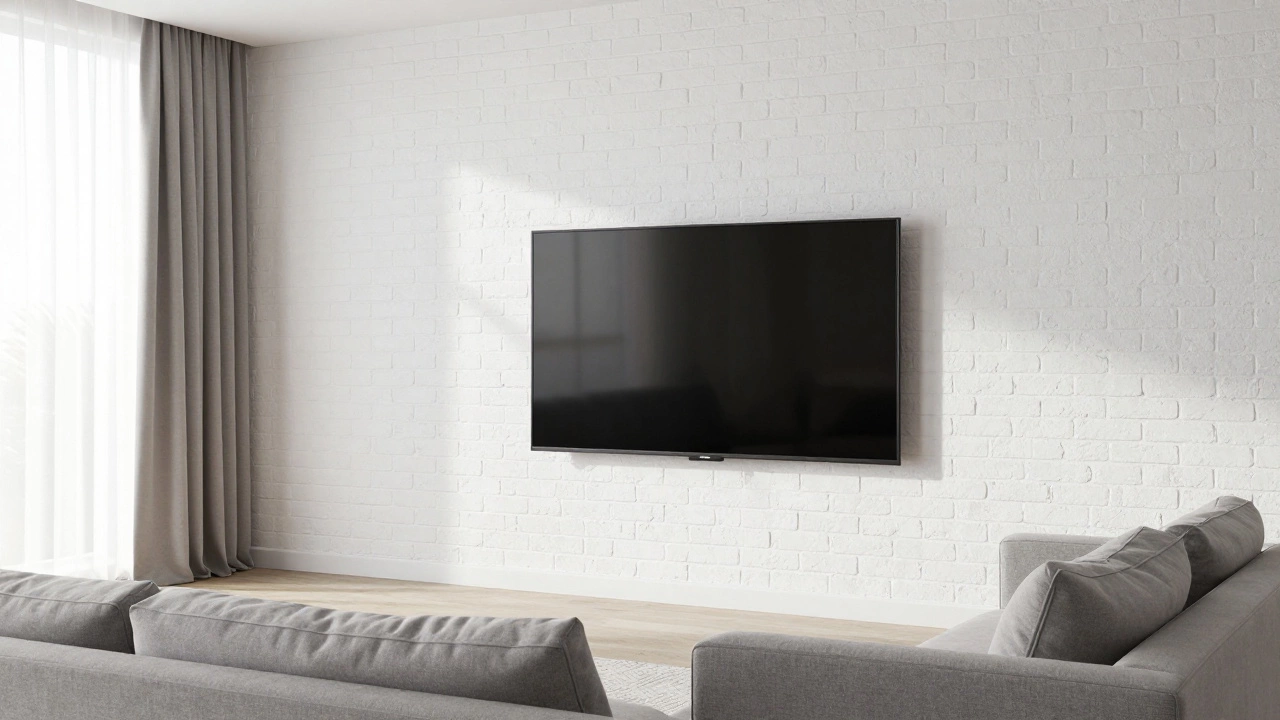
If you want the ultimate clean look, mounting your TV directly to the wall is the gold standard. This eliminates the need for any furniture underneath, freeing up your floor space completely. In Melbourne homes, where open-plan living is common, this helps maintain sightlines across the room.
There are three main types of wall mounts that serve different needs:
- Fixed Mounts: These sit flush against the wall. They are slim, secure, and affordable. However, you lose the ability to tilt or swivel the screen. This works best if your seating is directly in front of the TV at eye level.
- Tilting Mounts: These allow you to angle the TV down slightly. This is crucial if your TV is mounted higher up, perhaps above a fireplace or a radiator cover. It reduces neck strain significantly.
- Full-Motion Articulating Arms: Think of these as robotic arms. You can pull the TV out, rotate it left or right, and push it back. This is ideal for corner setups or multi-purpose rooms where people sit in different spots.
The catch? You need to find studs. In Australia, many homes have brick veneer or concrete block walls. If you don’t hit a stud (timber framing) or a solid brick cavity, you cannot safely hang a heavy TV. For plasterboard without studs, you’ll need specialized toggle bolts rated for the weight, but drilling into masonry is always safer for screens over 50 inches.
Option 2: Media Consoles and Low-Profile Cabinets
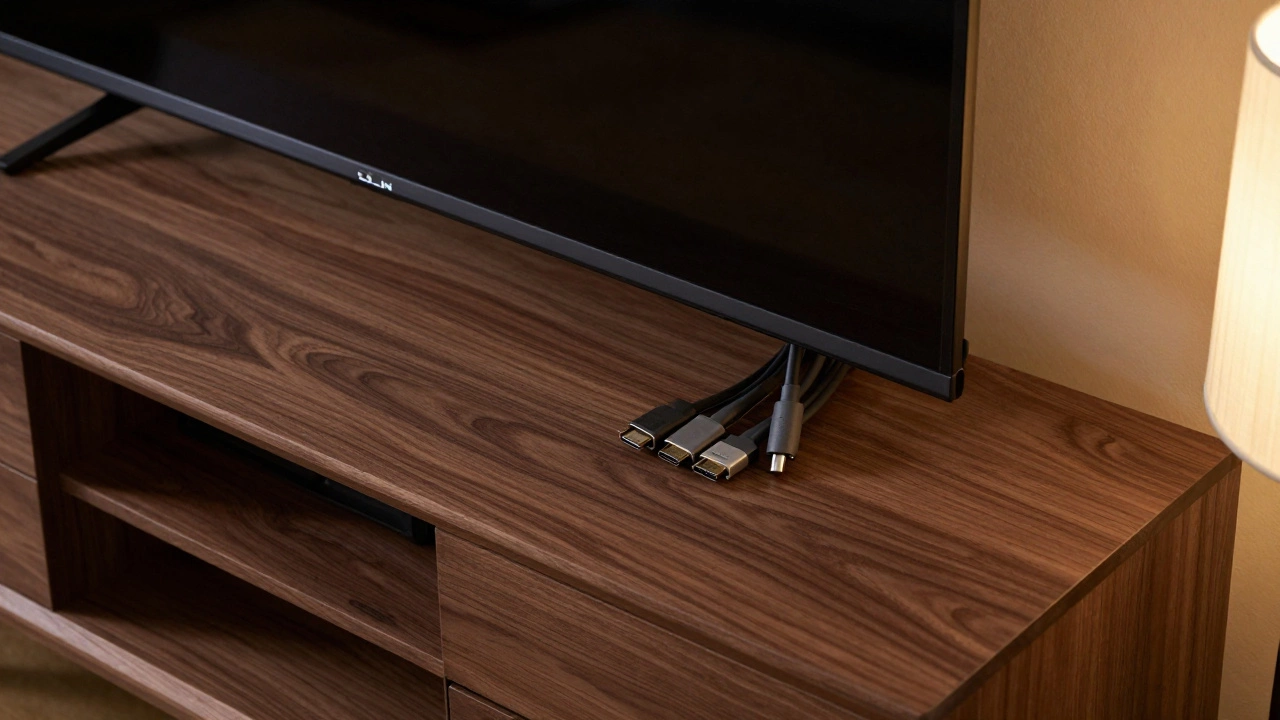
If wall mounting feels too permanent or you lack suitable wall structures, a media console is a low-profile cabinet designed specifically to hold televisions and associated electronics is the next best step. Unlike generic tables, media consoles are engineered with depth and width in mind. They usually have a recessed back panel to hide the tangle of HDMI, power, and Ethernet cables.
When choosing a media console, pay attention to the dimensions. Your TV’s width should be roughly 80-90% of the console’s width. If the TV is wider than the stand, it looks unstable and unsafe. If the stand is much wider than the TV, it looks disproportionate and wastes space.
For example, a 55-inch TV is about 123 cm wide. You should look for a console between 130 cm and 150 cm wide. This provides a stable base and leaves a little room on either side for decor or speakers. Look for materials like solid timber or high-density fiberboard (HDF). Avoid particle board if possible, as it doesn’t handle humidity well-a real concern in coastal areas like Melbourne during summer.
Option 3: Floating Shelves
For smaller TVs (up to 43 inches), floating shelves are wall-mounted shelves that appear to have no visible brackets, offering a minimalist aesthetic can be a stylish and space-saving alternative. They give the illusion that the TV is hovering, which adds a touch of modern sophistication to any room.
However, installation is critical. A floating shelf relies entirely on its internal supports. Cheap hollow-core rods won’t hold a 40kg TV. You need solid steel cross-braces anchored deep into the wall studs or brickwork. I recommend using a shelf that is at least 20-25 cm deep. Anything shallower, and the TV will overhang dangerously.
This option is fantastic for bedrooms or studios where every square meter counts. It keeps the floor clear, making the room feel larger and easier to clean. Just remember to check the weight rating of the shelf hardware before buying. Don’t guess-check the spec sheet.
Option 4: Universal Replacement Feet
Sometimes, you don’t want to mount the TV or buy a whole new piece of furniture. You just want better legs. Universal replacement feet are aftermarket VESA-compatible stands that replace the original manufacturer's legs with sturdier, more stylish options are surprisingly effective.
These kits screw directly into your TV’s VESA pattern (the four holes on the back). They often feature a wider base, rubberized grips to prevent sliding, and sometimes even integrated cable channels. Brands like Sanus or VIVO offer sturdy aluminum or steel bases that look far more premium than the plastic clips that came in the box.
This is the most flexible option. You can place your TV on a dresser, a mantelpiece, or a dedicated stand. It’s also reversible-if you decide to wall-mount later, you just unscrew them. It’s a low-cost upgrade that immediately improves stability and looks.
Option 5: Entertainment Centers
For large-screen TVs (65 inches and above), you need serious support. An entertainment center is a large, often tall, furniture unit designed to house big televisions along with extensive storage for media components provides the mass and balance required. These units are heavier, anchoring the TV securely.
They often include shelving for DVD players, game consoles, and sound systems. Some even have doors to conceal clutter. If you have a home theater setup, this is the way to go. It centralizes all your tech, keeping cables managed and devices protected from dust and pets.
Just ensure the entertainment center is level. Use shims if your floor is uneven. A tilted TV on a large cabinet is still a tipping hazard. Invest in a quality unit with thick panels and robust joinery. It’s a long-term investment in your living space.
Comparison Table: Choosing the Right Alternative
| Alternative | Best For | Installation Difficulty | Cost Range (AUD) | Storage Included? |
|---|---|---|---|---|
| Wall Mount (Fixed) | Small spaces, minimalists | Moderate | $30 - $100 | No |
| Media Console | Cable management, average rooms | Easy | $150 - $500 | Yes |
| Floating Shelf | Small TVs, bedrooms | Hard | $50 - $200 | Limited |
| Universal Feet | Quick fixes, flexibility | Very Easy | $20 - $60 | No |
| Entertainment Center | Large TVs, home theaters | Easy | $400 - $1,500+ | Yes, Extensive |
Safety First: Securing Your TV
No matter which alternative you choose, safety should be your top priority. According to consumer safety reports, TV tip-overs cause thousands of injuries each year, mostly to children and pets. Here are some non-negotiable steps:
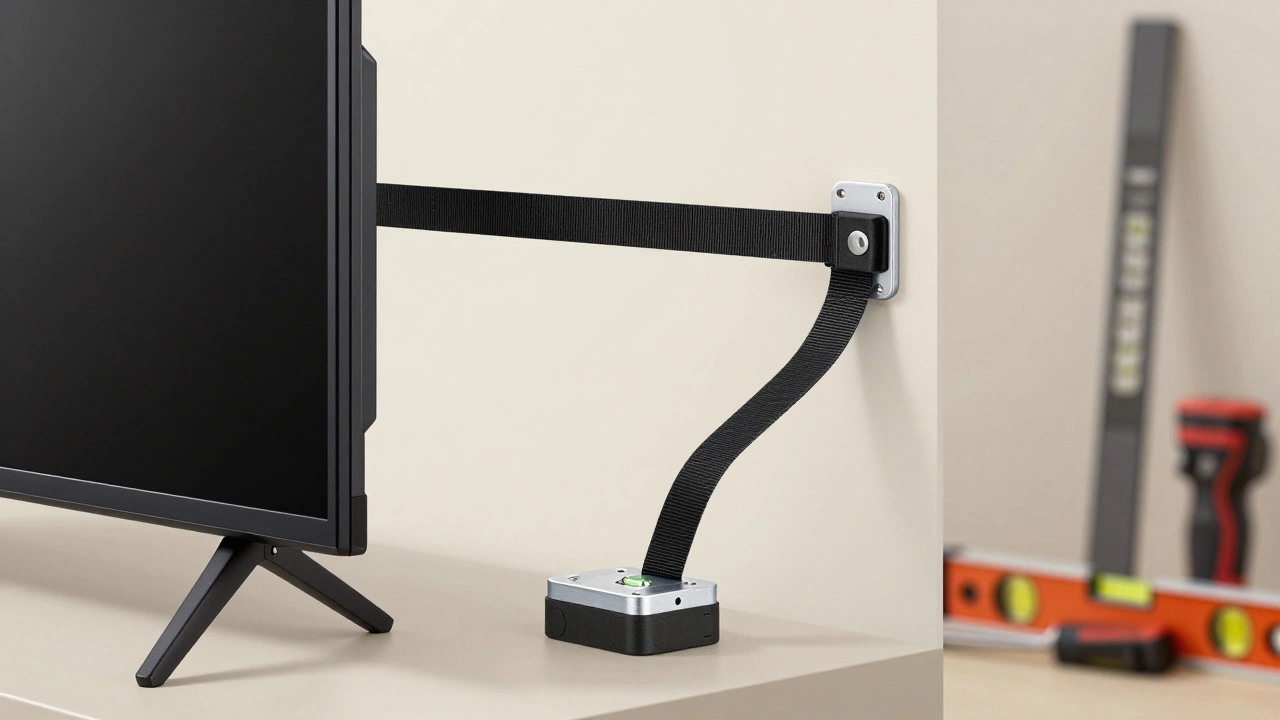
- Anti-Tip Kits: If you use a stand or console, always strap the TV to the wall or the furniture itself. Most brands sell anti-tip straps that attach to the VESA holes and anchor to the wall.
- Weight Distribution: Place heavier items (like soundbars or consoles) on the bottom shelves of your media unit. Keep the top light to lower the center of gravity.
- Check VESA Compatibility: Before buying any mount or feet, measure the distance between the four holes on the back of your TV. Common patterns are 100x100mm, 200x200mm, and 400x400mm. Mismatched holes mean the product won’t fit.
- Professional Installation: If you’re unsure about drilling into brick or finding studs, hire a professional. It’s cheaper than replacing a shattered screen.
Final Thoughts on Upgrading Your TV Support
Ditching those cheap factory legs is a small change with a big impact. It improves the look of your room, secures your investment, and gives you control over how your tech integrates into your home. Whether you go for the sleekness of a wall mount or the practicality of a media console, the key is matching the solution to your space and lifestyle.
Take your time to measure your TV, check your wall type, and consider your storage needs. Your living room-and your peace of mind-will thank you.
Can I use a regular bookshelf as a TV stand?
It is generally not recommended. Bookshelves are designed for vertical stacking of books, not the horizontal weight distribution of a TV. They often lack the depth and width needed for stability, increasing the risk of tipping. If you must use one, ensure it is anchored to the wall and that the TV fits comfortably within the shelf dimensions without overhanging.
How do I know if my wall can support a wall-mounted TV?
How do I know if my wall can support a wall-mounted TV?
You need to identify the wall structure. Timber stud walls require screws into the studs (usually 45cm apart). Brick or concrete walls require drill anchors rated for the TV’s weight. Plasterboard alone cannot support a heavy TV unless you use specific toggle bolts or find a stud behind it. Use a stud finder or consult a professional to avoid damaging your wall or risking a fall.
What is the safest way to place a TV on a dresser?
The safest method is to use universal replacement feet for better grip and then secure the TV to the wall with an anti-tip strap. Additionally, ensure the dresser is heavy and stable. Avoid placing the TV on the top drawer if it slides out easily, as this can destabilize the entire unit. Keep cords organized and away from walking paths to prevent tripping.
Do floating shelves work for large 65-inch TVs?
Floating shelves are rarely suitable for 65-inch TVs due to their significant weight (often 20-30kg) and size. The leverage created by such a large screen can snap the internal brackets of most floating shelves. Stick to floating shelves for TVs up to 43 inches. For larger screens, a sturdy media console or a full-motion wall mount anchored to studs is much safer.
Is it worth hiring a professional to install a TV mount?
Yes, especially if you are dealing with brick walls, large TVs, or complex cable routing. Professional installers have the right tools to find studs, drill cleanly, and manage wires inside the wall for a seamless look. They also typically offer a warranty on their workmanship. For simple fixed mounts on timber studs, a confident DIYer can handle it, but safety should never be compromised.