 31
Aug,2026
31
Aug,2026
TV Placement Checker
Thinking about where to put your new TV? Check if your chosen spot avoids common pitfalls like glare, neck strain, or heat damage.
Your Setup Details
Evaluation Results
Pending...You just bought the perfect TV stand, and your new screen looks stunning. But three weeks later, you're squinting at the screen during the afternoon news, or your neck hurts after every movie night. Sound familiar? Most people treat TV placement as an afterthought, shoving the unit wherever there’s empty wall space. That is a mistake. The location of your television dictates your comfort, your viewing experience, and even the flow of your entire living room.
If you are setting up a home theater or just trying to make your lounge functional, knowing where not to put the TV is just as important as knowing where to put it. Here is how to avoid the most common pitfalls that ruin viewing experiences.
The Direct Opposite of Windows
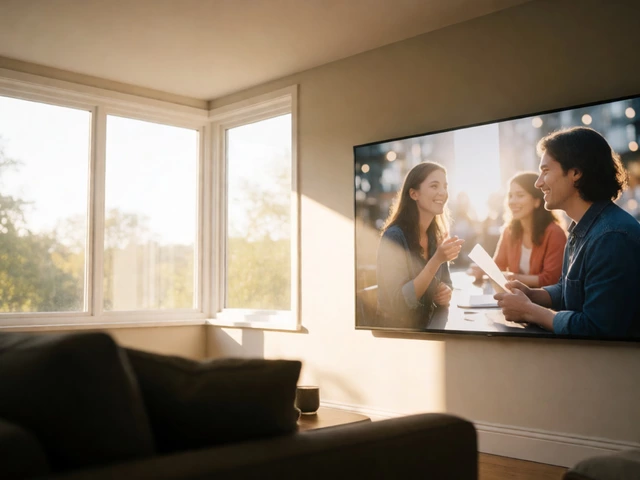
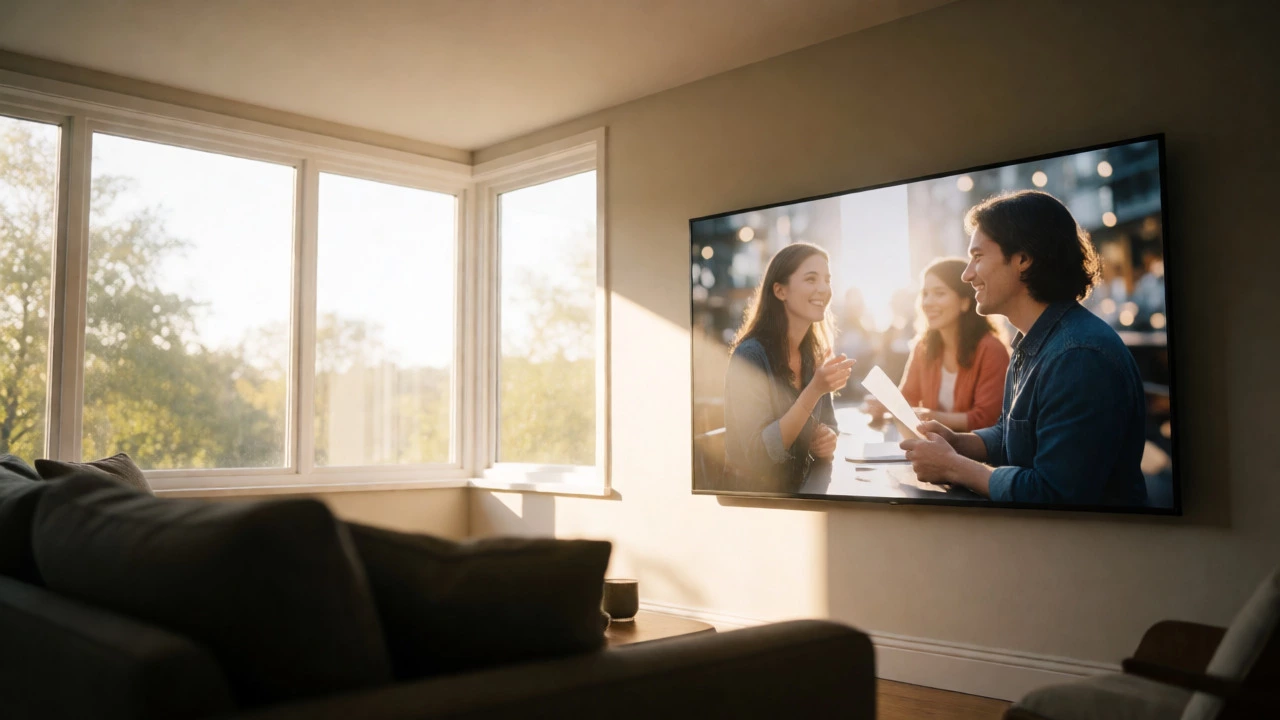
This is the number one killer of picture quality. If you place your TV directly opposite a large window, you are fighting physics. During the day, sunlight floods the room. Even if the sun isn't hitting the screen directly, the ambient light reflects off the glass panel, washing out the colors and making blacks look gray. You end up cranking the brightness up to maximum, which drains your eyes and shortens the lifespan of your LED or OLED panel.
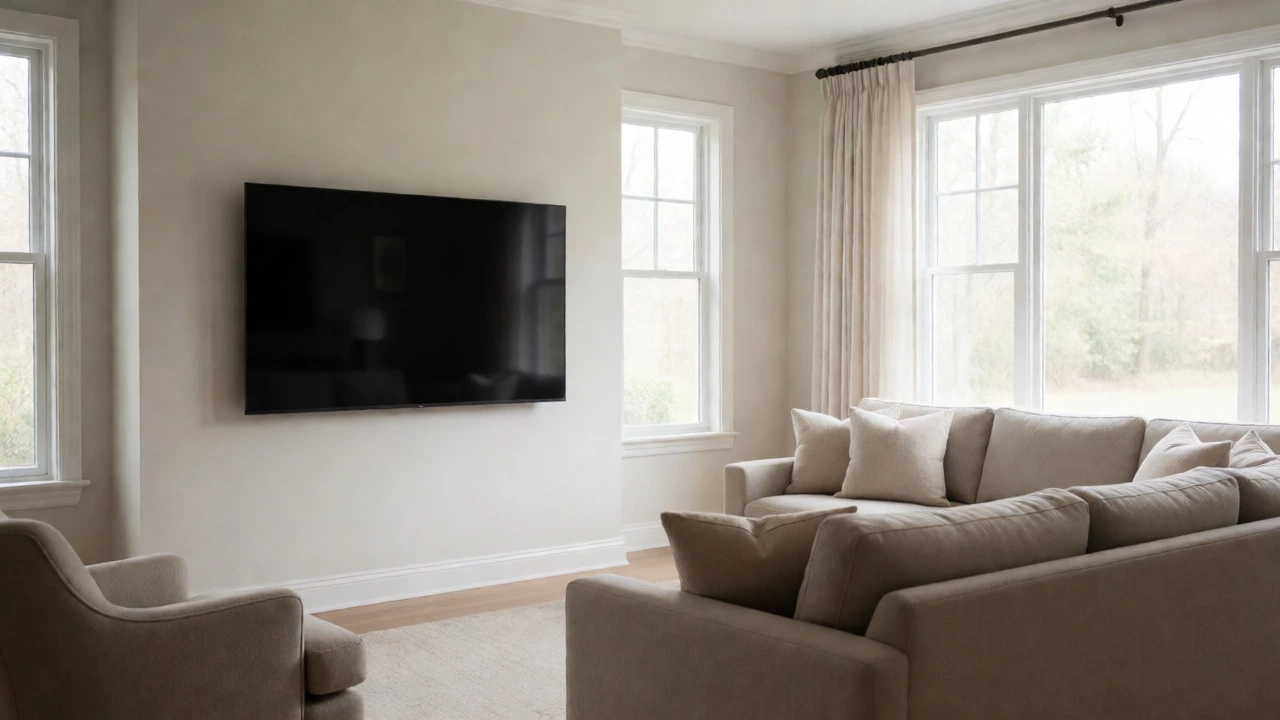
In Melbourne, where we get intense summer sun, this is critical. A south-facing window might be manageable with blinds, but east or west-facing windows are brutal. If your living room has a massive bay window on one side, do not center the TV on the wall directly facing it unless you plan to live with your curtains closed all day. Instead, try placing the TV on a perpendicular wall. This way, the light comes from the side, reducing direct glare while keeping the room bright.
Above the Fireplace
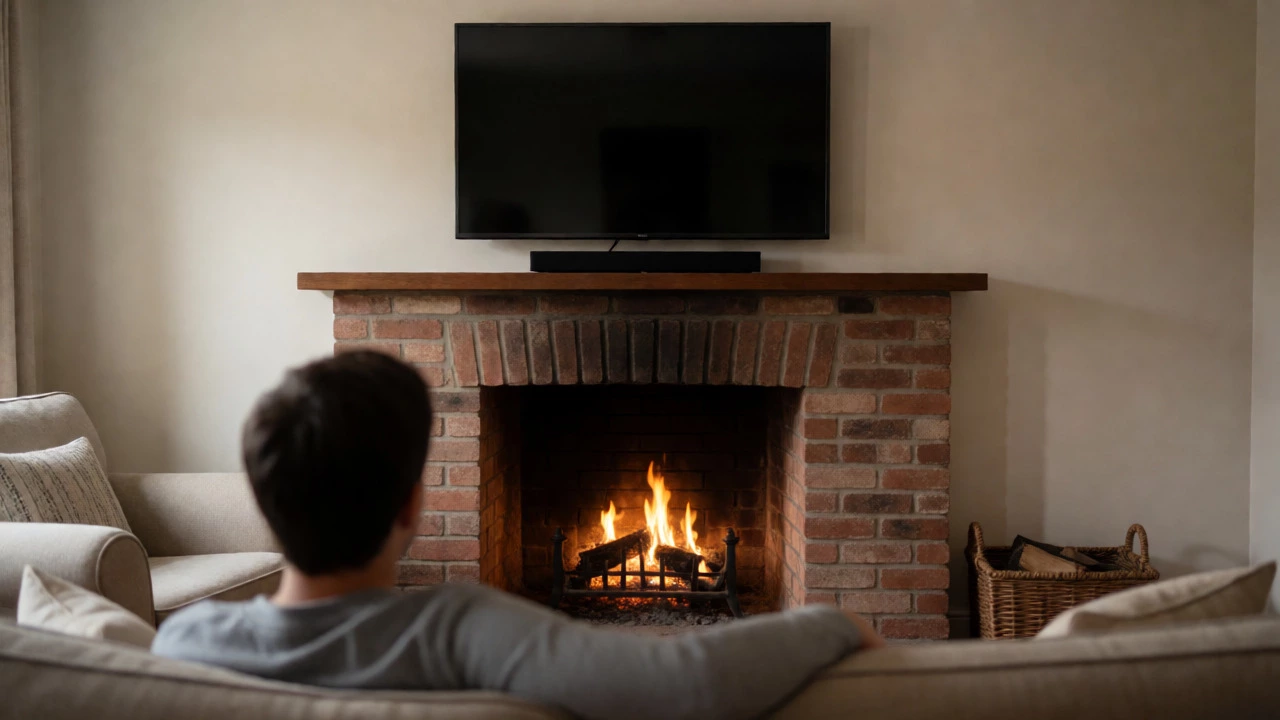
It looks classic in movies, but in real life, mounting a TV above a fireplace is usually a bad idea. There are two main problems here: heat and ergonomics.
First, heat rises. Even if you have a gas insert or an electric suite, the warmth escaping upward can damage sensitive electronic components over time. Manufacturers often void warranties if TVs are exposed to excessive heat sources. Second, and more importantly for your comfort, is the angle. Fireplaces are typically set into walls at a height that forces the mantel piece high up. Mounting a TV above that means the screen center is often eye-level when you are standing, not sitting. When you sit on your sofa, you are looking up. This causes "neck strain"-that subtle ache in your cervical spine after an hour of watching Netflix. It also creates a steep viewing angle, which distorts color accuracy on many panels.
If you absolutely must keep the fireplace as a focal point, consider a full-motion mount that pulls the TV down and forward when in use, or accept that the TV will be secondary to the fire.
In a Corner (Unless Designed For It)
Corners seem like great space savers. They tuck the bulky media console out of the way, freeing up floor space. However, standard corner setups often force the TV to face diagonally across the room. Unless you have a curved sectional sofa arranged specifically around that corner, you end up with viewers sitting at awkward angles. One person sees the screen head-on; the other sees it from the side, losing contrast and detail.
Furthermore, corners can feel cramped. If you have a large 65-inch or 75-inch screen, jamming it into a tight nook makes the room feel smaller. The depth of modern consoles combined with the protrusion of the TV can create a bottleneck effect near walkways. Only use a corner if you have a dedicated corner unit designed to optimize the angle, or if your seating arrangement naturally pivots toward that spot.
Too Close to Seating
Modern TVs are thinner and larger than ever. The old rule of thumb-sitting ten feet away for a 40-inch TV-is outdated. With 4K resolution, you can sit much closer without seeing pixels. But there is a limit. If you place your TV too close to your sofa, you suffer from "screen overwhelm." Your eyes have to dart around constantly to take in the whole image, causing fatigue. It feels less like watching a movie and more like being inside a video game cockpit.
For a standard 55-inch 4K TV, the sweet spot is about 1.5 to 2 times the diagonal size. So, roughly 7 to 9 feet away. Measure your actual seating distance before buying a stand. Many people buy a wide console first, then realize their sofa is only six feet away, making the setup feel claustrophobic. Check the manufacturer's recommended viewing distance chart-it varies by brand and resolution.
Blocking Traffic Flow
Furniture should facilitate movement, not hinder it. If your TV stand sits in a high-traffic pathway between the kitchen and the front door, you will constantly bump into it or step over cables. Worse, you might block natural walking lines, forcing guests to navigate around the media unit awkwardly.
Imagine hosting a dinner party. People need to move from the dining area to the lounge. If the TV unit is in the middle of that route, it becomes an obstacle. Ensure there is at least 30 to 36 inches of clearance around the stand. If your living room is small, opt for a wall-mounted solution with floating shelves instead of a bulky floor-standing cabinet. This keeps the floor clear and maintains open sightlines.
Near High-Voltage Appliances
While less common now due to better shielding, interference can still occur. Placing your TV right next to a large refrigerator, air conditioning unit, or heavy-duty power tools storage area can introduce electrical noise. More practically, these appliances generate vibration and heat. Vibration can loosen connections over time, and heat affects longevity. Also, think about cable management. Running HDMI and power cords across a room to reach a distant outlet behind a fridge is messy and prone to tripping hazards. Keep your AV zone away from major appliance zones whenever possible.
On Uneven Floors
This sounds trivial, but it matters. Older homes, especially in inner-Melbourne suburbs, often have slightly uneven floors. If you place a tall, narrow TV stand on a sloped surface, it can wobble. A wobbling TV is distracting and potentially dangerous if someone leans on it. Always check the levelness of the spot before assembling. Use shims under the legs if necessary, or choose a wider-based stand that offers greater stability on imperfect surfaces.
Quick Reference: Good vs. Bad Placement
| Placement Location | Why It Fails | Better Alternative |
|---|---|---|
| Opposite Large Window | Glare washes out image; eye strain | Perpendicular wall or use blackout curtains |
| Above Fireplace | Heat damage; poor viewing angle (neck pain) | Side wall or full-motion tilt mount |
| Tight Corner | Awkward viewing angles; cramped feel | Wall mount or angled corner unit |
| Traffic Pathway | Obstructs movement; cable hazards | Wall-mounted unit or recessed niche |
| Direct Sunlight Path | UV damage to plastics/screens | Shaded wall or UV-filtering film |
How to Test Your Spot Before Committing
Don't drill holes yet. Do a mock-up. Cut a piece of cardboard the same size as your TV screen. Tape it to the wall where you think the TV should go. Sit in your usual viewing position. Look at it. Does the glare hit it? Is it too high? Is it blocking the view of the rest of the room?
Spend a few days with the cardboard. Watch it at different times of the day. Morning light behaves differently than evening light. If you find yourself adjusting the cardboard multiple times, listen to those instincts. The best spot is the one that disappears-you stop noticing the TV itself and just enjoy the content.
Final Thoughts on Layout Harmony
Your living room is a multi-functional space. It’s for conversation, reading, eating, and watching. The TV shouldn't dominate so heavily that it kills the vibe. If everyone ends up staring at the screen while ignoring each other, the placement might be too central or too prominent. Sometimes, placing the TV slightly off-center, integrated into bookshelves or a media wall, helps blend it into the decor rather than having it scream "technology!" from the bare wall.
Remember, there is no single "correct" spot for every house. It depends on your specific architecture, lighting, and lifestyle. But by avoiding these five common traps-glare, heat, awkward angles, traffic blocks, and poor ergonomics-you’ll save yourself headaches and ensure your entertainment system actually enhances your home rather than complicating it.
Is it okay to put a TV opposite a window if I have blinds?
Yes, but it requires discipline. You will need to close the blinds every time you watch TV, which changes the room's atmosphere. If you prefer natural light while watching, a perpendicular wall is a better choice to minimize direct reflection.
Can I mount my TV above a gas fireplace?
It is risky. Gas fireplaces produce significant heat that rises directly into the screen. Over time, this can warp plastic components and shorten the lifespan of the panel. If you must, ensure there is a substantial shelf or heat barrier between the flame and the TV, and check your manufacturer's warranty terms regarding heat exposure.
What is the ideal height for a TV screen?
The center of the TV screen should be at eye level when you are seated comfortably on your sofa. For most adults, this is approximately 42 inches from the floor to the center of the screen. Adjust based on your specific sofa height and personal preference.
Does a corner TV stand waste space?
Not necessarily. In rectangular rooms, corners are often dead space. A well-designed corner stand utilizes this area efficiently. However, it can make the room feel cluttered if the unit is too deep or if the viewing angles are compromised for some seats.
Should I worry about electrical interference?
In modern homes, this is rarely an issue. However, keeping your TV away from large motors like washing machines or heavy-duty transformers is good practice to prevent potential hum or signal noise, though digital signals are quite robust against minor interference.