 5
Jul,2026
5
Jul,2026
TV Stand Size & Fit Calculator
Enter Your Measurements (cm)
Analysis Results
Enter your measurements to see recommendations.
Picking a TV stand feels simple until you realize your new television is heavier than expected, too wide for the shelf, or leaves your living room looking cluttered. You don’t just need a place to put the TV; you need a piece of furniture that balances weight, hides messy cables, and fits the vibe of your space without costing a fortune.
I’ve spent years helping people in Melbourne navigate this exact dilemma. The market is flooded with options, from cheap particleboard units that wobble after six months to solid oak consoles that cost more than the TV itself. Getting it right means measuring twice, thinking about what’s behind the screen, and knowing exactly how much storage you actually need versus what you think you need.
Measure Your Space and Screen First
The biggest mistake buyers make is falling in love with a design before checking if it fits. It sounds obvious, but I see it constantly. People buy a beautiful unit only to find out their TV doesn’t fit on top, or the unit blocks the door when opened.
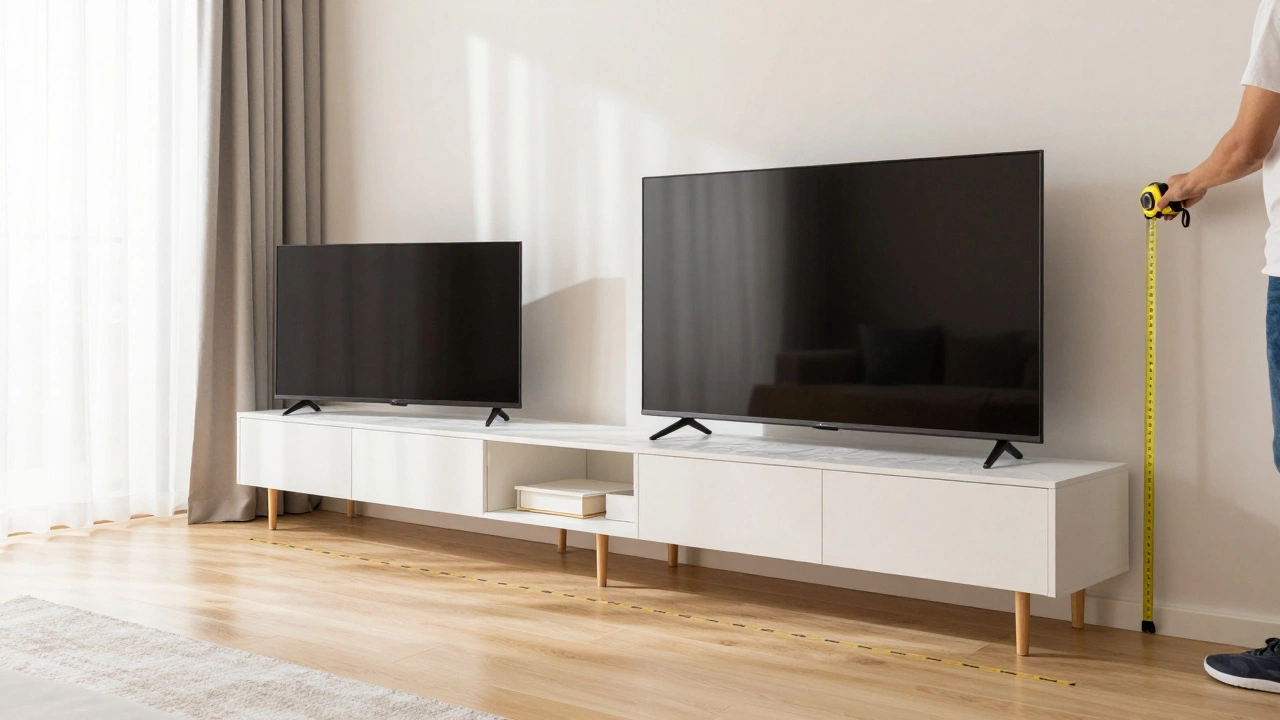
Start with your TV dimensions. Check the width and height of the screen, including the stand feet if you aren’t wall-mounting. As a rule of thumb, the TV stand should be at least 10-15 cm wider than your TV on each side. This provides visual balance and prevents the setup from looking top-heavy. If your TV is 120 cm wide, aim for a stand that is at least 140-150 cm wide.
Next, measure the wall space where the unit will go. Don’t forget to account for other furniture nearby, like sofas or armchairs. Leave at least 60-90 cm of clearance in front of the TV for comfortable viewing and walking paths. Also, check the depth. Standard TV stands are usually 40-50 cm deep. If you have a large gaming console or soundbar, ensure there’s enough room on the shelves without items spilling over the edge.
| Measurement Point | What to Measure | Why It Matters |
|---|---|---|
| TV Width | Left to right edges of the TV | Determines minimum stand width |
| Wall Space | Available horizontal length | Ensures unit fits without blocking doors/windows |
| Ceiling Height | Floor to ceiling | Crucial for tall corner units or floor-to-ceiling cabinets |
| Door Swing | Path of opening doors/cupboards | Prevents furniture from blocking entryways |
Decide on Style and Material
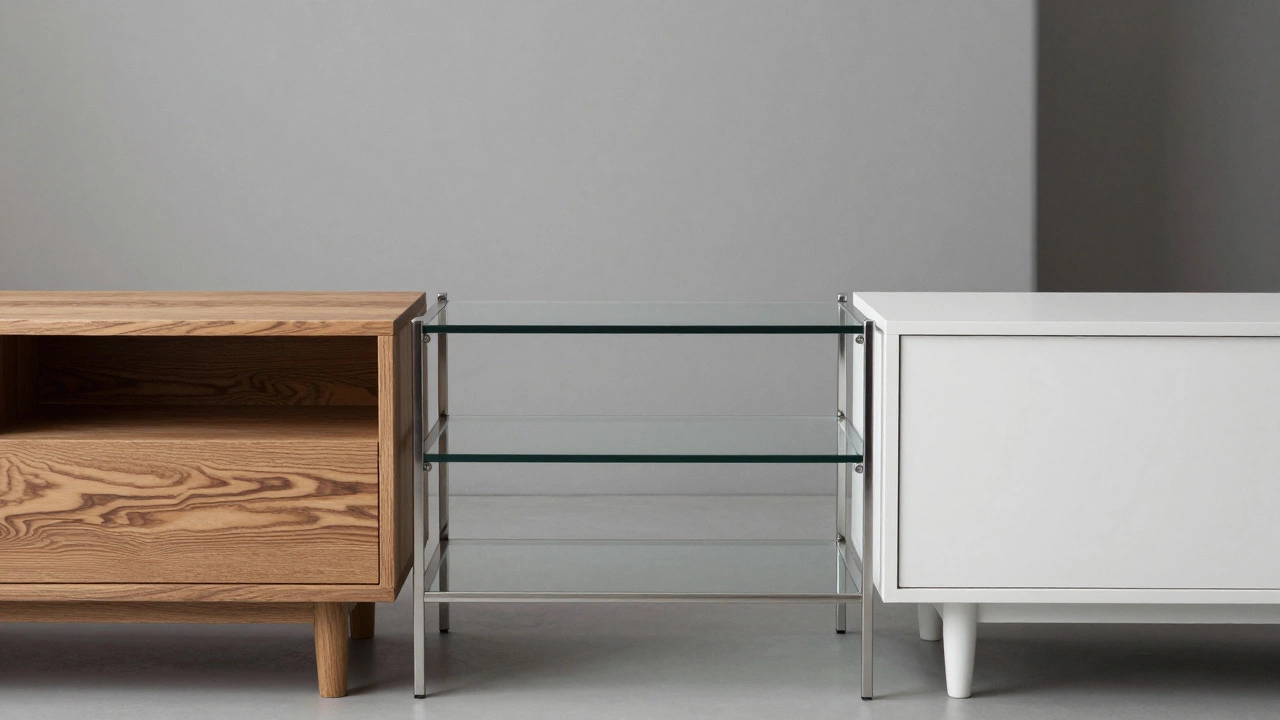
Your TV stand anchors the room’s aesthetic. In Australia, we tend to favor natural materials that age well, but your choice depends on your budget and lifestyle. Wood remains the gold standard for durability and warmth. Solid timber like oak, ash, or pine offers longevity and can often be repaired if scratched. Engineered wood (MDF or particleboard) is cheaper and lighter but susceptible to moisture damage and less durable over time.
If you live in a humid area or have young children who might spill drinks, consider metal or glass accents. Metal frames offer industrial chic and incredible strength, while glass shelves keep things feeling light and airy. However, glass shows fingerprints easily, so weigh the maintenance against the look.
Color matters too. Dark woods ground a room and hide dust better, making them practical for high-traffic areas. Light woods and whites brighten smaller spaces but require more frequent cleaning. Match the finish to your existing flooring or major furniture pieces to create cohesion. If your floors are dark hardwood, a matching dark TV stand creates a seamless flow. If your floors are light laminate, a white or light grey unit keeps the room feeling open.
Storage Needs: Open vs. Closed
This is where most people get stuck. Do you want everything displayed, or do you prefer a clean, minimalist look? Be honest about your tech inventory. Most households now have more than just a TV and a streaming stick. Think about game consoles, DVD players, soundbars, routers, and decorative items like plants or books.
Open shelving is great for displaying decorative items and easy access to frequently used devices. It makes small rooms feel larger because there are no heavy visual barriers. However, it collects dust quickly and can look chaotic if not styled carefully.
Closed cabinets provide hidden storage for clutter, cables, and less attractive electronics. They offer a cleaner look and protect devices from dust and curious pets or kids. The downside is ventilation. Electronics generate heat, so ensure closed cabinets have adequate airflow, such as perforated backs or vents.
A hybrid approach often works best. Look for units with a mix of drawers, cupboards, and open shelves. Use drawers for small accessories like remote controls and HDMI cables. Use cupboards for bulkier items like game consoles. Keep open shelves for items you use daily or want to show off.
Cable Management: The Unsung Hero
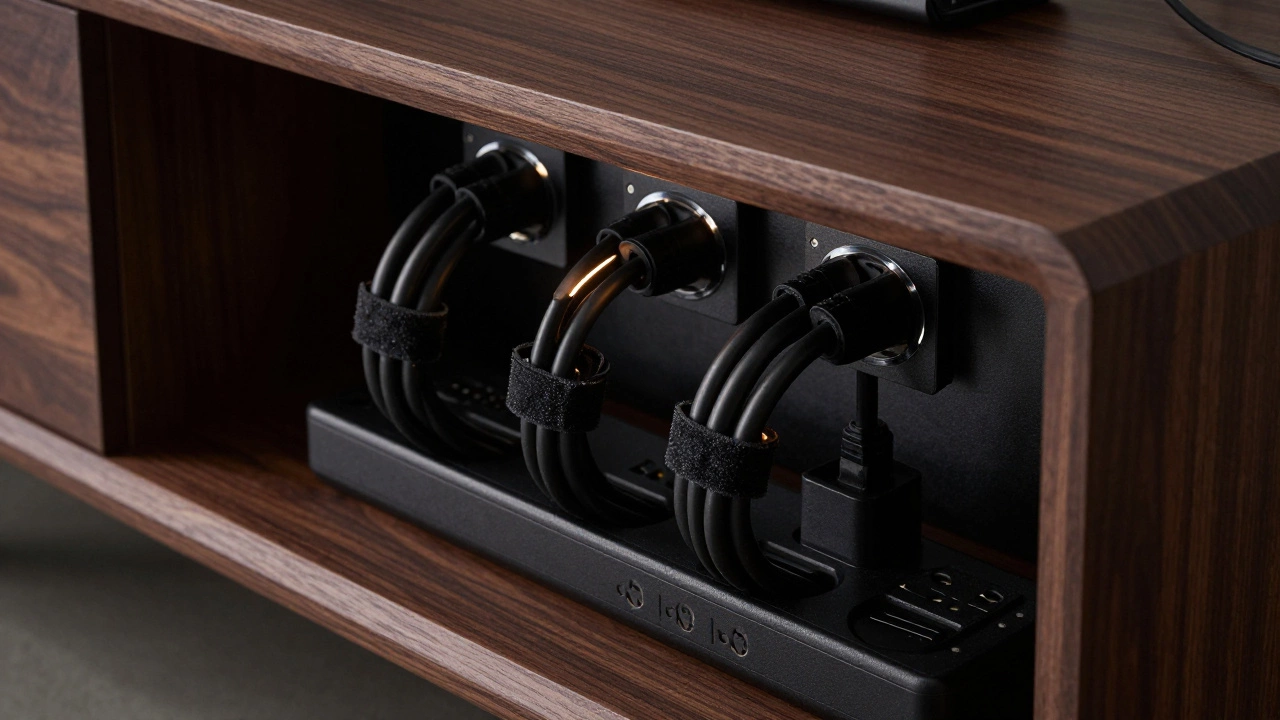
No one wants to see a nest of black wires dangling from their TV. Good cable management transforms a messy setup into a polished one. When choosing a TV stand, look for built-in solutions. Many modern units feature holes in the back panel for cords to pass through neatly. Some even include cable ties or clips inside the compartments.
If the stand doesn’t have these features, plan to add them yourself. Cable raceways can be glued to the back of the unit to hide wires. Velcro straps help bundle cables together inside drawers. Consider the power supply too. Ensure the stand has enough internal space to plug in multiple devices without overcrowding the socket. If possible, choose a unit with a power strip integrated into the design, keeping plugs accessible but out of sight.
Wall-Mounted vs. Freestanding
Freestanding units are versatile and easy to move. They work well in rental properties where drilling into walls isn’t an option. They also provide substantial storage underneath. However, they take up floor space and can trip hazards if placed poorly.
Wall-mounted floating shelves or cabinets save floor space and make cleaning easier since you can mop right under them. They create a sleek, modern look and are ideal for small apartments. But installation requires precision. You must locate wall studs or use appropriate anchors for plasterboard. Not all walls can support the weight of a mounted unit plus a large TV. If you’re unsure, consult a professional installer.
Consider your future plans. If you might move soon, a freestanding unit is easier to transport. Wall-mounted fixtures stay behind, which can be a loss if you invested heavily in custom cabinetry.
Budget and Quality Trade-offs
TV stands range from $100 to over $2,000. Where should you spend? Prioritize stability and material quality over fancy finishes. A wobbly stand is dangerous, especially with heavy OLED or QLED TVs that can tip forward if bumped. Check reviews for mentions of sturdiness and assembly difficulty.
Cheap particleboard units may look fine initially but often sag under weight or fall apart during reassembly. Mid-range options using engineered wood with solid veneers offer a good balance of cost and durability. High-end solid wood or designer pieces are investments that last decades but come at a premium price.
Don’t ignore assembly costs. Some flat-pack furniture requires hours of work and special tools. If you’re not handy, factor in the cost of professional assembly services. Sometimes paying slightly more for pre-assembled or easier-to-build furniture saves money and stress in the long run.
Final Checks Before Buying
Before finalizing your purchase, ask yourself these questions:
- Does the stand fit my TV’s width and weight capacity?
- Is there enough storage for my current and future tech?
- Does the style complement my room’s decor?
- Are cables managed effectively?
- Can I assemble it myself, or do I need help?
- Does it leave enough walking space in the room?
Taking the time to answer these ensures you pick a TV stand that serves its purpose beautifully for years to come. It’s not just about holding a TV; it’s about creating a functional, stylish centerpiece for your home entertainment experience.
How wide should a TV stand be compared to the TV?
Ideally, the TV stand should be at least 10-15 cm wider than your TV on each side. This prevents the setup from looking top-heavy and provides visual balance. For example, if your TV is 120 cm wide, choose a stand that is at least 140-150 cm wide.
Is solid wood better than engineered wood for TV stands?
Solid wood is more durable, repairable, and ages better than engineered wood like MDF or particleboard. However, engineered wood is significantly cheaper and lighter. If you prioritize longevity and resale value, invest in solid wood. If budget is tight, choose high-quality engineered wood with sturdy construction.
Do I need a TV stand if I wall-mount my TV?
Not necessarily, but many people still use a low-profile media console below a wall-mounted TV. This provides storage for consoles, speakers, and cable management, hiding the clutter that would otherwise be visible on the wall. It adds functionality and style without taking up much floor space.
How do I manage cables with a TV stand?
Look for stands with built-in cable holes in the back panel. Use cable ties or Velcro straps to bundle wires inside compartments. Cable raceways can be attached to the back of the unit to hide external cords. Integrated power strips within the stand also help keep plugs organized and out of sight.
What is the best height for a TV stand?
The center of your TV screen should be at eye level when seated. Typically, this means a TV stand height of 40-50 cm. Adjust based on your seating arrangement. If you watch from a recliner, lower the stand. If you stand while watching, raise it slightly. Avoid placing the TV too high, which causes neck strain.